<?xml version="1.0" encoding="utf-8"?>
<feed xmlns="http://www.w3.org/2005/Atom" xml:base="en">
	<title>CSS Tip: Learn CSS the easy way</title>
	<subtitle>The best place to keep up to date with the new CSS features. Daily CSS tips and tricks to become a better web developer.</subtitle>
	<link href="https://css-tip.com/feed/feed.xml" rel="self"/>
	<link href="https://css-tip.com/"/>
	<updated>2026-03-12T00:00:00Z</updated>
	<id>https://css-tip.com/</id>
	<author>
		<name>Temani Afif</name>
	</author>
	
	<entry>
		<title>The Fundamentals of CSS Alignment</title>
		<link href="https://css-tip.com/explore/alignment/"/>
		<updated>2025-09-04T00:00:00Z</updated>
		<id>https://css-tip.com/explore/alignment/</id>
		<content type="html"><![CDATA[ <h1>The Fundamentals of CSS Alignment</h1>
<time datetime="2025-09-12">September 04, 2025 <span>(Last updated on September 12, 2025)</span></time>
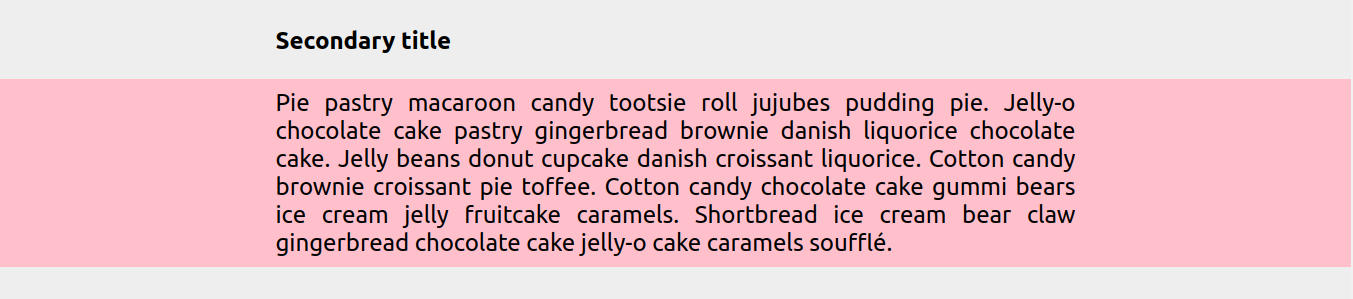
<p>While centering elements in CSS has become easy over time, there is still a lot of confusion around alignment in general. Let’s be honest, you always end up trying different combinations until it works, but you don’t really understand how it works, right?</p>
<p>Which property is for vertical alignment? <code>align-content</code> or <code>align-items</code>? Where should I add <code>display: flex</code>? Let’s add it everywhere! A height? Why do I need to define a height!? Maybe I should try with <code>display: grid</code>?</p>
<p>It’s time to clear all the confusion! Through this exploration, you will understand the logic behind all the alignment properties and how they work in each layout. It’s not another article about centering, we are going beyond!</p>
 <p><a href="https://css-tip.com/explore/alignment/">Read more</a></p> ]]></content>
	</entry>
	
	<entry>
		<title>A Squishy Button with a Hover/Click Effect</title>
		<link href="https://css-tip.com/squishy-button/"/>
		<updated>2026-03-12T00:00:00Z</updated>
		<id>https://css-tip.com/squishy-button/</id>
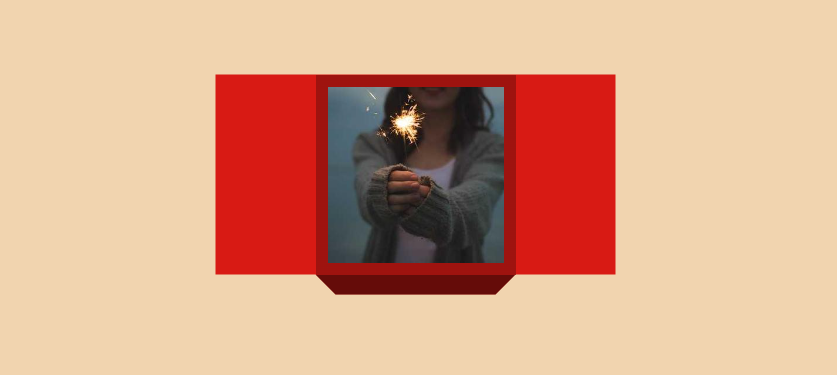
		<content type="html"><![CDATA[ <p>Use the <code>shape()</code> function to create a fancy frame around a button element with a cool animation on hover and on click.</p>
<p><picture><source type="image/avif" srcset="/img/1_r3yubTNc-777.avif 777w"><source type="image/webp" srcset="/img/1_r3yubTNc-777.webp 777w"><img alt="CSS-only squishy button" loading="lazy" decoding="async" src="/img/1_r3yubTNc-777.png" width="777" height="186"></picture></p>
 <p><a href="https://css-tip.com/squishy-button/">Read more</a></p> ]]></content>
	</entry>
	
	<entry>
		<title>A Squircle Shape using clip-path: shape()</title>
		<link href="https://css-tip.com/squircle/"/>
		<updated>2026-03-05T00:00:00Z</updated>
		<id>https://css-tip.com/squircle/</id>
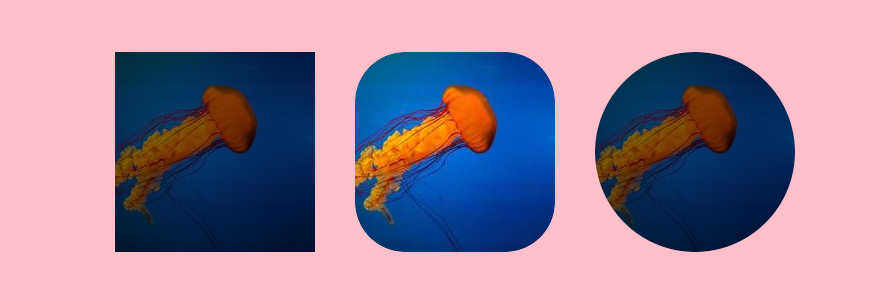
		<content type="html"><![CDATA[ <p>Until better support for <code>corner-shape</code>, we can approximate a squircle shape using <code>clip-path: shape()</code>. A flexible implementation using CSS variable to easily control the radius.</p>
<p><picture><source type="image/avif" srcset="/img/HP9Lt7CHXh-899.avif 899w"><source type="image/webp" srcset="/img/HP9Lt7CHXh-899.webp 899w"><img alt="CSS-only squircle shape" loading="lazy" decoding="async" src="/img/HP9Lt7CHXh-899.png" width="899" height="359"></picture></p>
 <p><a href="https://css-tip.com/squircle/">Read more</a></p> ]]></content>
	</entry>
	
	<entry>
		<title>A Generator for Fancy Frames</title>
		<link href="https://css-tip.com/fancy-frame/"/>
		<updated>2026-03-03T00:00:00Z</updated>
		<id>https://css-tip.com/fancy-frame/</id>
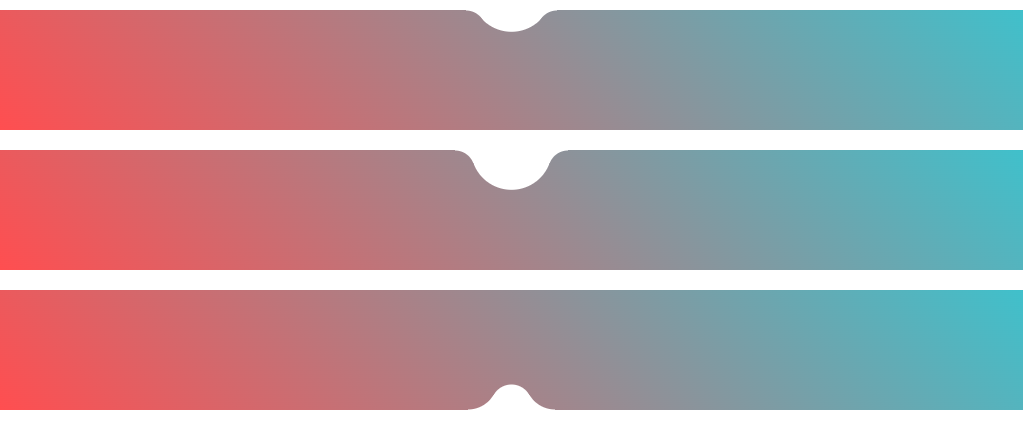
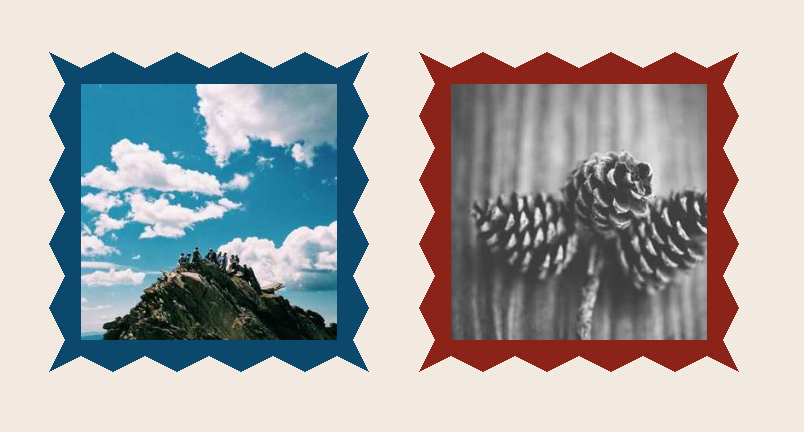
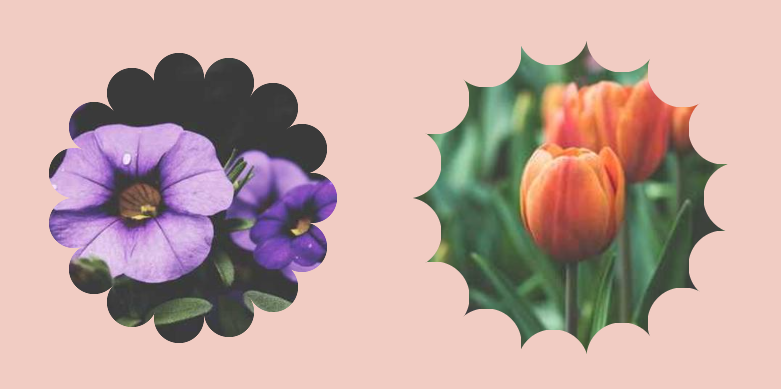
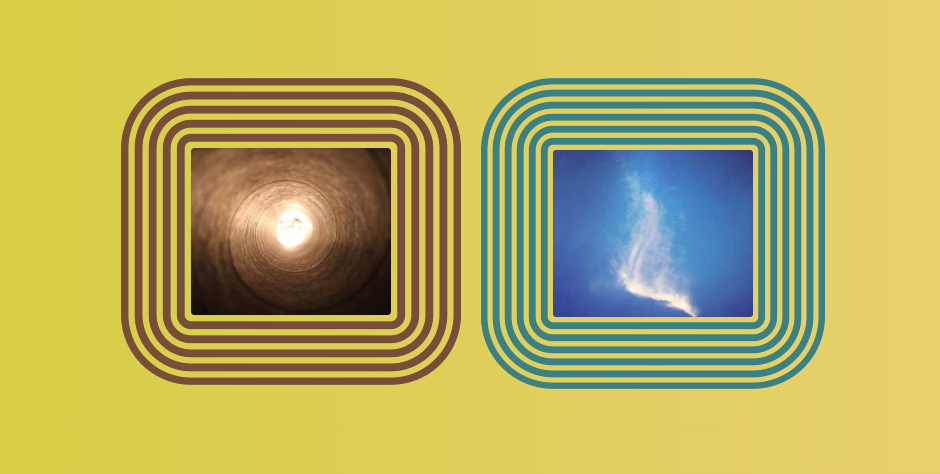
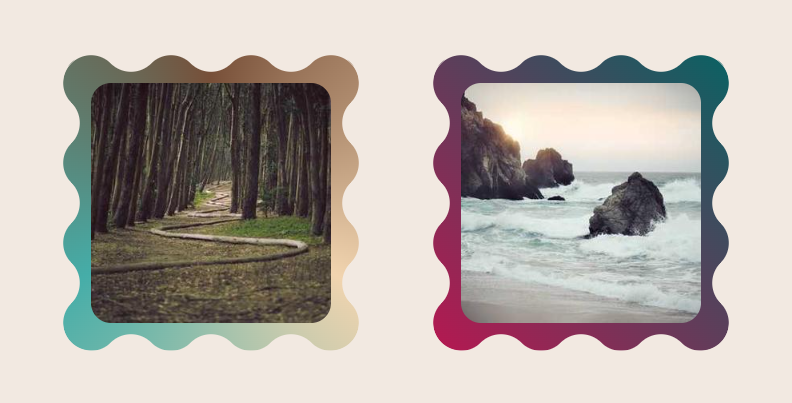
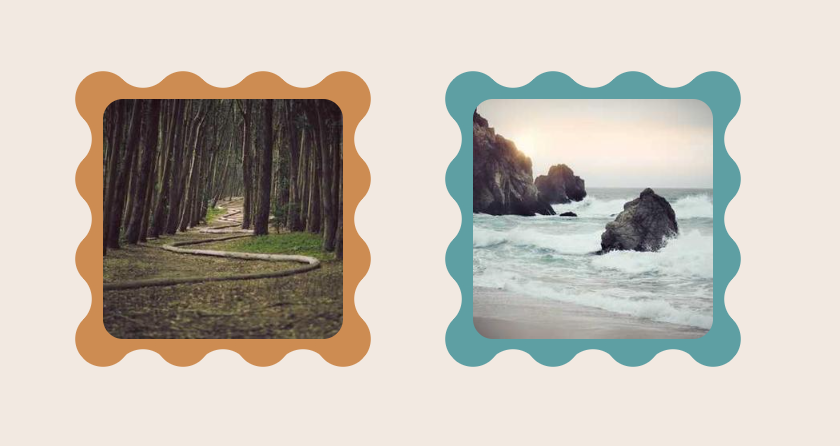
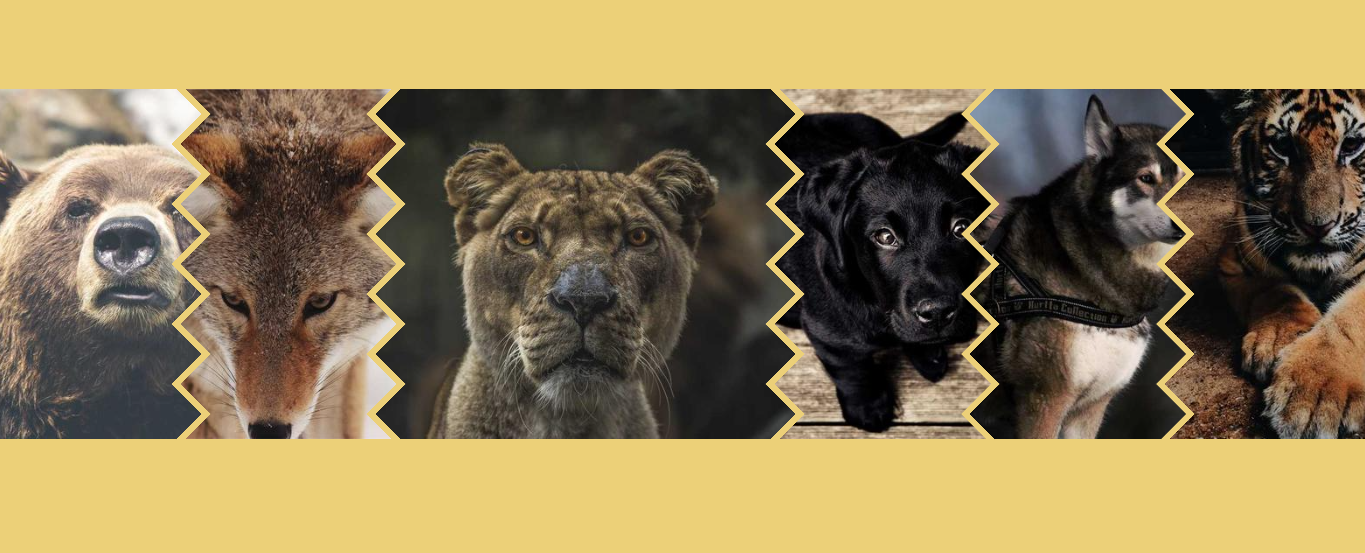
		<content type="html"><![CDATA[ <p>Generate a fancy frame with one line of code using <code>clip-path: shape()</code>. Simply adjust the setting and obtain a variety of cool frames (Squiggle, Wavy, Ragged, Torn, etc.)</p>
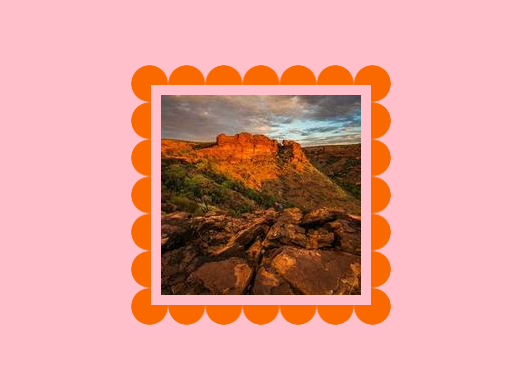
<p><picture><source type="image/avif" srcset="/img/QLm6YpZr9W-992.avif 992w"><source type="image/webp" srcset="/img/QLm6YpZr9W-992.webp 992w"><img alt="CSS-only fancy frame" loading="lazy" decoding="async" src="/img/QLm6YpZr9W-992.png" width="992" height="324"></picture></p>
<p style="font-size: 1.5em;text-align: center;"><a href="https://css-generators.com/fancy-frame/" target="_blank">css-generators.com/fancy-frame</a></p>
<p>It's a responsive single-element implementation that works with images. It's also ready for <code>border-shape</code>.</p>
 <p><a href="https://css-tip.com/fancy-frame/">Read more</a></p> ]]></content>
	</entry>
	
	<entry>
		<title>The Hidden Trick of Style Queries and if()</title>
		<link href="https://css-tip.com/if-trick/"/>
		<updated>2026-02-25T00:00:00Z</updated>
		<id>https://css-tip.com/if-trick/</id>
		<content type="html"><![CDATA[ <p>With modern CSS, we have two new ways to express conditions: inline <code>if()</code> and style queries. Their syntax is as follows:</p>
 <p><a href="https://css-tip.com/if-trick/">Read more</a></p> ]]></content>
	</entry>
	
	<entry>
		<title>Why is Anchor Positioning not working?</title>
		<link href="https://css-tip.com/anchor-issues/"/>
		<updated>2026-02-19T00:00:00Z</updated>
		<id>https://css-tip.com/anchor-issues/</id>
		<content type="html"><![CDATA[ <style>
blockquote {
  margin-inline: auto;
  padding: 1em;
  border: 2px dashed;
  border-radius: 10px;
  font-size: 1.2em;
  width: fit-content;
  text-align: center;
}
blockquote p {
  margin: 0;
}
</style>
<p>Anchor Positioning enables you to link any element on the page to another (an anchor). In theory, it's simple, but in practise there are edge cases where it doesn't work. It can be very frustrating, so let's clarify things!</p>
<p>Let's consider the smallest CSS code that links <code>.element</code> with <code>.anchor</code>.</p>
 <p><a href="https://css-tip.com/anchor-issues/">Read more</a></p> ]]></content>
	</entry>
	
	<entry>
		<title>Graph Theory using Modern CSS</title>
		<link href="https://css-tip.com/graph-theory/"/>
		<updated>2026-02-16T00:00:00Z</updated>
		<id>https://css-tip.com/graph-theory/</id>
		<content type="html"><![CDATA[ <p>Let's suppose you have a graph with a known number of nodes and you want to identify the shortest path between two nodes. It's possible using only CSS!</p>
<p><picture><source type="image/avif" srcset="/img/jyoeo7vRwS-1172.avif 1172w"><source type="image/webp" srcset="/img/jyoeo7vRwS-1172.webp 1172w"><img alt="CSS only shortest path algorithm" loading="lazy" decoding="async" src="/img/jyoeo7vRwS-1172.png" width="1172" height="438"></picture></p>
<p>Not only can we draw the graph (using my previous implementation of <a href="/connected-circles-2/">connecting two circles</a>), but we can also do various calculations to find the shortest path (using the technique of <a href="/element-dimension/">getting the width/height of any element</a>)</p>
<p>Drag the different nodes in the demo below to see the magic in play!</p>
<p>⚠️ Chrome-only for now ⚠️</p>
 <p><a href="https://css-tip.com/graph-theory/">Read more</a></p> ]]></content>
	</entry>
	
	<entry>
		<title>A Better Way to Express Percentage Height</title>
		<link href="https://css-tip.com/percentage-height/"/>
		<updated>2026-02-10T00:00:00Z</updated>
		<id>https://css-tip.com/percentage-height/</id>
		<content type="html"><![CDATA[ <p>Percentage height is a common issue in CSS. Using <code>height: 100%</code> to fill the vertical space fails in most cases because the parent container doesn't have an explicit height. Even if the parent has a definite height, you may still face issues related to margin, box-sizing, etc.</p>
<p>Instead of <code>height: 100%</code>, you can rely on the new <code>stretch</code> value that will do a better job!</p>
 <p><a href="https://css-tip.com/percentage-height/">Read more</a></p> ]]></content>
	</entry>
	
	<entry>
		<title>How to use the &quot;auto&quot; value with clamp()</title>
		<link href="https://css-tip.com/clamp-auto/"/>
		<updated>2026-02-05T00:00:00Z</updated>
		<id>https://css-tip.com/clamp-auto/</id>
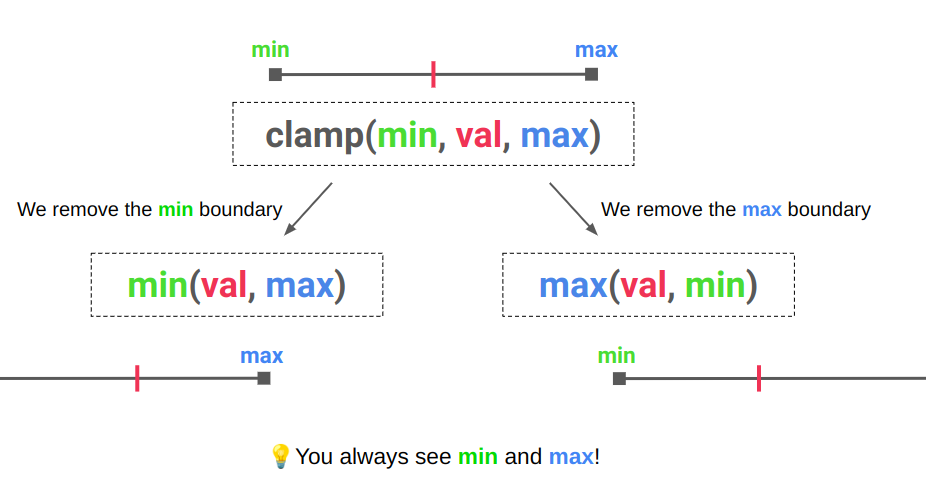
		<content type="html"><![CDATA[ <p>If you have tried the code below, you know it doesn't work:</p>
 <p><a href="https://css-tip.com/clamp-auto/">Read more</a></p> ]]></content>
	</entry>
	
	<entry>
		<title>Elastic/Bouncy Text Effect</title>
		<link href="https://css-tip.com/elastic-hover/"/>
		<updated>2026-02-03T00:00:00Z</updated>
		<id>https://css-tip.com/elastic-hover/</id>
		<content type="html"><![CDATA[ <p>Combining modern features such as <a href="https://css-tricks.com/better-css-shapes-using-shape-part-1-lines-and-arcs/"><code>shape()</code></a>, <a href="/element-index/"><code>sibling-index()/sibling-count()</code></a>, <code>linear()</code>, etc., to create a funny elastic effect on hover. There is no text duplication, but you need a monospace font and a wrapper per letter.</p>
<p><picture><source type="image/avif" srcset="/img/Y-qxbf_fy9-948.avif 948w"><source type="image/webp" srcset="/img/Y-qxbf_fy9-948.webp 948w"><img alt="CSS-only elastic/bouncy effect on hover" loading="lazy" decoding="async" src="/img/Y-qxbf_fy9-948.png" width="948" height="174"></picture></p>
 <p><a href="https://css-tip.com/elastic-hover/">Read more</a></p> ]]></content>
	</entry>
	
	<entry>
		<title>Responsive Pyramidal Grid of Hexagon Shapes (and more!)</title>
		<link href="https://css-tip.com/pyramidal-grid/"/>
		<updated>2026-01-27T00:00:00Z</updated>
		<id>https://css-tip.com/pyramidal-grid/</id>
		<content type="html"><![CDATA[ <p>Following <a href="/hexagon-grid/">the previous post</a>, here is another type of responsive grid: a pyramidal grid of hexagon shapes! Another fancy layout powered by modern CSS, math functions, and without media queries.</p>
<p><picture><source type="image/avif" srcset="/img/HBoqWnqetN-1007.avif 1007w"><source type="image/webp" srcset="/img/HBoqWnqetN-1007.webp 1007w"><img alt="CSS-only responsive pyramidal grid" loading="lazy" decoding="async" src="/img/HBoqWnqetN-1007.png" width="1007" height="462"></picture></p>
 <p><a href="https://css-tip.com/pyramidal-grid/">Read more</a></p> ]]></content>
	</entry>
	
	<entry>
		<title>Recreating the &lt;filedset&gt; component and its &lt;legend&gt;</title>
		<link href="https://css-tip.com/filedset-legend/"/>
		<updated>2026-01-21T00:00:00Z</updated>
		<id>https://css-tip.com/filedset-legend/</id>
		<content type="html"><![CDATA[ <p>Using a minimal HTML code and modern CSS to recreate the <a href="https://developer.mozilla.org/en-US/docs/Web/HTML/Reference/Elements/fieldset"><code>&lt;fieldset&gt;</code> component</a>. A responsive implementation easy to control using CSS variables. It's also direction-aware with real transparency!</p>
<p><picture><source type="image/avif" srcset="/img/LETKKgxAJ1-971.avif 971w"><source type="image/webp" srcset="/img/LETKKgxAJ1-971.webp 971w"><img alt="CSS-only filedset component" loading="lazy" decoding="async" src="/img/LETKKgxAJ1-971.png" width="971" height="315"></picture></p>
 <p><a href="https://css-tip.com/filedset-legend/">Read more</a></p> ]]></content>
	</entry>
	
	<entry>
		<title>A Generator for Random Wavy Dividers</title>
		<link href="https://css-tip.com/random-wavy-divider/"/>
		<updated>2026-01-14T00:00:00Z</updated>
		<id>https://css-tip.com/random-wavy-divider/</id>
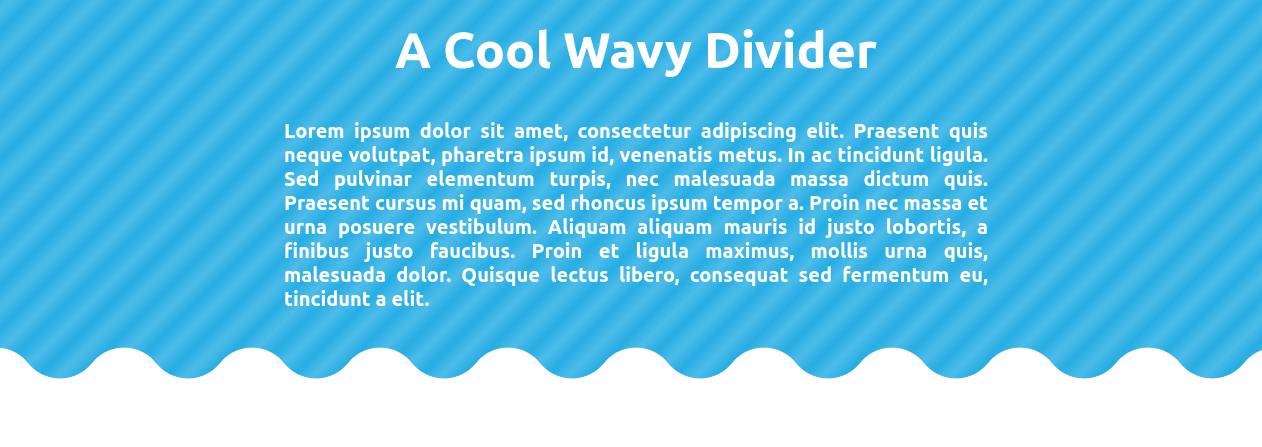
		<content type="html"><![CDATA[ <p>Generate a fancy wavy divider with one line of code using <code>clip-path: shape()</code>.</p>
<p><picture><source type="image/avif" srcset="/img/OMWwIhT61t-1126.avif 1126w"><source type="image/webp" srcset="/img/OMWwIhT61t-1126.webp 1126w"><img alt="CSS-only random wavy divider" loading="lazy" decoding="async" src="/img/OMWwIhT61t-1126.png" width="1126" height="351"></picture></p>
<p style="font-size: 1.5em;text-align: center;"><a href="https://css-generators.com/wavy-divider/" target="_blank">css-generators.com/wavy-divider</a></p>
<p>It's a responsive single-element implementation that works with images as well:</p>
 <p><a href="https://css-tip.com/random-wavy-divider/">Read more</a></p> ]]></content>
	</entry>
	
	<entry>
		<title>Connecting Circles With Anchor Positioning II</title>
		<link href="https://css-tip.com/connected-circles-2/"/>
		<updated>2026-01-08T00:00:00Z</updated>
		<id>https://css-tip.com/connected-circles-2/</id>
		<content type="html"><![CDATA[ <p>Improving <a href="/connected-circles/">the previous implementation</a> to include the calculation of the distance between both circles inside the arrow shape.</p>
<p><picture><source type="image/avif" srcset="/img/_JlORJgaKf-916.avif 916w"><source type="image/webp" srcset="/img/_JlORJgaKf-916.webp 916w"><img alt="CSS-only connected circles with distance" loading="lazy" decoding="async" src="/img/_JlORJgaKf-916.png" width="916" height="342"></picture></p>
<p>Still the same code structure</p>
 <p><a href="https://css-tip.com/connected-circles-2/">Read more</a></p> ]]></content>
	</entry>
	
	<entry>
		<title>Responsive Hexagon Grid without Media Queries</title>
		<link href="https://css-tip.com/hexagon-grid/"/>
		<updated>2026-01-05T00:00:00Z</updated>
		<id>https://css-tip.com/hexagon-grid/</id>
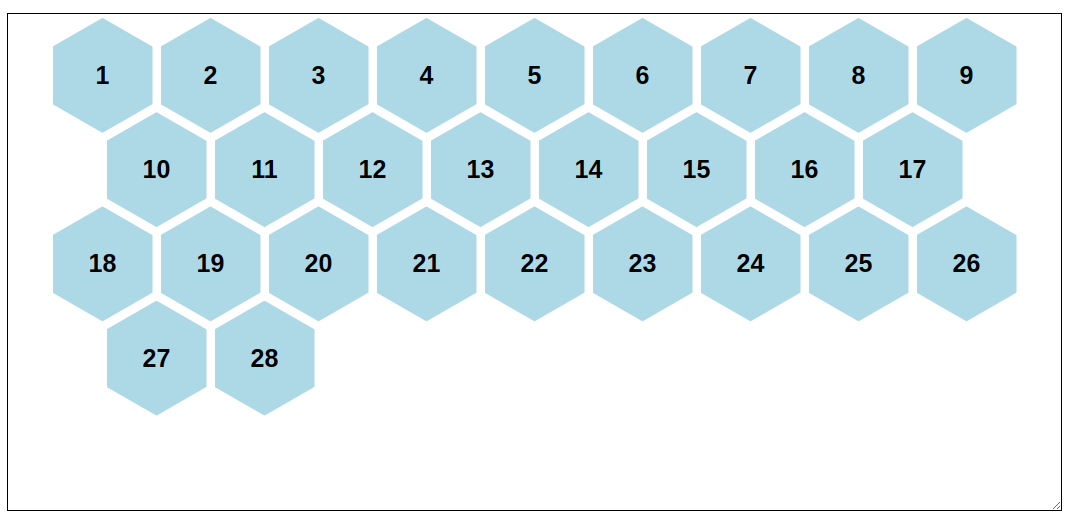
		<content type="html"><![CDATA[ <p>Using modern CSS to improve <a href="/responsive-hexagon-grid/">an old implementation of a responsive hexagon grid</a>. <code>coner-shape</code> to create <a href="/hexagon/">the hexagon shape</a> and <code>sibling-index()</code> combined with math functions to conditionally apply a margin to only the first element of every other row.</p>
<p><picture><source type="image/avif" srcset="/img/qEM7Du86D9-1180.avif 1180w"><source type="image/webp" srcset="/img/qEM7Du86D9-1180.webp 1180w"><img alt="CSS-only responsive hexagon grid" loading="lazy" decoding="async" src="/img/qEM7Du86D9-1180.png" width="1180" height="386"></picture></p>
 <p><a href="https://css-tip.com/hexagon-grid/">Read more</a></p> ]]></content>
	</entry>
	
	<entry>
		<title>Connecting Circles With Anchor Positioning</title>
		<link href="https://css-tip.com/connected-circles/"/>
		<updated>2025-12-16T00:00:00Z</updated>
		<id>https://css-tip.com/connected-circles/</id>
		<content type="html"><![CDATA[ <p>Let's suppose you have two circles randomly placed on the page, and you want to create a connection between them. Sounds like a JavaScript job, but CSS can also do it.</p>
<p>A good overview of what can be possible using modern features such as Anchor Positioning, <code>attr()</code>, container queries, <code>shape()</code>, trigonometric functions, and more!</p>
<p><picture><source type="image/avif" srcset="/img/I_fOuhuja_-942.avif 942w"><source type="image/webp" srcset="/img/I_fOuhuja_-942.webp 942w"><img alt="CSS-only connected circles" loading="lazy" decoding="async" src="/img/I_fOuhuja_-942.png" width="942" height="326"></picture></p>
<p>With a simple HTML/CSS configuration, you have an arrow fully controlled using CSS. Not only is the position dynamic, but the shape adjusts according to the distance between the circles. And if they touch each other, the link disappears. Collision detection using pure CSS!</p>
 <p><a href="https://css-tip.com/connected-circles/">Read more</a></p> ]]></content>
	</entry>
	
	<entry>
		<title>Fizz Buzz using Modern CSS (no HTML)</title>
		<link href="https://css-tip.com/fizz-buzz/"/>
		<updated>2025-12-06T00:00:00Z</updated>
		<id>https://css-tip.com/fizz-buzz/</id>
		<content type="html"><![CDATA[ <p>Is it possible to create a Fizz Buzz using HTML and CSS? Yes, but what about a pure CSS version, with no HTML at all? It's doable using modern features. We can even simulate a kind of slider that shows four entries at a time.</p>
 <p><a href="https://css-tip.com/fizz-buzz/">Read more</a></p> ]]></content>
	</entry>
	
	<entry>
		<title>The Hidden Selectors of The HTML Element</title>
		<link href="https://css-tip.com/root-selectors/"/>
		<updated>2025-12-04T00:00:00Z</updated>
		<id>https://css-tip.com/root-selectors/</id>
		<content type="html"><![CDATA[ <p>How would you select the <code>&lt;html&gt;</code> element? Using the classic and well-known <code>html {}</code> and <code>:root {}</code>, right? What if I tell you there are other hidden selectors?</p>
<p>Let's start with <a href="/root-selector/">the shortest selector</a>, the nesting selector. A one-character selector:</p>
 <p><a href="https://css-tip.com/root-selectors/">Read more</a></p> ]]></content>
	</entry>
	
	<entry>
		<title>Gallery of Skewed Images with Hover Effect</title>
		<link href="https://css-tip.com/skewed-images/"/>
		<updated>2025-12-02T00:00:00Z</updated>
		<id>https://css-tip.com/skewed-images/</id>
		<content type="html"><![CDATA[ <p>Another classic component made easy with modern CSS and the new <code>corner-shape</code>. A gallery of skewed images with a reveal effect on hover using a few lines of code. The skewing adjusts accordingly to the direction of the text. Another direction-aware shape!</p>
<p><picture><source type="image/avif" srcset="/img/zYNoqNCT6h-1210.avif 1210w"><source type="image/webp" srcset="/img/zYNoqNCT6h-1210.webp 1210w"><img alt="CSS-only gallery of skewed images" loading="lazy" decoding="async" src="/img/zYNoqNCT6h-1210.png" width="1210" height="629"></picture></p>
 <p><a href="https://css-tip.com/skewed-images/">Read more</a></p> ]]></content>
	</entry>
	
	<entry>
		<title>Direction-Aware CSS Shapes</title>
		<link href="https://css-tip.com/direction-aware-shapes/"/>
		<updated>2025-11-27T00:00:00Z</updated>
		<id>https://css-tip.com/direction-aware-shapes/</id>
		<content type="html"><![CDATA[ <p>Building on <a href="/arrow/">the previous idea</a>, here is a more generic piece of code to make any CSS shape direction-aware. It relies on a few lines of well-supported CSS code.</p>
<p><picture><source type="image/avif" srcset="/img/gYAHXQNuO8-1006.avif 1006w"><source type="image/webp" srcset="/img/gYAHXQNuO8-1006.webp 1006w"><img alt="Direct-aware CSS-only shapes" loading="lazy" decoding="async" src="/img/gYAHXQNuO8-1006.png" width="1006" height="197"></picture></p>
 <p><a href="https://css-tip.com/direction-aware-shapes/">Read more</a></p> ]]></content>
	</entry>
	
	<entry>
		<title>Direction-Aware Arrow Shape using corner-shape</title>
		<link href="https://css-tip.com/arrow/"/>
		<updated>2025-11-25T00:00:00Z</updated>
		<id>https://css-tip.com/arrow/</id>
		<content type="html"><![CDATA[ <p>We can use <a href="/corner-shape/">the new <code>corner-shape</code> to draw different CSS Shapes</a>. And since it relies on <code>border-radius</code>, we can use the logical properties to create a direction-aware arrow that adjusts based on both the direction and the writing mode.</p>
<p><picture><source type="image/avif" srcset="/img/a9dtcAMtLx-777.avif 777w"><source type="image/webp" srcset="/img/a9dtcAMtLx-777.webp 777w"><img alt="CSS-only direction-aware arrow shape" loading="lazy" decoding="async" src="/img/a9dtcAMtLx-777.png" width="777" height="290"></picture></p>
 <p><a href="https://css-tip.com/arrow/">Read more</a></p> ]]></content>
	</entry>
	
	<entry>
		<title>Dynamic Tooltip Position with Anchor Positioning IV</title>
		<link href="https://css-tip.com/tooltip-anchor-4/"/>
		<updated>2025-11-20T00:00:00Z</updated>
		<id>https://css-tip.com/tooltip-anchor-4/</id>
		<content type="html"><![CDATA[ <p>Another demo using Anchor Positioning and Tooltips. This time, the tail will have a stretchy behavior when the tooltip gets closer to the edges.</p>
<p><picture><source type="image/avif" srcset="/img/Yo_GFCvIDD-992.avif 992w"><source type="image/webp" srcset="/img/Yo_GFCvIDD-992.webp 992w"><img alt="CSS-only tooltip with stretchy arrow" loading="lazy" decoding="async" src="/img/Yo_GFCvIDD-992.png" width="992" height="202"></picture></p>
 <p><a href="https://css-tip.com/tooltip-anchor-4/">Read more</a></p> ]]></content>
	</entry>
	
	<entry>
		<title>Responsive Circular List of Stacked/Overlapping Images</title>
		<link href="https://css-tip.com/responsive-stacked-img-2/"/>
		<updated>2025-11-18T00:00:00Z</updated>
		<id>https://css-tip.com/responsive-stacked-img-2/</id>
		<content type="html"><![CDATA[ <p>Building on the idea from <a href="/responsive-stacked-img/">the previous post</a>, I created a circular list instead of a horizontal one. The position of the images will adjust according to the container size and available space. You also have a cool hover effect that reveals the images, and the gap between them is transparent!</p>
<p><picture><source type="image/avif" srcset="/img/luZQsrO2qg-1070.avif 1070w"><source type="image/webp" srcset="/img/luZQsrO2qg-1070.webp 1070w"><img alt="CSS-only circular list of stacked images" loading="lazy" decoding="async" src="/img/luZQsrO2qg-1070.png" width="1070" height="476"></picture></p>
 <p><a href="https://css-tip.com/responsive-stacked-img-2/">Read more</a></p> ]]></content>
	</entry>
	
	<entry>
		<title>Responsive List of Stacked/Overlapping Images</title>
		<link href="https://css-tip.com/responsive-stacked-img/"/>
		<updated>2025-11-13T00:00:00Z</updated>
		<id>https://css-tip.com/responsive-stacked-img/</id>
		<content type="html"><![CDATA[ <p>Using modern CSS and a few lines of code to create a responsive list of stacked images. The overlap between the images will adjust automatically based on the number of items and the available space. No hardcoded values, no magic numbers, and the gap is transparent!</p>
<p><picture><source type="image/avif" srcset="/img/x9Wvyg6Oz6-1009.avif 1009w"><source type="image/webp" srcset="/img/x9Wvyg6Oz6-1009.webp 1009w"><img alt="CSS-only responsive stacked images" loading="lazy" decoding="async" src="/img/x9Wvyg6Oz6-1009.png" width="1009" height="324"></picture></p>
 <p><a href="https://css-tip.com/responsive-stacked-img/">Read more</a></p> ]]></content>
	</entry>
	
	<entry>
		<title>The Universal Focus Ring</title>
		<link href="https://css-tip.com/universal-focus/"/>
		<updated>2025-11-07T00:00:00Z</updated>
		<id>https://css-tip.com/universal-focus/</id>
		<content type="html"><![CDATA[ <p>Replace the default focus ring with a stylish one that travels between the elements as you navigate with your keyboard. A funny experiment* using <a href="/position-area/">Anchor Positioning</a>.</p>
 <p><a href="https://css-tip.com/universal-focus/">Read more</a></p> ]]></content>
	</entry>
	
	<entry>
		<title>Dynamic Tooltip Position with Anchor Positioning III</title>
		<link href="https://css-tip.com/tooltip-anchor-3/"/>
		<updated>2025-10-20T00:00:00Z</updated>
		<id>https://css-tip.com/tooltip-anchor-3/</id>
		<content type="html"><![CDATA[ <p>Here is another idea of implementation (after the <a href="/tooltip-anchor/">first</a> and <a href="/tooltip-anchor-2/">second</a> ones), where the tooltip adjusts its position to remain visible and follow its anchor. This time, I am considering the corner positions.</p>
<p><picture><source type="image/avif" srcset="/img/owwx_h4dym-926.avif 926w"><source type="image/webp" srcset="/img/owwx_h4dym-926.webp 926w"><img alt="CSS-only tooltip and anchor element" loading="lazy" decoding="async" src="/img/owwx_h4dym-926.png" width="926" height="396"></picture></p>
 <p><a href="https://css-tip.com/tooltip-anchor-3/">Read more</a></p> ]]></content>
	</entry>
	
	<entry>
		<title>Alignment in Anchor Positioning using position-area</title>
		<link href="https://css-tip.com/position-area/"/>
		<updated>2025-10-15T00:00:00Z</updated>
		<id>https://css-tip.com/position-area/</id>
		<content type="html"><![CDATA[ <p>The <code>position-area</code> property allows you to control the placement of an absolutely positioned element relative to its anchor box. It considers a 3x3 grid defined by the <strong>containing block</strong> of the absolutely positioned element and the <strong>edges</strong> of the anchor box.</p>
 <p><a href="https://css-tip.com/position-area/">Read more</a></p> ]]></content>
	</entry>
	
	<entry>
		<title>Dynamic Tooltip Position with Anchor Positioning II</title>
		<link href="https://css-tip.com/tooltip-anchor-2/"/>
		<updated>2025-10-13T00:00:00Z</updated>
		<id>https://css-tip.com/tooltip-anchor-2/</id>
		<content type="html"><![CDATA[ <p>In <a href="/tooltip-anchor/">the previous post</a>, we created a tooltip that flips between two positions to remain visible. It's either on the top or the bottom. We can adjust the code to do the same with four positions (top, bottom, left, and right). And whatever the position of the tooltip, the tail will always point to the anchor.</p>
<p><picture><source type="image/avif" srcset="/img/8ZlJM560Y0-897.avif 897w"><source type="image/webp" srcset="/img/8ZlJM560Y0-897.webp 897w"><img alt="anchor element with its tooltip shape" loading="lazy" decoding="async" src="/img/8ZlJM560Y0-897.png" width="897" height="320"></picture></p>
 <p><a href="https://css-tip.com/tooltip-anchor-2/">Read more</a></p> ]]></content>
	</entry>
	
	<entry>
		<title>Conditional Border Radius with Modern CSS</title>
		<link href="https://css-tip.com/conditional-border-radius/"/>
		<updated>2025-10-10T00:00:00Z</updated>
		<id>https://css-tip.com/conditional-border-radius/</id>
		<content type="html"><![CDATA[ <p>Toggle the value of <code>border-radius</code> based on the container/screen size using a simple line of code.</p>
<p><picture><source type="image/avif" srcset="/img/-1PLg1vC0Q-1060.avif 1060w"><source type="image/webp" srcset="/img/-1PLg1vC0Q-1060.webp 1060w"><img alt="Conditional Border Radius with CSS" loading="lazy" decoding="async" src="/img/-1PLg1vC0Q-1060.png" width="1060" height="273"></picture></p>
 <p><a href="https://css-tip.com/conditional-border-radius/">Read more</a></p> ]]></content>
	</entry>
	
	<entry>
		<title>Dynamic Tooltip Position with Anchor Positioning</title>
		<link href="https://css-tip.com/tooltip-anchor/"/>
		<updated>2025-10-06T00:00:00Z</updated>
		<id>https://css-tip.com/tooltip-anchor/</id>
		<content type="html"><![CDATA[ <p>With anchor positioning, we can anchor an element to another and also ensure it remains visible on the screen regardless of the anchor's position. Now, imagine the element you want to anchor is a tooltip. What about its tail? We can also adjust its position to always point to the anchor.</p>
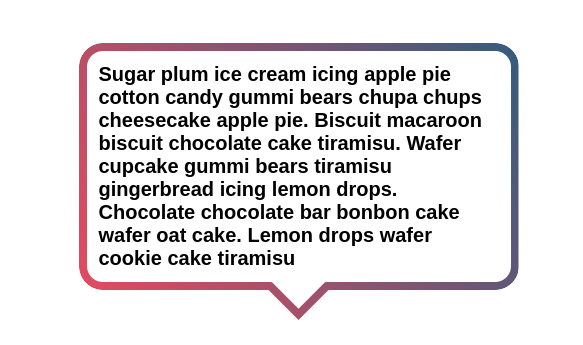
<p><picture><source type="image/avif" srcset="/img/CioldAqVRf-940.avif 940w"><source type="image/webp" srcset="/img/CioldAqVRf-940.webp 940w"><img alt="anchor element with its tooltip shape" loading="lazy" decoding="async" src="/img/CioldAqVRf-940.png" width="940" height="230"></picture></p>
 <p><a href="https://css-tip.com/tooltip-anchor/">Read more</a></p> ]]></content>
	</entry>
	
	<entry>
		<title>Range Selection using Modern CSS</title>
		<link href="https://css-tip.com/range-selection/"/>
		<updated>2025-10-02T00:00:00Z</updated>
		<id>https://css-tip.com/range-selection/</id>
		<content type="html"><![CDATA[ <p>Similar to <a href="/nth-child/">the dynamic <code>:nth-child()</code></a>, we can use <a href="/inline-if/">if()</a> and math functions to emulate a range selection.</p>
<p>Instead of:</p>
 <p><a href="https://css-tip.com/range-selection/">Read more</a></p> ]]></content>
	</entry>
	
	<entry>
		<title>3D Box using Modern CSS</title>
		<link href="https://css-tip.com/3d-box/"/>
		<updated>2025-09-27T00:00:00Z</updated>
		<id>https://css-tip.com/3d-box/</id>
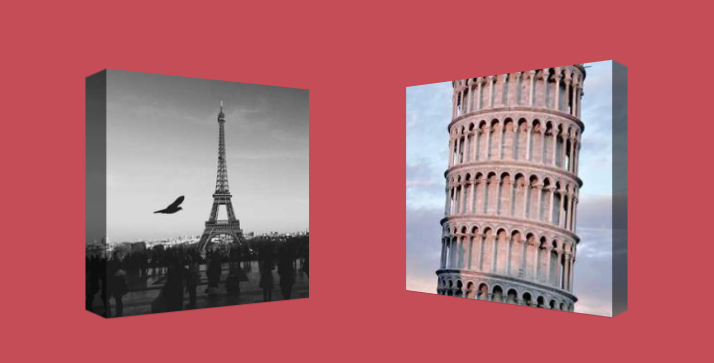
		<content type="html"><![CDATA[ <p>In a previous post, I created a simple <a href="/corner-shape/#cube-and-3d-box">3D box using <code>corner-shape</code></a> and the border properties.</p>
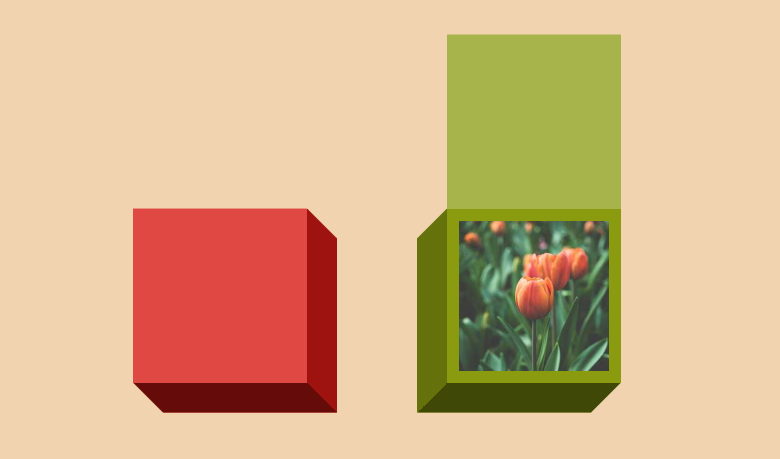
<p><picture><source type="image/avif" srcset="/img/tcu_4LAyps-619.avif 619w"><source type="image/webp" srcset="/img/tcu_4LAyps-619.webp 619w"><img alt="CSS-only 3D box" loading="lazy" decoding="async" src="/img/tcu_4LAyps-619.png" width="619" height="278"></picture></p>
 <p><a href="https://css-tip.com/3d-box/">Read more</a></p> ]]></content>
	</entry>
	
	<entry>
		<title>CSS Shapes using corner-shape</title>
		<link href="https://css-tip.com/corner-shape/"/>
		<updated>2025-09-24T00:00:00Z</updated>
		<id>https://css-tip.com/corner-shape/</id>
		<content type="html"><![CDATA[ <p>Ready for <a href="https://frontendmasters.com/blog/drawing-css-shapes-using-corner-shape/">the new <code>corner-shape</code> property</a>? It allows you to manipulate the shape of the corners, and by simply adjusting the <code>border-radius</code>, you can create most of the common CSS shapes.</p>
<p>You can easily add borders to some shapes as well!</p>
<p><picture><source type="image/avif" srcset="/img/41EU6bMTR--884.avif 884w"><source type="image/webp" srcset="/img/41EU6bMTR--884.webp 884w"><img alt="CSS-only shapes (triangle, rhombus, hexagon, etc.)" loading="lazy" decoding="async" src="/img/41EU6bMTR--884.png" width="884" height="382"></picture></p>
<p>⚠️ Limited support (Chrome-only for now) ⚠️</p>
<h2 id="triangles" tabindex="-1">Triangles <a class="header-anchor" href="#triangles">#</a></h2>
<p>Isosceles triangles</p>
 <p><a href="https://css-tip.com/corner-shape/">Read more</a></p> ]]></content>
	</entry>
	
	<entry>
		<title>Why :is(::before,::after) doesn&#39;t work?</title>
		<link href="https://css-tip.com/is-before-after/"/>
		<updated>2025-09-22T00:00:00Z</updated>
		<id>https://css-tip.com/is-before-after/</id>
		<content type="html"><![CDATA[ <p>The functional pseudo-class <code>:is()</code> is ideal for shortening selectors. Take the following example:</p>
 <p><a href="https://css-tip.com/is-before-after/">Read more</a></p> ]]></content>
	</entry>
	
	<entry>
		<title>100 Ways to Center an element Horizontally and Vertically</title>
		<link href="https://css-tip.com/center/"/>
		<updated>2025-09-16T00:00:00Z</updated>
		<id>https://css-tip.com/center/</id>
		<content type="html"><![CDATA[ <p>Centering in CSS is pretty easy nowadays. We have numerous methods to do it, but how many exactly? I did the count, and I was able to reach 100 different ways!</p>
<p><a href="https://css-generators.com/center/">css-generators.com/center/</a></p>
<p>The list includes old and obsolete methods (that you should not use), but it was a fun exercise trying to enumerate all the possibilities.</p>
<h2>Which method should I use?</h2>
<p>I don't recommend choosing a single method to always use. Instead, consider the layout you are working with and select the appropriate code. It's crucial to understand what each code is doing because not all of them are the same. To help you with this, you can check <a href="https://css-tip.com/explore/alignment/">my exploration to understand the fundamentals of alignment in CSS</a>.</p>
<p>That being said, here are my favorite methods for centering <strong>a single element horizontally and vertically</strong> for each type of layout.</p>
 <p><a href="https://css-tip.com/center/">Read more</a></p> ]]></content>
	</entry>
	
	<entry>
		<title>Circular Gallery of Rounded Images</title>
		<link href="https://css-tip.com/circular-gallery/"/>
		<updated>2025-08-19T00:00:00Z</updated>
		<id>https://css-tip.com/circular-gallery/</id>
		<content type="html"><![CDATA[ <p>In a previous post, we saw <a href="/images-circle/">how to place images around a circle</a>. We can use the same trick to create a circular gallery of images. Thanks to a combination of <code>:nth-child</code> and <a href="https://css-tip.com/element-index/"><code>sibling-index()</code></a>, we need fewer than 10 CSS declarations to correctly place up to 61 images.</p>
<p><picture><source type="image/avif" srcset="/img/VAN1mVeaMw-1275.avif 1275w"><source type="image/webp" srcset="/img/VAN1mVeaMw-1275.webp 1275w"><img alt="CSS-only circular gallery of images" loading="lazy" decoding="async" src="/img/VAN1mVeaMw-1275.png" width="1275" height="615"></picture></p>
 <p><a href="https://css-tip.com/circular-gallery/">Read more</a></p> ]]></content>
	</entry>
	
	<entry>
		<title>Dynamic media/container queries using if()</title>
		<link href="https://css-tip.com/dynamic-queries/"/>
		<updated>2025-08-14T00:00:00Z</updated>
		<id>https://css-tip.com/dynamic-queries/</id>
		<content type="html"><![CDATA[ <p>Similar to <a href="/nth-child/">the :nth-child() trick</a>, we can use <a href="/inline-if/">the if() condition</a> and some calculation to implement the logic of media queries.</p>
<p>Instead of:</p>
 <p><a href="https://css-tip.com/dynamic-queries/">Read more</a></p> ]]></content>
	</entry>
	
	<entry>
		<title>Sequential Animations with N elements</title>
		<link href="https://css-tip.com/sequential-animations/"/>
		<updated>2025-08-07T00:00:00Z</updated>
		<id>https://css-tip.com/sequential-animations/</id>
		<content type="html"><![CDATA[ <p>Using modern CSS, you can create a sequential animation that involves an unknown number of items with a simple code. No need for complex keyframes, delays, or magic numbers. A clever combination of <a href="/element-index/">the <code>sibling-index()</code>/<code>sibling-count()</code> functions</a> and <code>linear()</code> will do the job!</p>
<p><picture><source type="image/avif" srcset="/img/eTReJhp54w-663.avif 663w"><source type="image/webp" srcset="/img/eTReJhp54w-663.webp 663w"><img alt="CSS-only sequential animations" loading="lazy" decoding="async" src="/img/eTReJhp54w-663.png" width="663" height="135"></picture></p>
 <p><a href="https://css-tip.com/sequential-animations/">Read more</a></p> ]]></content>
	</entry>
	
	<entry>
		<title>Responsive Infinite Logo Marquee</title>
		<link href="https://css-tip.com/logo-marquee/"/>
		<updated>2025-07-29T00:00:00Z</updated>
		<id>https://css-tip.com/logo-marquee/</id>
		<content type="html"><![CDATA[ <p>With <a href="https://css-tricks.com/better-css-shapes-using-shape-part-1-lines-and-arcs/">the powerful shape() function</a> and the new <a href="/element-index/">sibling-index()/sibling-count() functions</a>, we can create an infinite logo marquee using a few lines of code.</p>
<ul>
<li>Responsive (It doesn't depend on the container width)</li>
<li>Works with any number of images</li>
<li>Easy to control using CSS variables</li>
<li>No magic numbers</li>
</ul>
<p><picture><source type="image/avif" srcset="/img/7RMGBAeIfn-831.avif 831w"><source type="image/webp" srcset="/img/7RMGBAeIfn-831.webp 831w"><img alt="A CSS-only arrow-like rectangle" loading="lazy" decoding="async" src="/img/7RMGBAeIfn-831.png" width="831" height="284"></picture></p>
 <p><a href="https://css-tip.com/logo-marquee/">Read more</a></p> ]]></content>
	</entry>
	
	<entry>
		<title>How to place images around a circle</title>
		<link href="https://css-tip.com/images-circle/"/>
		<updated>2025-07-17T00:00:00Z</updated>
		<id>https://css-tip.com/images-circle/</id>
		<content type="html"><![CDATA[ <p>Using <code>offset</code> combined with <a href="/element-index/">the new <code>sibling-index()</code> and <code>sibling-count()</code> functions</a>, we can easily and precisely place images (or any elements) around a circle using a few lines of code.</p>
<p><picture><source type="image/avif" srcset="/img/Ehk00eu8JV-850.avif 850w"><source type="image/webp" srcset="/img/Ehk00eu8JV-850.webp 850w"><img alt="CSS-only images around a circle" loading="lazy" decoding="async" src="/img/Ehk00eu8JV-850.png" width="850" height="451"></picture></p>
 <p><a href="https://css-tip.com/images-circle/">Read more</a></p> ]]></content>
	</entry>
	
	<entry>
		<title>Dynamic nth-child() using sibling-index() and if()</title>
		<link href="https://css-tip.com/nth-child/"/>
		<updated>2025-07-14T00:00:00Z</updated>
		<id>https://css-tip.com/nth-child/</id>
		<content type="html"><![CDATA[ <p>We can get <a href="https://css-tip.com/element-index/">the index of an element using sibling-index()</a>, and we can express <a href="/inline-if/">inline conditions using if()</a>. With both features, we can implement <code>:nth-child(An + B)</code>.</p>
<p>Instead of:</p>
 <p><a href="https://css-tip.com/nth-child/">Read more</a></p> ]]></content>
	</entry>
	
	<entry>
		<title>Get the index of an element within its parent</title>
		<link href="https://css-tip.com/element-index/"/>
		<updated>2025-07-10T00:00:00Z</updated>
		<id>https://css-tip.com/element-index/</id>
		<content type="html"><![CDATA[ <p>With CSS, you can use the new <code>sibling-index()</code> function to get the position of any element relative to all its sibling elements. You can also rely on <code>sibling-count()</code> to get the number of siblings.</p>
<p>The results are also available within pseudo-elements.</p>
 <p><a href="https://css-tip.com/element-index/">Read more</a></p> ]]></content>
	</entry>
	
	<entry>
		<title>Invert CSS Shapes using shape()</title>
		<link href="https://css-tip.com/invert-shape/"/>
		<updated>2025-07-01T00:00:00Z</updated>
		<id>https://css-tip.com/invert-shape/</id>
		<content type="html"><![CDATA[ <p>Do you want to invert a shape created using <code>clip-path: shape()</code>? With a simple code, you can have both the main shape and its cut-out version.</p>
<p><picture><source type="image/avif" srcset="/img/X0BlK4Ody9-837.avif 837w"><source type="image/webp" srcset="/img/X0BlK4Ody9-837.webp 837w"><img alt="CSS-only Cut-out shapes using shape()" loading="lazy" decoding="async" src="/img/X0BlK4Ody9-837.png" width="837" height="277"></picture></p>
 <p><a href="https://css-tip.com/invert-shape/">Read more</a></p> ]]></content>
	</entry>
	
	<entry>
		<title>Dots loader using shape()</title>
		<link href="https://css-tip.com/dots-loader/"/>
		<updated>2025-06-24T00:00:00Z</updated>
		<id>https://css-tip.com/dots-loader/</id>
		<content type="html"><![CDATA[ <p>Recreating a 3 dots loader using <code>shape()</code> and animating it using CSS variables and <code>@property</code></p>
<p><picture><source type="image/avif" srcset="/img/PrYho_qwXv-446.avif 446w"><source type="image/webp" srcset="/img/PrYho_qwXv-446.webp 446w"><img alt="CSS-only dots loader" loading="lazy" decoding="async" src="/img/PrYho_qwXv-446.png" width="446" height="139"></picture></p>
 <p><a href="https://css-tip.com/dots-loader/">Read more</a></p> ]]></content>
	</entry>
	
	<entry>
		<title>The Future of Hexagon Shapes</title>
		<link href="https://css-tip.com/hexagon/"/>
		<updated>2025-06-12T00:00:00Z</updated>
		<id>https://css-tip.com/hexagon/</id>
		<content type="html"><![CDATA[ <p>A new and easy way to create hexagon shapes using <code>corner-shape</code>. As a bonus, you can add a border to it.</p>
<p>It's the only method that works with borders!</p>
<p><picture><source type="image/avif" srcset="/img/8ljNIW_RhN-858.avif 858w"><source type="image/webp" srcset="/img/8ljNIW_RhN-858.webp 858w"><img alt="CSS-only hexagon shapes using corner-shape" loading="lazy" decoding="async" src="/img/8ljNIW_RhN-858.png" width="858" height="332"></picture></p>
 <p><a href="https://css-tip.com/hexagon/">Read more</a></p> ]]></content>
	</entry>
	
	<entry>
		<title>Safe align your content</title>
		<link href="https://css-tip.com/safe-align/"/>
		<updated>2025-06-10T00:00:00Z</updated>
		<id>https://css-tip.com/safe-align/</id>
		<content type="html"><![CDATA[ <p>Do you know the <code>safe</code> keyword? In some specific cases, your content may overflow the container and you won't be able to scroll to it. It happens with some alignment configurations such as <code>center</code> and <code>end</code>.</p>
<p><code>safe</code> can prevent this behavior!</p>
 <p><a href="https://css-tip.com/safe-align/">Read more</a></p> ]]></content>
	</entry>
	
	<entry>
		<title>How to correctly use if() in CSS</title>
		<link href="https://css-tip.com/inline-if/"/>
		<updated>2025-06-02T00:00:00Z</updated>
		<id>https://css-tip.com/inline-if/</id>
		<content type="html"><![CDATA[ <p>CSS is adding a new way to express conditions using an if() syntax. While it looks easy to use, there is a gotcha you should be aware of. Take the example below:</p>
 <p><a href="https://css-tip.com/inline-if/">Read more</a></p> ]]></content>
	</entry>
	
	<entry>
		<title>How to style a broken image</title>
		<link href="https://css-tip.com/broken-image/"/>
		<updated>2025-05-22T00:00:00Z</updated>
		<id>https://css-tip.com/broken-image/</id>
		<content type="html"><![CDATA[ <p>When an image fails to load the browser will simply show you the alt text but you can change this using a cool CSS trick. Broken images accept pseudo-elements such as <code>::before</code> and <code>::after</code> so we can tweak them to add a custom error message or any visual you want.</p>
<p><picture><source type="image/avif" srcset="/img/kudh9WxESu-987.avif 987w"><source type="image/webp" srcset="/img/kudh9WxESu-987.webp 987w"><img alt="Custom error message for broken images" loading="lazy" decoding="async" src="/img/kudh9WxESu-987.png" width="987" height="332"></picture></p>
 <p><a href="https://css-tip.com/broken-image/">Read more</a></p> ]]></content>
	</entry>
	
	<entry>
		<title>Arc shape with rounded edges</title>
		<link href="https://css-tip.com/arc-shape-rounded/"/>
		<updated>2025-05-20T00:00:00Z</updated>
		<id>https://css-tip.com/arc-shape-rounded/</id>
		<content type="html"><![CDATA[ <p><a href="/arc-shape/">Previously</a>, I used CSS mask to create an arc shape with rounded edges. Now, we can rely on the new <code>shape()</code> function that produces a more compact code and gives better rendering. A single-element implementation optimized with CSS variables.</p>
<p><picture><source type="image/avif" srcset="/img/BcsFvj3ZhR-937.avif 937w"><source type="image/webp" srcset="/img/BcsFvj3ZhR-937.webp 937w"><img alt="CSS-only arc shape with rounded edges" loading="lazy" decoding="async" src="/img/BcsFvj3ZhR-937.png" width="937" height="376"></picture></p>
 <p><a href="https://css-tip.com/arc-shape-rounded/">Read more</a></p> ]]></content>
	</entry>
	
	<entry>
		<title>SVG to CSS Shape Converter</title>
		<link href="https://css-tip.com/svg-to-css/"/>
		<updated>2025-05-12T00:00:00Z</updated>
		<id>https://css-tip.com/svg-to-css/</id>
		<content type="html"><![CDATA[ <p>Do you want to convert an SVG code into CSS? Check my online generator: <a href="https://css-generators.com/svg-to-css/">css-generators.com/svg-to-css</a></p>
<p>It will transform a shape created using <code>&lt;path d=&quot;...&quot;&gt;</code> into a CSS code using <code>clip-path: shape()</code>. It's responsive, and the HTML code is a single element. No need to care about the viewBox, the generator will automatically find the smallest rectangle in which the shape fits.</p>
<p>Example of SVG path:</p>
 <p><a href="https://css-tip.com/svg-to-css/">Read more</a></p> ]]></content>
	</entry>
	
	<entry>
		<title>Blob shape with hover effect</title>
		<link href="https://css-tip.com/blob-hover/"/>
		<updated>2025-04-29T00:00:00Z</updated>
		<id>https://css-tip.com/blob-hover/</id>
		<content type="html"><![CDATA[ <p>Use the new <code>shape()</code> and create a cool CSS-only blob shape. Get the code from <a href="https://css-generators.com/blob/">my online generator</a>.</p>
<p><picture><source type="image/avif" srcset="/img/uhV35LdNhb-805.avif 805w"><source type="image/webp" srcset="/img/uhV35LdNhb-805.webp 805w"><img alt="CSS-only blob shapes" loading="lazy" decoding="async" src="/img/uhV35LdNhb-805.png" width="805" height="302"></picture></p>
<p>You can have a cool hover effect by applying a transition between two different shapes.</p>
<p>⚠️ Chrome-only for now ⚠️</p>
 <p><a href="https://css-tip.com/blob-hover/">Read more</a></p> ]]></content>
	</entry>
	
	<entry>
		<title>A heart shape with modern CSS</title>
		<link href="https://css-tip.com/heart/"/>
		<updated>2025-04-23T00:00:00Z</updated>
		<id>https://css-tip.com/heart/</id>
		<content type="html"><![CDATA[ <p>Another classic shape made easy with the new <code>shape()</code> function. A heart shape with a simple code.</p>
<p><picture><source type="image/avif" srcset="/img/kDYcuzrfNS-901.avif 901w"><source type="image/webp" srcset="/img/kDYcuzrfNS-901.webp 901w"><img alt="CSS-only heart shape" loading="lazy" decoding="async" src="/img/kDYcuzrfNS-901.png" width="901" height="301"></picture></p>
 <p><a href="https://css-tip.com/heart/">Read more</a></p> ]]></content>
	</entry>
	
	<entry>
		<title>Arrow-like Box with rounded corners</title>
		<link href="https://css-tip.com/arrow-like-box/"/>
		<updated>2025-04-22T00:00:00Z</updated>
		<id>https://css-tip.com/arrow-like-box/</id>
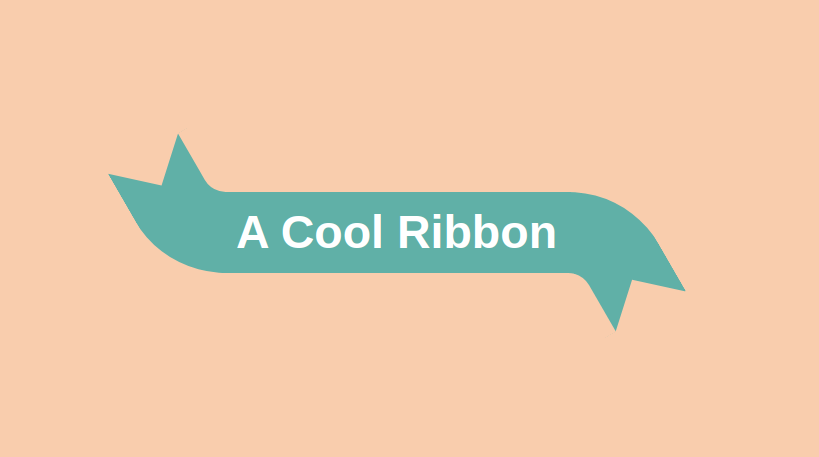
		<content type="html"><![CDATA[ <p>Another experimentation using the new <code>shape()</code> function to add rounded corners to a box with a triangular shape.</p>
<p><picture><source type="image/avif" srcset="/img/9HYAgNFCP0-994.avif 994w"><source type="image/webp" srcset="/img/9HYAgNFCP0-994.webp 994w"><img alt="A CSS-only arrow-like rectangle" loading="lazy" decoding="async" src="/img/9HYAgNFCP0-994.png" width="994" height="410"></picture></p>
<p>A complex-looking code but all you have to do is to update a few variables.</p>
 <p><a href="https://css-tip.com/arrow-like-box/">Read more</a></p> ]]></content>
	</entry>
	
	<entry>
		<title>Polygon shapes with rounded corners</title>
		<link href="https://css-tip.com/rounded-polygon/"/>
		<updated>2025-04-17T00:00:00Z</updated>
		<id>https://css-tip.com/rounded-polygon/</id>
		<content type="html"><![CDATA[ <p>Similar to <a href="/rounded-hexagon/">the hexagon shape</a>, here is a generic code to create any regular polygon shape with rounded corners. Powered by Sass and the new <code>shape()</code> function.</p>
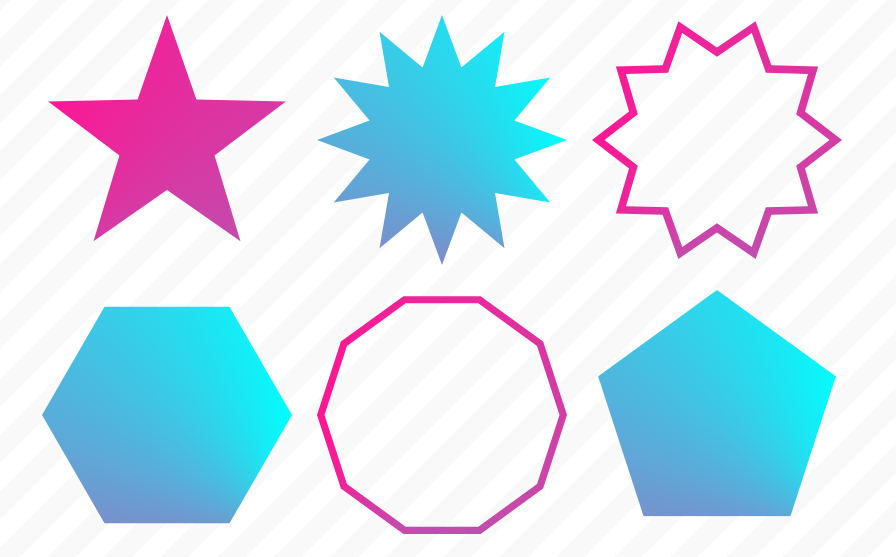
<p><picture><source type="image/avif" srcset="/img/XOAYt9t8ba-785.avif 785w"><source type="image/webp" srcset="/img/XOAYt9t8ba-785.webp 785w"><img alt="CSS-only polygon shapes with rounded corners" loading="lazy" decoding="async" src="/img/XOAYt9t8ba-785.png" width="785" height="283"></picture></p>
 <p><a href="https://css-tip.com/rounded-polygon/">Read more</a></p> ]]></content>
	</entry>
	
	<entry>
		<title>Hexagon shapes with rounded corners</title>
		<link href="https://css-tip.com/rounded-hexagon/"/>
		<updated>2025-04-16T00:00:00Z</updated>
		<id>https://css-tip.com/rounded-hexagon/</id>
		<content type="html"><![CDATA[ <p>We can create <a href="/hexagon-shape/">a hexagon shape</a> using <code>clip-path: polygon()</code> but what about the rounded corners variation? It's now possible with the new <code>clip-path: shape()</code>. The code is more complex but you can easily control it using CSS variables.</p>
<p><picture><source type="image/avif" srcset="/img/TSxiojA-g7-835.avif 835w"><source type="image/webp" srcset="/img/TSxiojA-g7-835.webp 835w"><img alt="CSS-only hexagon shape with rounded corners" loading="lazy" decoding="async" src="/img/TSxiojA-g7-835.png" width="835" height="357"></picture></p>
 <p><a href="https://css-tip.com/rounded-hexagon/">Read more</a></p> ]]></content>
	</entry>
	
	<entry>
		<title>The unknown behavior of flex-wrap</title>
		<link href="https://css-tip.com/flex-wrap/"/>
		<updated>2025-04-14T00:00:00Z</updated>
		<id>https://css-tip.com/flex-wrap/</id>
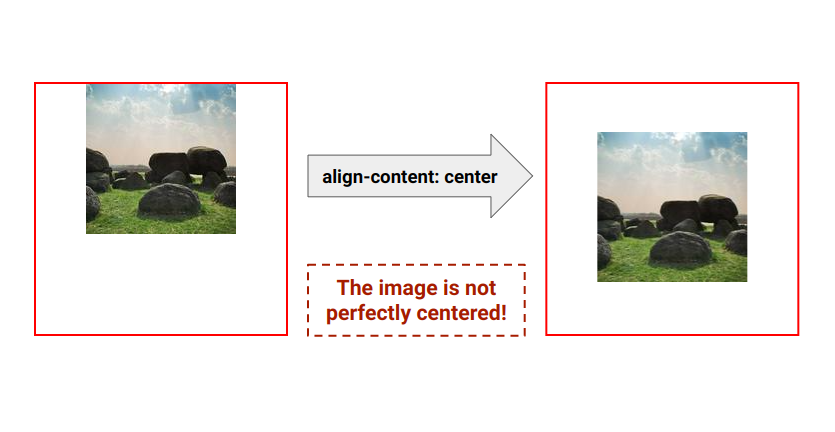
		<content type="html"><![CDATA[ <p><code>flex-wrap: wrap</code> allows items to wrap onto multiple lines but it has another function. It transforms your flex container from a single-line to a multi-line container even if at the end you have only one flex line. This means we can use <code>align-content</code> to align the content.</p>
<p>In other words, you need to use <code>flex-wrap: wrap</code> to align the content using <code>align-content</code> even if there is no wrapping.</p>
<p><picture><source type="image/avif" srcset="/img/SWx-mwUvAs-888.avif 888w"><source type="image/webp" srcset="/img/SWx-mwUvAs-888.webp 888w"><img alt="flex-wrap &amp; align-content" loading="lazy" decoding="async" src="/img/SWx-mwUvAs-888.png" width="888" height="278"></picture></p>
<p>It's different from <code>align-items</code> which aligns the items inside the line whereas <code>align-content</code> aligns the whole line. Here is an interactive demo to see the behavior of each property:</p>
 <p><a href="https://css-tip.com/flex-wrap/">Read more</a></p> ]]></content>
	</entry>
	
	<entry>
		<title>Custom progress element using attr()</title>
		<link href="https://css-tip.com/custom-progress/"/>
		<updated>2025-03-25T00:00:00Z</updated>
		<id>https://css-tip.com/custom-progress/</id>
		<content type="html"><![CDATA[ <p>Using the new <code>attr()</code> function, we can customize a progress element based on the progression. We can, for example, have a different coloration for each range of values! A single-element implementation without JavaSript.</p>
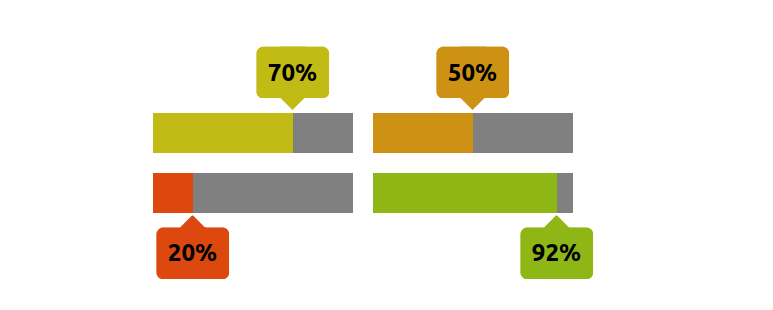
<p><picture><source type="image/avif" srcset="/img/JhnYUtNu9T-699.avif 699w"><source type="image/webp" srcset="/img/JhnYUtNu9T-699.webp 699w"><img alt="CSS-only Cut-out shapes using clip-path" loading="lazy" decoding="async" src="/img/JhnYUtNu9T-699.png" width="699" height="298"></picture></p>
 <p><a href="https://css-tip.com/custom-progress/">Read more</a></p> ]]></content>
	</entry>
	
	<entry>
		<title>Zig-Zag edges using CSS mask</title>
		<link href="https://css-tip.com/zig-zag-edge/"/>
		<updated>2025-03-20T00:00:00Z</updated>
		<id>https://css-tip.com/zig-zag-edge/</id>
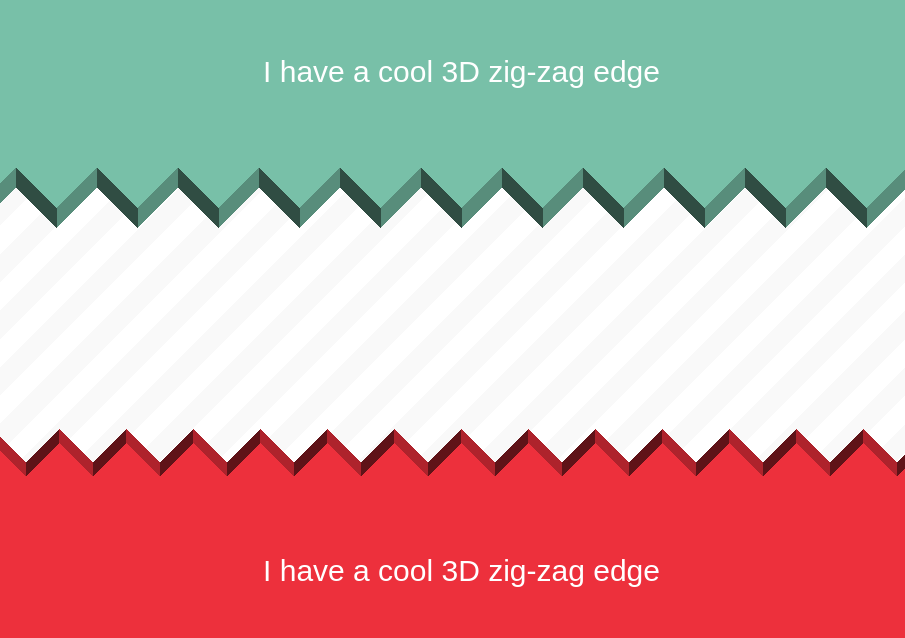
		<content type="html"><![CDATA[ <p>Add Zig-Zag edges to your element using the <code>mask</code> property and one gradient.</p>
<p><picture><source type="image/avif" srcset="/img/atLBXBjx11-782.avif 782w"><source type="image/webp" srcset="/img/atLBXBjx11-782.webp 782w"><img alt="zig-zag edges using mask" loading="lazy" decoding="async" src="/img/atLBXBjx11-782.png" width="782" height="354"></picture></p>
 <p><a href="https://css-tip.com/zig-zag-edge/">Read more</a></p> ]]></content>
	</entry>
	
	<entry>
		<title>Split and assemble an image using CSS mask</title>
		<link href="https://css-tip.com/assemble-image/"/>
		<updated>2025-03-18T00:00:00Z</updated>
		<id>https://css-tip.com/assemble-image/</id>
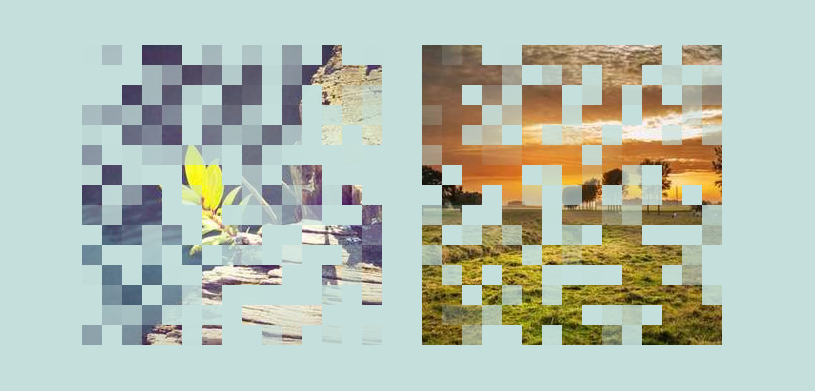
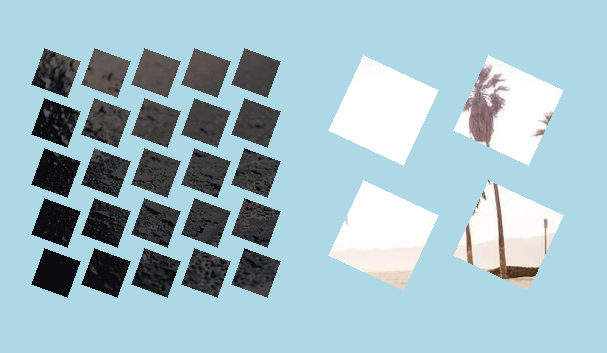
		<content type="html"><![CDATA[ <p>Split an image into pieces using the <code>mask</code> property, then show it fully on hover. A single-element implementation using less than 10 CSS declarations.</p>
<p><picture><source type="image/avif" srcset="/img/blR3hYCu_W-933.avif 933w"><source type="image/webp" srcset="/img/blR3hYCu_W-933.webp 933w"><img alt="Assemble a broken image using CSS" loading="lazy" decoding="async" src="/img/blR3hYCu_W-933.png" width="933" height="381"></picture></p>
 <p><a href="https://css-tip.com/assemble-image/">Read more</a></p> ]]></content>
	</entry>
	
	<entry>
		<title>An infinite logos animation</title>
		<link href="https://css-tip.com/infinite-logos-animation/"/>
		<updated>2025-03-13T00:00:00Z</updated>
		<id>https://css-tip.com/infinite-logos-animation/</id>
		<content type="html"><![CDATA[ <p>Another classic logos animation?! No! This one is THE real infinite ∞ logos animation.</p>
<ul>
<li>Minimal HTML</li>
<li>Powered by the <code>offset</code> property</li>
<li>Responsive</li>
</ul>
<p><picture><source type="image/avif" srcset="/img/ffkjLzFJ5J-928.avif 928w"><source type="image/webp" srcset="/img/ffkjLzFJ5J-928.webp 928w"><img alt="CSS-only infinite logos animation" loading="lazy" decoding="async" src="/img/ffkjLzFJ5J-928.png" width="928" height="331"></picture></p>
 <p><a href="https://css-tip.com/infinite-logos-animation/">Read more</a></p> ]]></content>
	</entry>
	
	<entry>
		<title>Transparent inner border for images</title>
		<link href="https://css-tip.com/inner-border/"/>
		<updated>2025-03-06T00:00:00Z</updated>
		<id>https://css-tip.com/inner-border/</id>
		<content type="html"><![CDATA[ <p>Cut a border from the inside of an image using the <code>mask</code> property and two gradients.</p>
<p><picture><source type="image/avif" srcset="/img/lKrfrzByAL-936.avif 936w"><source type="image/webp" srcset="/img/lKrfrzByAL-936.webp 936w"><img alt="CSS-only inverted radius shape" loading="lazy" decoding="async" src="/img/lKrfrzByAL-936.png" width="936" height="351"></picture></p>
 <p><a href="https://css-tip.com/inner-border/">Read more</a></p> ]]></content>
	</entry>
	
	<entry>
		<title>Get the value of an input range (without JavaScript)</title>
		<link href="https://css-tip.com/value-input/"/>
		<updated>2025-03-05T00:00:00Z</updated>
		<id>https://css-tip.com/value-input/</id>
		<content type="html"><![CDATA[ <p>A few lines of code and you have a CSS-only way to read the value of an input range slider. Powered by Scroll-driven animations, <code>attr()</code>, and <code>@property</code>. No more JavaScript!</p>
<p>⚠️ Chrome-only for now ⚠️</p>
 <p><a href="https://css-tip.com/value-input/">Read more</a></p> ]]></content>
	</entry>
	
	<entry>
		<title>Trim extra space using text-box</title>
		<link href="https://css-tip.com/text-box/"/>
		<updated>2025-02-26T00:00:00Z</updated>
		<id>https://css-tip.com/text-box/</id>
		<content type="html"><![CDATA[ <style>
  select {
    font-size: 1em;
    margin-block: .1em;
  }
  section {
    border: 1px solid;
    margin: 10px auto;
    font-size: 1.5em;
    line-height: 1.5;
    max-width: 400px;
  }
  section > * {
    margin: 0;
  }
  .trim {
    text-align: center;
    font-size: min(61px,12vw);
    font-weight: bold;
    line-height: 2.5;
    border-block: 1px solid #f92672;
    position: relative;
    overflow: hidden;
    margin-block: .5em;
  }
  p.trim:before {
    content: "";
    position: absolute;
    inset: 3px auto 4px 40px;
    width: 10px;
    background: #f92672;
    clip-path: polygon(50% 0,100% 10px,65% 10px,65% calc(100% - 10px),100% calc(100% - 10px),50% 100%,0 calc(100% - 10px),35% calc(100% - 10px),35% 10px,0 10px);
  }
  p.trim::after {
    content: "Line height";
    position: absolute;
    font-size: 20px;
    font-weight: 400;
    inset: 0 auto 0 40px;
    line-height: 1;
    rotate: -90deg;
    color: #f92672;
  }
  .trim span {
    position: relative;
    display: inline-block;
    white-space: nowrap;
    justify-self: center;
    background: #69D2E7;
    color: #333;
  }
  .trim span:before {
    content: "";
    position: absolute;
    inset: 0;
    box-shadow: 0 0 0 100px #fff5;
    z-index: 1;
    clip-path: inset(-200px 0);
}
  @media (width < 450px) {
    .trim:before,
    .trim:after {
      display: none;
    }
  }
</style>
<p>Ready for the new <code>text-box</code> property? With it, you can easily remove extra space above and below your text. Adjust the setting to see the effect of the different values.</p>
<p>⚠️ Support is limited (Chrome-only for now) ⚠️</p>
<form>
From the top <select name="top">
  <option value="0" selected>trim Nothing</option>
  <option value="text">trim to Ascender</option>
  <option value="cap">trim to Uppercase</option>
  <option value="ex">trim to Lowercase</option>
</select> 
and from the bottom <select name="bottom">
  <option value="0" selected>trim Nothing</option>
  <option value="text">trim to Descender</option>
  <option value="alphabetic">trim to Baseline</option>
</select> 
</form>
<p class="trim"><span>Ab-xy-12-Êç</span></p>
 <p><a href="https://css-tip.com/text-box/">Read more</a></p> ]]></content>
	</entry>
	
	<entry>
		<title>Perfectly center an uppercase text</title>
		<link href="https://css-tip.com/center-uppercase/"/>
		<updated>2025-02-24T00:00:00Z</updated>
		<id>https://css-tip.com/center-uppercase/</id>
		<content type="html"><![CDATA[ <p>Are you tired of the unwanted spaces above and below your text? One line of code can fix this and you can have a perfect centering for your uppercase text.</p>
<p><picture><source type="image/avif" srcset="/img/1dgOHOJVrV-817.avif 817w"><source type="image/webp" srcset="/img/1dgOHOJVrV-817.webp 817w"><img alt="Vertically center uppercase text" loading="lazy" decoding="async" src="/img/1dgOHOJVrV-817.png" width="817" height="281"></picture></p>
 <p><a href="https://css-tip.com/center-uppercase/">Read more</a></p> ]]></content>
	</entry>
	
	<entry>
		<title>The difference between zoom and scale</title>
		<link href="https://css-tip.com/zoom/"/>
		<updated>2025-02-17T00:00:00Z</updated>
		<id>https://css-tip.com/zoom/</id>
		<content type="html"><![CDATA[ <p>Do you know the <code>zoom</code> property? It works the same way as a scale transformation but unlike <code>scale</code>, it affects the page layout. In other words, the page layout is recalculated considering the new dimension of the scaled element.</p>
<p><picture><source type="image/avif" srcset="/img/U4BbIIqciE-897.avif 897w"><source type="image/webp" srcset="/img/U4BbIIqciE-897.webp 897w"><img alt="difference between the zoom property and the scale property" loading="lazy" decoding="async" src="/img/U4BbIIqciE-897.png" width="897" height="450"></picture></p>
 <p><a href="https://css-tip.com/zoom/">Read more</a></p> ]]></content>
	</entry>
	
	<entry>
		<title>Bouncy radio buttons using modern CSS</title>
		<link href="https://css-tip.com/bouncy-input/"/>
		<updated>2025-02-11T00:00:00Z</updated>
		<id>https://css-tip.com/bouncy-input/</id>
		<content type="html"><![CDATA[ <p>A fun CSS-only experimentation using modern features to create bouncy radio buttons. Powered by anchor positioning, <code>@property</code>, <code>:has()</code> selector, and more!</p>
<p>Click for a cool effect!</p>
 <p><a href="https://css-tip.com/bouncy-input/">Read more</a></p> ]]></content>
	</entry>
	
	<entry>
		<title>A single-element volume control component</title>
		<link href="https://css-tip.com/volume-control/"/>
		<updated>2025-02-04T00:00:00Z</updated>
		<id>https://css-tip.com/volume-control/</id>
		<content type="html"><![CDATA[ <p>Similar to <a href="/star-rating/">the star rating component</a>, I am creating a volume control component using the native range slider and zero JavaScript. No extra element is used and you can control the number of bars by simply adjusting the <code>max</code> attribute.</p>
<p><picture><source type="image/avif" srcset="/img/PUtycn8QEg-715.avif 715w"><source type="image/webp" srcset="/img/PUtycn8QEg-715.webp 715w"><img alt="CSS-only volume control component" loading="lazy" decoding="async" src="/img/PUtycn8QEg-715.png" width="715" height="282"></picture></p>
 <p><a href="https://css-tip.com/volume-control/">Read more</a></p> ]]></content>
	</entry>
	
	<entry>
		<title>Inverted radius shape with hover effect</title>
		<link href="https://css-tip.com/inverted-radius-hover/"/>
		<updated>2025-01-29T00:00:00Z</updated>
		<id>https://css-tip.com/inverted-radius-hover/</id>
		<content type="html"><![CDATA[ <p>Combining the <a href="https://css-shape.com/inverted-radius/">inverted radius shape</a> with modern CSS to create a fancy reveal animation. Hover the image to reveal the text.</p>
<ul>
<li>Minimal HTML (the <code>&lt;figure&gt;</code> element)</li>
<li>Powered by <code>@property</code> and CSS Mask</li>
<li>Optimized with CSS variables</li>
</ul>
<p><picture><source type="image/avif" srcset="/img/Sur6acQ2zu-893.avif 893w"><source type="image/webp" srcset="/img/Sur6acQ2zu-893.webp 893w"><img alt="CSS-only inverted radius shape" loading="lazy" decoding="async" src="/img/Sur6acQ2zu-893.png" width="893" height="386"></picture></p>
 <p><a href="https://css-tip.com/inverted-radius-hover/">Read more</a></p> ]]></content>
	</entry>
	
	<entry>
		<title>A single-element star rating component (without JS)</title>
		<link href="https://css-tip.com/star-rating/"/>
		<updated>2025-01-24T00:00:00Z</updated>
		<id>https://css-tip.com/star-rating/</id>
		<content type="html"><![CDATA[ <p>Transform the native range slider into a star rating component using a few lines of CSS and zero JavaScript. You can adjust the number of stars by simply changing the <code>max</code> attribute.</p>
<p>Yes, you can click to update the rating. It's an interactive widget!</p>
<p><picture><source type="image/avif" srcset="/img/6TxEMXr4Oy-758.avif 758w"><source type="image/webp" srcset="/img/6TxEMXr4Oy-758.webp 758w"><img alt="CSS-only star rating component" loading="lazy" decoding="async" src="/img/6TxEMXr4Oy-758.png" width="758" height="196"></picture></p>
 <p><a href="https://css-tip.com/star-rating/">Read more</a></p> ]]></content>
	</entry>
	
	<entry>
		<title>A wiggly box (wavy borders) using CSS Mask</title>
		<link href="https://css-tip.com/wiggly-borders/"/>
		<updated>2025-01-23T00:00:00Z</updated>
		<id>https://css-tip.com/wiggly-borders/</id>
		<content type="html"><![CDATA[ <p>Using the same code structure as <a href="/image-wavy-borders/">the wavy box</a> to create another variation, a <a href="https://css-shape.com/wiggly-box/">wiggly box</a>!</p>
<ul>
<li>Only one element (the <code>&lt;img&gt;</code> tag)</li>
<li>No pseudo-elements</li>
<li>Optimized with CSS Variables</li>
<li>Works with gradient coloration</li>
</ul>
<p><picture><source type="image/avif" srcset="/img/e78M06997j-891.avif 891w"><source type="image/webp" srcset="/img/e78M06997j-891.webp 891w"><img alt="Images inside a CSS-only wiggly box" loading="lazy" decoding="async" src="/img/e78M06997j-891.png" width="891" height="372"></picture></p>
 <p><a href="https://css-tip.com/wiggly-borders/">Read more</a></p> ]]></content>
	</entry>
	
	<entry>
		<title>Smoothly stop an infinite rotation</title>
		<link href="https://css-tip.com/stop-animation/"/>
		<updated>2025-01-14T00:00:00Z</updated>
		<id>https://css-tip.com/stop-animation/</id>
		<content type="html"><![CDATA[ <p>After <a href="/stop-rotation/">the previous effect</a>, here is a different way to stop an infinite rotation on hover. This time, the element will smoothly return to its initial position and the rotation will resume when you unhover.</p>
 <p><a href="https://css-tip.com/stop-animation/">Read more</a></p> ]]></content>
	</entry>
	
	<entry>
		<title>Running animations without keyframes</title>
		<link href="https://css-tip.com/animation-without-keyframes/"/>
		<updated>2025-01-09T00:00:00Z</updated>
		<id>https://css-tip.com/animation-without-keyframes/</id>
		<content type="html"><![CDATA[ <p>Using the new <code>@starting-style</code> you can create animations without using <code>@keyframes</code>. It's not a replacement for the classic way to create animations but it can be a useful CSS trick in some situations.</p>
<p>Here is a simple example with a rotation. I am using big values to simulate an infinite rotation.</p>
 <p><a href="https://css-tip.com/animation-without-keyframes/">Read more</a></p> ]]></content>
	</entry>
	
	<entry>
		<title>A CSS-only clock showing the current time</title>
		<link href="https://css-tip.com/clock/"/>
		<updated>2025-01-07T00:00:00Z</updated>
		<id>https://css-tip.com/clock/</id>
		<content type="html"><![CDATA[ <p>What time is it? We can answer this question using only CSS! The demo below is a clock that shows you the current time (You can compare with your smartwatch, it's accurate!). It's a single-element implementation powered by modern CSS.</p>
<p>A chrome-only experimentation for now:</p>
 <p><a href="https://css-tip.com/clock/">Read more</a></p> ]]></content>
	</entry>
	
	<entry>
		<title>Smooth rotation with modern CSS</title>
		<link href="https://css-tip.com/smooth-rotation/"/>
		<updated>2025-01-03T00:00:00Z</updated>
		<id>https://css-tip.com/smooth-rotation/</id>
		<content type="html"><![CDATA[ <p>Use modern CSS to control the rotation of any element smoothly. Hover to rotate, click to accelerate, unhover to return to the initial position following the shortest path!</p>
<ul>
<li>Single element (no pseudo-element)</li>
<li>No keyframes</li>
<li>Powered by <code>@property</code> and math functions</li>
</ul>
<p><picture><source type="image/avif" srcset="/img/qVI02NkVhk-855.avif 855w"><source type="image/webp" srcset="/img/qVI02NkVhk-855.webp 855w"><img alt="CSS-only smooth rotation" loading="lazy" decoding="async" src="/img/qVI02NkVhk-855.png" width="855" height="311"></picture></p>
 <p><a href="https://css-tip.com/smooth-rotation/">Read more</a></p> ]]></content>
	</entry>
	
	<entry>
		<title>Overflow/scrollbar detection using modern CSS</title>
		<link href="https://css-tip.com/overflow-detection/"/>
		<updated>2024-12-10T00:00:00Z</updated>
		<id>https://css-tip.com/overflow-detection/</id>
		<content type="html"><![CDATA[ <p>Do you want to detect if an element is having an overflow or if it's scrollable? It's possible with scroll-driven animation! You can also store this information within a variable at <code>:root</code> level and do whatever you want (like styling any elements on the page)</p>
 <p><a href="https://css-tip.com/overflow-detection/">Read more</a></p> ]]></content>
	</entry>
	
	<entry>
		<title>A new way to center block elements using place-self</title>
		<link href="https://css-tip.com/center-block-element/"/>
		<updated>2024-12-06T00:00:00Z</updated>
		<id>https://css-tip.com/center-block-element/</id>
		<content type="html"><![CDATA[ <p>A modern and more intuitive way to center block elements is available! One line of code and you can replace the use of <code>margin: auto</code> combined with <code>width</code>/<code>max-width</code>.</p>
 <p><a href="https://css-tip.com/center-block-element/">Read more</a></p> ]]></content>
	</entry>
	
	<entry>
		<title>Border-only breadcrumb shape using modern CSS</title>
		<link href="https://css-tip.com/border-only-breadcrumb/"/>
		<updated>2024-12-05T00:00:00Z</updated>
		<id>https://css-tip.com/border-only-breadcrumb/</id>
		<content type="html"><![CDATA[ <p>Create a border-only <a href="https://css-shape.com/breadcrumb/">breadcrumb shape</a> using a few lines of code and modern CSS.</p>
<ul>
<li>No extra element</li>
<li>Powered by <code>clip-path</code> &amp; math functions</li>
<li>Optimized with CSS variables</li>
</ul>
<p><picture><source type="image/avif" srcset="/img/t-QZvH0jgA-901.avif 901w"><source type="image/webp" srcset="/img/t-QZvH0jgA-901.webp 901w"><img alt="Border-only breadcrumb shape using CSS" loading="lazy" decoding="async" src="/img/t-QZvH0jgA-901.png" width="901" height="355"></picture></p>
 <p><a href="https://css-tip.com/border-only-breadcrumb/">Read more</a></p> ]]></content>
	</entry>
	
	<entry>
		<title>Glowing border animation with a smooth stop</title>
		<link href="https://css-tip.com/glowing-border/"/>
		<updated>2024-12-03T00:00:00Z</updated>
		<id>https://css-tip.com/glowing-border/</id>
		<content type="html"><![CDATA[ <p>Add a glowing border animation around your image (or any element) with a few lines of code. The cool part? It's an infinite animation on hover that stops smoothly when the mouse leaves the element!</p>
<p>Single element implementation powered by modern CSS (<code>@property</code>, CSS Mask, Math functions, etc).</p>
<p><picture><source type="image/avif" srcset="/img/uLZsmhkCYz-911.avif 911w"><source type="image/webp" srcset="/img/uLZsmhkCYz-911.webp 911w"><img alt="CSS-only glowing border effect" loading="lazy" decoding="async" src="/img/uLZsmhkCYz-911.png" width="911" height="369"></picture></p>
 <p><a href="https://css-tip.com/glowing-border/">Read more</a></p> ]]></content>
	</entry>
	
	<entry>
		<title>Full-bleed layout with modern CSS</title>
		<link href="https://css-tip.com/full-bleed-layout/"/>
		<updated>2024-11-26T00:00:00Z</updated>
		<id>https://css-tip.com/full-bleed-layout/</id>
		<content type="html"><![CDATA[ <p>Use modern CSS and a few lines of code to create a full-bleed layout.</p>
<p><strong>Full-bleed</strong>? It's when an element needs to bleed outside the main container and extend to the edge of the page.</p>
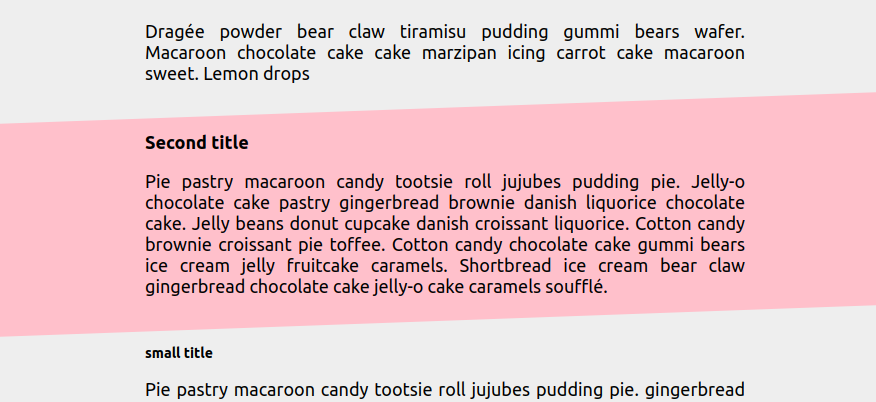
<p><picture><source type="image/avif" srcset="/img/Zu0r1t7fxP-935.avif 935w"><source type="image/webp" srcset="/img/Zu0r1t7fxP-935.webp 935w"><img alt="CSS-only zig-zag borders" loading="lazy" decoding="async" src="/img/Zu0r1t7fxP-935.png" width="935" height="442"></picture></p>
 <p><a href="https://css-tip.com/full-bleed-layout/">Read more</a></p> ]]></content>
	</entry>
	
	<entry>
		<title>How to correctly use steps() with animations</title>
		<link href="https://css-tip.com/steps/"/>
		<updated>2024-11-18T00:00:00Z</updated>
		<id>https://css-tip.com/steps/</id>
		<content type="html"><![CDATA[ <p>You want to create a discrete animation using <code>steps()</code> but you struggle with its value, right? You never know how many steps it requires and it never works as expected!</p>
<p>In most cases, adding an extra value will fix your issue.</p>
 <p><a href="https://css-tip.com/steps/">Read more</a></p> ]]></content>
	</entry>
	
	<entry>
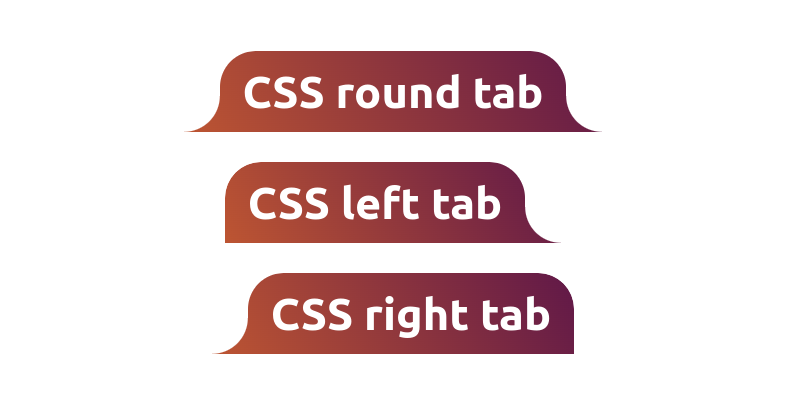
		<title>Vertical rounded tabs using CSS mask</title>
		<link href="https://css-tip.com/vertical-rounded-tab/"/>
		<updated>2024-11-15T00:00:00Z</updated>
		<id>https://css-tip.com/vertical-rounded-tab/</id>
		<content type="html"><![CDATA[ <p>Updating the previous <a href="/rounded-tab/">rounded tab shape</a> to create the <a href="https://css-shape.com/vertical-rounded-tab/">vertical version</a> using the same code structure.</p>
<ul>
<li>No extra element &amp; No pseudo-element</li>
<li>One variable to control the curvature</li>
<li>Works with gradient coloration</li>
<li>Powered by CSS mask</li>
</ul>
<p><picture><source type="image/avif" srcset="/img/aSWNYMBWnz-868.avif 868w"><source type="image/webp" srcset="/img/aSWNYMBWnz-868.webp 868w"><img alt="CSS-only vertical rounded tabs using CSS mask" loading="lazy" decoding="async" src="/img/aSWNYMBWnz-868.png" width="868" height="326"></picture></p>
 <p><a href="https://css-tip.com/vertical-rounded-tab/">Read more</a></p> ]]></content>
	</entry>
	
	<entry>
		<title>Get the scrollbar width using only CSS</title>
		<link href="https://css-tip.com/width-scrollbar/"/>
		<updated>2024-11-14T00:00:00Z</updated>
		<id>https://css-tip.com/width-scrollbar/</id>
		<content type="html"><![CDATA[ <p>Do you want to know the scrollbar width? It's possible using only CSS and a few lines of code! You can get the pixel value within a CSS variable and use it everywhere.</p>
<p>As a bonus, you can also have an integer value!</p>
 <p><a href="https://css-tip.com/width-scrollbar/">Read more</a></p> ]]></content>
	</entry>
	
	<entry>
		<title>Folded rectangle shapes using CSS mask</title>
		<link href="https://css-tip.com/folded-rectangle/"/>
		<updated>2024-11-08T00:00:00Z</updated>
		<id>https://css-tip.com/folded-rectangle/</id>
		<content type="html"><![CDATA[ <p>Create <a href="https://css-shape.com/folded-rectangle/">folded rectangle shapes</a> with a subtle 3D effect</p>
<ul>
<li>Single element (no pseudo-element)</li>
<li>Optimized with CSS Variables</li>
<li>Powered by CSS mask</li>
</ul>
<p><picture><source type="image/avif" srcset="/img/8nw5NCKnkb-1022.avif 1022w"><source type="image/webp" srcset="/img/8nw5NCKnkb-1022.webp 1022w"><img alt="CSS only folded rectangle shapes" loading="lazy" decoding="async" src="/img/8nw5NCKnkb-1022.png" width="1022" height="272"></picture></p>
 <p><a href="https://css-tip.com/folded-rectangle/">Read more</a></p> ]]></content>
	</entry>
	
	<entry>
		<title>Indent each line of your text</title>
		<link href="https://css-tip.com/text-indent/"/>
		<updated>2024-11-04T00:00:00Z</updated>
		<id>https://css-tip.com/text-indent/</id>
		<content type="html"><![CDATA[ <p>Do you know that <code>text-indent</code> can take an extra value <code>each-line</code>? It allows you to have an indentation after each line! Useful if you rely on <code>&lt;br&gt;</code> to add new lines.</p>
 <p><a href="https://css-tip.com/text-indent/">Read more</a></p> ]]></content>
	</entry>
	
	<entry>
		<title>Select the last occurrence of an element in the whole document</title>
		<link href="https://css-tip.com/last-element-dom/"/>
		<updated>2024-10-31T00:00:00Z</updated>
		<id>https://css-tip.com/last-element-dom/</id>
		<content type="html"><![CDATA[ <p>We saw <a href="/first-element-dom/">the selector for the first occurrence</a> and here is the selector for the last occurrence.</p>
 <p><a href="https://css-tip.com/last-element-dom/">Read more</a></p> ]]></content>
	</entry>
	
	<entry>
		<title>Select the first occurrence of an element in the whole document</title>
		<link href="https://css-tip.com/first-element-dom/"/>
		<updated>2024-10-30T00:00:00Z</updated>
		<id>https://css-tip.com/first-element-dom/</id>
		<content type="html"><![CDATA[ <p>A CSS selector to select the first occurrence of an element regardless of its position in the document. The equivalent of <code>document.querySelector('.target')</code>.</p>
 <p><a href="https://css-tip.com/first-element-dom/">Read more</a></p> ]]></content>
	</entry>
	
	<entry>
		<title>3D parallax effect on hover</title>
		<link href="https://css-tip.com/3d-parallax-effect/"/>
		<updated>2024-10-23T00:00:00Z</updated>
		<id>https://css-tip.com/3d-parallax-effect/</id>
		<content type="html"><![CDATA[ <p>After <a href="/3d-parallax-image/">the previous effect</a>, I am trying another concept of 3D parallax effect with a better illusion!</p>
<ul>
<li>No extra element (only the <code>&lt;img&gt;</code> tag)</li>
<li>No pseudo-element</li>
<li>Less than 15 CSS declarations</li>
</ul>
<p><picture><source type="image/avif" srcset="/img/PghL4YgXd6-1048.avif 1048w"><source type="image/webp" srcset="/img/PghL4YgXd6-1048.webp 1048w"><img alt="A 3D parallax effect on images" loading="lazy" decoding="async" src="/img/PghL4YgXd6-1048.png" width="1048" height="385"></picture></p>
 <p><a href="https://css-tip.com/3d-parallax-effect/">Read more</a></p> ]]></content>
	</entry>
	
	<entry>
		<title>How to correctly define a one-color gradient</title>
		<link href="https://css-tip.com/one-color-gradient/"/>
		<updated>2024-10-21T00:00:00Z</updated>
		<id>https://css-tip.com/one-color-gradient/</id>
		<content type="html"><![CDATA[ <p>Learn the correct way to create a one-color gradient with an optimized code. Stop using default values and save some space!</p>
<p>All the below are the same. You can save up to 32 chars!</p>
 <p><a href="https://css-tip.com/one-color-gradient/">Read more</a></p> ]]></content>
	</entry>
	
	<entry>
		<title>Avatar hover effect with a rhombus shape</title>
		<link href="https://css-tip.com/avatar-rhombus/"/>
		<updated>2024-10-18T00:00:00Z</updated>
		<id>https://css-tip.com/avatar-rhombus/</id>
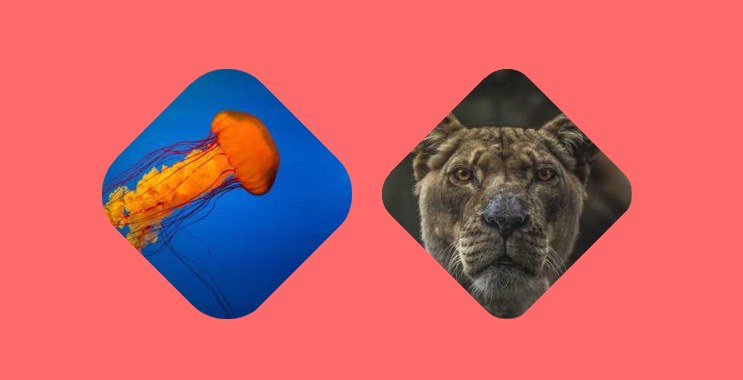
		<content type="html"><![CDATA[ <p>Place you image inside a <a href="https://css-shape.com/rhombus/">rhombus shape</a> with a cool hover effect</p>
<ul>
<li>No extra element (only the <code>&lt;img&gt;</code> tag)</li>
<li>No pseudo-element</li>
<li>Less than 15 CSS declarations</li>
</ul>
<p><picture><source type="image/avif" srcset="/img/GSxUX2XOe0-899.avif 899w"><source type="image/webp" srcset="/img/GSxUX2XOe0-899.webp 899w"><img alt="CSS-only images with a rhombus shape" loading="lazy" decoding="async" src="/img/GSxUX2XOe0-899.png" width="899" height="372"></picture></p>
 <p><a href="https://css-tip.com/avatar-rhombus/">Read more</a></p> ]]></content>
	</entry>
	
	<entry>
		<title>Inner display vs Outer display</title>
		<link href="https://css-tip.com/inner-outer-display/"/>
		<updated>2024-10-16T00:00:00Z</updated>
		<id>https://css-tip.com/inner-outer-display/</id>
		<content type="html"><![CDATA[ <p>Do you know that the below declarations are the same?</p>
 <p><a href="https://css-tip.com/inner-outer-display/">Read more</a></p> ]]></content>
	</entry>
	
	<entry>
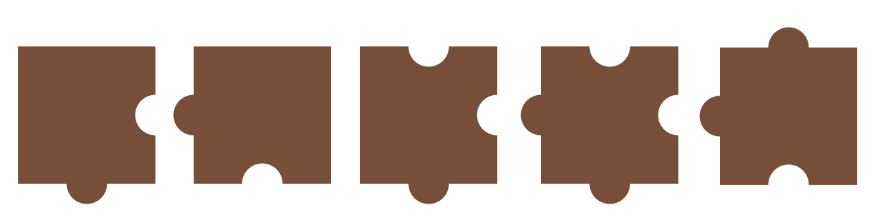
		<title>Puzzle shapes using CSS mask</title>
		<link href="https://css-tip.com/puzzle-shape/"/>
		<updated>2024-10-09T00:00:00Z</updated>
		<id>https://css-tip.com/puzzle-shape/</id>
		<content type="html"><![CDATA[ <p>Create different kind of <a href="https://css-shape.com/puzzle/">puzzle shapes</a> using a few lines of code</p>
<ul>
<li>Single element (Works with <code>&lt;img&gt;</code>)</li>
<li>Optimized with CSS variables</li>
<li>Powered by CSS mask</li>
</ul>
<p><picture><source type="image/avif" srcset="/img/5JpEeniP3p-889.avif 889w"><source type="image/webp" srcset="/img/5JpEeniP3p-889.webp 889w"><img alt="CSS-only puzzle shapes" loading="lazy" decoding="async" src="/img/5JpEeniP3p-889.png" width="889" height="223"></picture></p>
 <p><a href="https://css-tip.com/puzzle-shape/">Read more</a></p> ]]></content>
	</entry>
	
	<entry>
		<title>The Filling CSS loaders Collection</title>
		<link href="https://css-tip.com/filling-loader/"/>
		<updated>2024-10-04T00:00:00Z</updated>
		<id>https://css-tip.com/filling-loader/</id>
		<content type="html"><![CDATA[ <p>Adding a new set of loaders to <a href="https://css-loaders.com/">the biggest collection of loading animations</a>.</p>
<h3 id="the-filling-css-loaders-collection" tabindex="-1"><a href="https://css-loaders.com/filling/">The Filling CSS Loaders Collection</a> <a class="header-anchor" href="#the-filling-css-loaders-collection">#</a></h3>
<p><picture><source type="image/avif" srcset="/img/gQh3yMb_Ft-1256.avif 1256w"><source type="image/webp" srcset="/img/gQh3yMb_Ft-1256.webp 1256w"><img alt="CSS-only single element loaders" loading="lazy" decoding="async" src="/img/gQh3yMb_Ft-1256.png" width="1256" height="619"></picture></p>
<p>One example:</p>
 <p><a href="https://css-tip.com/filling-loader/">Read more</a></p> ]]></content>
	</entry>
	
	<entry>
		<title>Default behavior of position absolute</title>
		<link href="https://css-tip.com/initial-containing-block/"/>
		<updated>2024-09-30T00:00:00Z</updated>
		<id>https://css-tip.com/initial-containing-block/</id>
		<content type="html"><![CDATA[ <p>Many have a wrong information about the default behavior of <code>position: absolute</code> element.</p>
<p><i>&quot;if an absolute positioned element has no positioned ancestors, it uses the body element&quot;</i> NO, <strong>this is false!</strong></p>
<p>The W3Schools page is showing a wrong information but the MDN page is showing the correct one.</p>
<style>
  @media (width < 900px) {tr,td {display: block;}}
</style> 
<table>
  <tr>
    <td><picture><source type="image/avif" srcset="/img/MjOSwFw8UO-512.avif 512w"><source type="image/webp" srcset="/img/MjOSwFw8UO-512.webp 512w"><img alt="Screenshot from W3schools showing a wrong information about position: absolute" loading="lazy" decoding="async" src="/img/MjOSwFw8UO-512.png" width="512" height="345"></picture></td>
    <td><picture><source type="image/avif" srcset="/img/FbqacAZUzf-512.avif 512w"><source type="image/webp" srcset="/img/FbqacAZUzf-512.webp 512w"><img alt="Screenshot from MDN showing a correct information about position: absolute" loading="lazy" decoding="async" src="/img/FbqacAZUzf-512.png" width="512" height="345"></picture></td>
  </tr>
</table>
<p>What is the <a href="https://www.w3.org/TR/CSS22/visudet.html#containing-block-details">initial containing block</a>?</p>
<p>It's a rectangle having the same dimension as the viewport (full width/height) and anchored at the canvas origin (moves on scroll). In other words, it's similar to the viewport but moves if we have scrolling.</p>
<p>Here is a demo to illustrate:</p>
 <p><a href="https://css-tip.com/initial-containing-block/">Read more</a></p> ]]></content>
	</entry>
	
	<entry>
		<title>Animate to height/width auto (without hacks)</title>
		<link href="https://css-tip.com/animate-height-auto/"/>
		<updated>2024-09-25T00:00:00Z</updated>
		<id>https://css-tip.com/animate-height-auto/</id>
		<content type="html"><![CDATA[ <p>Only three lines of code and you have a smooth transition to <code>height: auto</code></p>
 <p><a href="https://css-tip.com/animate-height-auto/">Read more</a></p> ]]></content>
	</entry>
	
	<entry>
		<title>Remove the unit from any CSS value</title>
		<link href="https://css-tip.com/length-to-integer/"/>
		<updated>2024-09-19T00:00:00Z</updated>
		<id>https://css-tip.com/length-to-integer/</id>
		<content type="html"><![CDATA[ <p>Do you want to convert a length value to a unitless value?  It's possible with a simple CSS trick.</p>
 <p><a href="https://css-tip.com/length-to-integer/">Read more</a></p> ]]></content>
	</entry>
	
	<entry>
		<title>Update CSS variables using range slider</title>
		<link href="https://css-tip.com/css-variables-range-slider/"/>
		<updated>2024-09-16T00:00:00Z</updated>
		<id>https://css-tip.com/css-variables-range-slider/</id>
		<content type="html"><![CDATA[ <p>Using scroll-driven animations, you can link a CSS variable with a range slider and easily update its value!</p>
<p>No more JavaScript to do this. A few lines of CSS, one HTML element and you can update any value in real time.</p>
 <p><a href="https://css-tip.com/css-variables-range-slider/">Read more</a></p> ]]></content>
	</entry>
	
	<entry>
		<title>Progress element with a tooltip</title>
		<link href="https://css-tip.com/progress-with-tooltip/"/>
		<updated>2024-09-10T00:00:00Z</updated>
		<id>https://css-tip.com/progress-with-tooltip/</id>
		<content type="html"><![CDATA[ <p>Adding a tooltip to the native progress element showing the percentage of progress.</p>
<ul>
<li>No extra elements (only the <code>&lt;progress&gt;</code> tag)</li>
<li>No inline CSS</li>
<li>Everything is controlled by the &quot;max&quot; and &quot;value&quot; attributes</li>
<li>Powered by Scroll-Driven animations, anchor positioning &amp; <code>@property</code></li>
</ul>
<p><picture><source type="image/avif" srcset="/img/8tXVzNhsjg-773.avif 773w"><source type="image/webp" srcset="/img/8tXVzNhsjg-773.webp 773w"><img alt="CSS-only progress element with a tooltip" loading="lazy" decoding="async" src="/img/8tXVzNhsjg-773.png" width="773" height="310"></picture></p>
<p>It's a Chrome-only experimentation:</p>
 <p><a href="https://css-tip.com/progress-with-tooltip/">Read more</a></p> ]]></content>
	</entry>
	
	<entry>
		<title>Curved avatar header with hover effect</title>
		<link href="https://css-tip.com/fancy-avatar-header/"/>
		<updated>2024-08-29T00:00:00Z</updated>
		<id>https://css-tip.com/fancy-avatar-header/</id>
		<content type="html"><![CDATA[ <p>I am using the <a href="https://css-shape.com/inner-curve/">inner curve/notch shape</a> to create a fancy header with an avatar and a cool hover effect.</p>
<ul>
<li>No complex HTML code</li>
<li>Powered by CSS mask, <code>@property</code> and math functions</li>
<li>Optimized with CSS variables</li>
</ul>
<p><picture><source type="image/avif" srcset="/img/O19-X6S8BW-958.avif 958w"><source type="image/webp" srcset="/img/O19-X6S8BW-958.webp 958w"><img alt="CSS only curved header with avatar" loading="lazy" decoding="async" src="/img/O19-X6S8BW-958.png" width="958" height="380"></picture></p>
 <p><a href="https://css-tip.com/fancy-avatar-header/">Read more</a></p> ]]></content>
	</entry>
	
	<entry>
		<title>Inner curve/notch shape using CSS mask</title>
		<link href="https://css-tip.com/inner-curve-notch/"/>
		<updated>2024-08-28T00:00:00Z</updated>
		<id>https://css-tip.com/inner-curve-notch/</id>
		<content type="html"><![CDATA[ <p>Create an <a href="https://css-shape.com/inner-curve/">inner curve/notch shape</a> using CSS mask and a few lines of code</p>
<ul>
<li>Only one element</li>
<li>No pseudo-element</li>
<li>Works with gradients &amp; images</li>
<li>Optimized with CSS variables</li>
</ul>
<p><picture><source type="image/avif" srcset="/img/OBqui9PDhN-1023.avif 1023w"><source type="image/webp" srcset="/img/OBqui9PDhN-1023.webp 1023w"><img alt="CSS only inner curve/notch shape" loading="lazy" decoding="async" src="/img/OBqui9PDhN-1023.png" width="1023" height="424"></picture></p>
 <p><a href="https://css-tip.com/inner-curve-notch/">Read more</a></p> ]]></content>
	</entry>
	
	<entry>
		<title>Quantity queries using has() selector</title>
		<link href="https://css-tip.com/quantity-queries/"/>
		<updated>2024-08-26T00:00:00Z</updated>
		<id>https://css-tip.com/quantity-queries/</id>
		<content type="html"><![CDATA[ <style>
  input,select {font-size: 1em}
  input[type=number] {font-family: monospace;width: 6ch}
  input[type=text] {width:150px}
</style>
<p>Adjust the below to get your quantity query selector!</p>
<form>Select <input type="text" value=".container"> if it has <select>
  <option value="0">Exactly</option>
  <option value="1">At least</option>
  <option value="2">At most</option>
  <option value="3" selected>Between</option>
</select> <input type="number" value="3" min=0> <span>and <input type="number" value="10" min=0></span> child elements</form>
 <p><a href="https://css-tip.com/quantity-queries/">Read more</a></p> ]]></content>
	</entry>
	
	<entry>
		<title>A decorative line with rounded dashes</title>
		<link href="https://css-tip.com/line-rounded-dashes/"/>
		<updated>2024-08-15T00:00:00Z</updated>
		<id>https://css-tip.com/line-rounded-dashes/</id>
		<content type="html"><![CDATA[ <p>Create a nice decorative line with rounded dashes using a few lines of code</p>
<ul>
<li>Only one element</li>
<li>Responsive (no cut or partial dash)</li>
<li>You can easily switch to the vertical version</li>
<li>Optimized with CSS variables</li>
</ul>
<p><picture><source type="image/avif" srcset="/img/IZupmtyhH3-959.avif 959w"><source type="image/webp" srcset="/img/IZupmtyhH3-959.webp 959w"><img alt="CSS-only decorative lines with rounded dashes" loading="lazy" decoding="async" src="/img/IZupmtyhH3-959.png" width="959" height="280"></picture></p>
<p>Code available here: <a href="https://css-shape.com/rounded-dashes/">css-shape.com/rounded-dashes</a></p>
<p>Resize the below demo to notice the responsive part</p>
 <p><a href="https://css-tip.com/line-rounded-dashes/">Read more</a></p> ]]></content>
	</entry>
	
	<entry>
		<title>A CSS generator for wavy circle shapes</title>
		<link href="https://css-tip.com/wavy-circles/"/>
		<updated>2024-08-13T00:00:00Z</updated>
		<id>https://css-tip.com/wavy-circles/</id>
		<content type="html"><![CDATA[ <p>Use an online generator to create fancy wavy circles in no time!</p>
<p><a href="https://css-generators.com/wavy-circle/">css-generators.com/wavy-circle</a></p>
<ul>
<li>Only one element (no pseudo-elements)</li>
<li>Works with <code>&lt;img&gt;</code> element</li>
<li>Supports gradient coloration</li>
<li>Powered by CSS mask</li>
</ul>
<p><picture><source type="image/avif" srcset="/img/ruuEoic <p><a href="https://css-tip.com/wavy-circles/">Read more</a></p> ]]></content>
	</entry>
	
	<entry>
		<title>Arc shape with rounded edges</title>
		<link href="https://css-tip.com/arc-shape/"/>
		<updated>2024-08-07T00:00:00Z</updated>
		<id>https://css-tip.com/arc-shape/</id>
		<content type="html"><![CDATA[ <p>Create an <a href="https://css-shape.com/arc/">arc shape</a> with rounded edges using a few lines of CSS</p>
<ul>
<li>Single element (no pseudo-element)</li>
<li>Less than 10 CSS declarations</li>
<li>Supports gradient coloration</li>
<li>Optimized with CSS variables</li>
</ul>
<p><picture><source type="image/avif" srcset="/img/jFTRMClVU9-827.avif 827w"><source type="image/webp" srcset="/img/jFTRMClVU9-827.webp 827w"><img alt="A 3D shine animation on image" loading="lazy" decoding="async" src="/img/jFTRMClVU9-827.png" width="827" height="296"></picture></p>
 <p><a href="https://css-tip.com/arc-shape/">Read more</a></p> ]]></content>
	</entry>
	
	<entry>
		<title>Get the width of the scrollbar using only CSS</title>
		<link href="https://css-tip.com/scrollbar-width/"/>
		<updated>2024-07-31T00:00:00Z</updated>
		<id>https://css-tip.com/scrollbar-width/</id>
		<content type="html"><![CDATA[ <p><small>You can find a better implementation here: <a href="/width-scrollbar/">Get the scrollbar width using only CSS</a> </small></p>
<p>&quot;What is the width of the scrollbar?&quot; A question we can answer using a few lines of modern CSS! No need for JavaScript and you get the value as a CSS variable defined at <code>:root</code> level.</p>
 <p><a href="https://css-tip.com/scrollbar-width/">Read more</a></p> ]]></content>
	</entry>
	
	<entry>
		<title>Count the number of lines inside a text</title>
		<link href="https://css-tip.com/count-lines/"/>
		<updated>2024-07-29T00:00:00Z</updated>
		<id>https://css-tip.com/count-lines/</id>
		<content type="html"><![CDATA[ <p>By adjusting the code of <a href="/element-dimension/">the previous tip (getting the width/height of any element)</a> we can do some intresting counting. For example, we can count the number of lines inside a text.</p>
 <p><a href="https://css-tip.com/count-lines/">Read more</a></p> ]]></content>
	</entry>
	
	<entry>
		<title>Get the width &amp; height of any element without JavaScript</title>
		<link href="https://css-tip.com/element-dimension/"/>
		<updated>2024-07-26T00:00:00Z</updated>
		<id>https://css-tip.com/element-dimension/</id>
		<content type="html"><![CDATA[ <p>Use modern CSS features to get the width and height of any element as CSS variables.</p>
<ul>
<li>Powered by Scroll-Driven animations and <code>@property</code></li>
<li>Unitless values so you can easily use them inside any formula</li>
<li>You can apply the trick to multiple elements on the page</li>
<li>You can make the variables available everywhere on the page</li>
</ul>
 <p><a href="https://css-tip.com/element-dimension/">Read more</a></p> ]]></content>
	</entry>
	
	<entry>
		<title>Calculate the scroll progress of an arbitrary element</title>
		<link href="https://css-tip.com/scroll-progress-2/"/>
		<updated>2024-07-24T00:00:00Z</updated>
		<id>https://css-tip.com/scroll-progress-2/</id>
		<content type="html"><![CDATA[ <p>The same code of <a href="/scroll-progress/">the previous trick</a> can also be used to get the scroll progress of any element on the page. The only difference is the use of <code>self</code> inside the <code>scroll()</code> value.</p>
 <p><a href="https://css-tip.com/scroll-progress-2/">Read more</a></p> ]]></content>
	</entry>
	
	<entry>
		<title>Calculate the scroll progress of the page</title>
		<link href="https://css-tip.com/scroll-progress/"/>
		<updated>2024-07-23T00:00:00Z</updated>
		<id>https://css-tip.com/scroll-progress/</id>
		<content type="html"><![CDATA[ <p>Get the scroll progress of the page as a CSS variable using a few lines of code</p>
<ul>
<li>Powered by Scroll-Driven animations</li>
<li>Defined at the <code>:root</code> level (avaiable to all the elements)</li>
<li>Typed using @property</li>
<li>You can easily use it within any formula</li>
</ul>
 <p><a href="https://css-tip.com/scroll-progress/">Read more</a></p> ]]></content>
	</entry>
	
	<entry>
		<title>Manual typography using Scroll-driven animations</title>
		<link href="https://css-tip.com/manual-typography/"/>
		<updated>2024-07-18T00:00:00Z</updated>
		<id>https://css-tip.com/manual-typography/</id>
		<content type="html"><![CDATA[ <p>Add a slider to adjust the <code>font-size</code> of your website using modern CSS features.</p>
<ul>
<li>0 JavaScript required (100% CSS)</li>
<li>Powered by Scroll-driven animations &amp; @property</li>
<li>Easy to control using CSS variables</li>
</ul>
 <p><a href="https://css-tip.com/manual-typography/">Read more</a></p> ]]></content>
	</entry>
	
	<entry>
		<title>Typed CSS variables using @property</title>
		<link href="https://css-tip.com/typed-variables/"/>
		<updated>2024-07-17T00:00:00Z</updated>
		<id>https://css-tip.com/typed-variables/</id>
		<content type="html"><![CDATA[ <p>Stop defining your variables inside <code>:root</code>!</p>
<p>Use the <code>@property</code> instead and create &quot;Typed CSS Variables&quot;</p>
<ul>
<li>Easy to debug using Dev tools</li>
<li>Implicit data validation</li>
<li>Can be animated if the type allows it</li>
<li>Available globally with a default value</li>
</ul>
<p>Instead of doing this:</p>
 <p><a href="https://css-tip.com/typed-variables/">Read more</a></p> ]]></content>
	</entry>
	
	<entry>
		<title>Get the screen width &amp; height without JavaScript</title>
		<link href="https://css-tip.com/screen-dimension/"/>
		<updated>2024-07-16T00:00:00Z</updated>
		<id>https://css-tip.com/screen-dimension/</id>
		<content type="html"><![CDATA[ <p>Get the screen width and height as pixel values using a simple CSS code.</p>
<ul>
<li>Unitless values so you can easily use them inside any formula</li>
<li>Updates on screen resize (No need for JavaScript)</li>
</ul>
 <p><a href="https://css-tip.com/screen-dimension/">Read more</a></p> ]]></content>
	</entry>
	
	<entry>
		<title>Border gradient with border-radius</title>
		<link href="https://css-tip.com/border-gradient/"/>
		<updated>2024-07-10T00:00:00Z</updated>
		<id>https://css-tip.com/border-gradient/</id>
		<content type="html"><![CDATA[ <p>Save this code for the future! It will be the easiest way to add a gradient coloration to borders while having rounded corners.</p>
<ul>
<li>No pseudo-element</li>
<li>One gradient layer</li>
<li>Transparent background</li>
</ul>
<p><picture><source type="image/avif" srcset="/img/upkJLfF6zC-716.avif 716w"><source type="image/webp" srcset="/img/upkJLfF6zC-716.webp 716w"><img alt="CSS gradient border with border-radius" loading="lazy" decoding="async" src="/img/upkJLfF6zC-716.png" width="716" height="191"></picture></p>
<p>⚠️ There is no implementation yet, but it's good to know.</p>
 <p><a href="https://css-tip.com/border-gradient/">Read more</a></p> ]]></content>
	</entry>
	
	<entry>
		<title>Inverted border-radius using CSS mask</title>
		<link href="https://css-tip.com/inverted-radius/"/>
		<updated>2024-07-09T00:00:00Z</updated>
		<id>https://css-tip.com/inverted-radius/</id>
		<content type="html"><![CDATA[ <p>Use CSS mask to create <a href="https://css-shape.com/inverted-radius/">an inverted radius corner</a> with a minimal code.</p>
<ul>
<li>No extra elements</li>
<li>No pseudo-elements</li>
<li>Optimized with CSS variables</li>
</ul>
<p><picture><source type="image/avif" srcset="/img/shmuVxu7mb-1027.avif 1027w"><source type="image/webp" srcset="/img/shmuVxu7mb-1027.webp 1027w"><img alt="CSS-only inverted border-radius" loading="lazy" decoding="async" src="/img/shmuVxu7mb-1027.png" width="1027" height="317"></picture></p>
 <p><a href="https://css-tip.com/inverted-radius/">Read more</a></p> ]]></content>
	</entry>
	
	<entry>
		<title>Circular progress using scroll-driven animations</title>
		<link href="https://css-tip.com/circular-progress/"/>
		<updated>2024-07-04T00:00:00Z</updated>
		<id>https://css-tip.com/circular-progress/</id>
		<content type="html"><![CDATA[ <p>Transforming the native progress element into a circular one.</p>
<ul>
<li>No extra elements (only the <code>&lt;progress&gt;</code> tag)</li>
<li>No Magic Numbers</li>
<li>Everything is controlled by the &quot;max&quot; and &quot;value&quot; attributes</li>
<li>Powered by Scroll-Driven animations &amp; <code>@property</code></li>
</ul>
<p><picture><source type="image/avif" srcset="/img/wyuGoRhvjo-692.avif 692w"><source type="image/webp" srcset="/img/wyuGoRhvjo-692.webp 692w"><img alt="CSS-only circular progress element" loading="lazy" decoding="async" src="/img/wyuGoRhvjo-692.png" width="692" height="322"></picture></p>
<p>It's a Chrome-only experimentation:</p>
 <p><a href="https://css-tip.com/circular-progress/">Read more</a></p> ]]></content>
	</entry>
	
	<entry>
		<title>Grainy texture using CSS gradients</title>
		<link href="https://css-tip.com/grainy-texture/"/>
		<updated>2024-07-02T00:00:00Z</updated>
		<id>https://css-tip.com/grainy-texture/</id>
		<content type="html"><![CDATA[ <p>Create a random-style background (grainy texture) using a few lines of code.</p>
<p><picture><source type="image/avif" srcset="/img/XgE-360PzK-857.avif 857w"><source type="image/webp" srcset="/img/XgE-360PzK-857.webp 857w"><img alt="grainy background texture" loading="lazy" decoding="async" src="/img/XgE-360PzK-857.png" width="857" height="372"></picture></p>
 <p><a href="https://css-tip.com/grainy-texture/">Read more</a></p> ]]></content>
	</entry>
	
	<entry>
		<title>Fancy hover effect with anchor positioning</title>
		<link href="https://css-tip.com/hover-anchor-positionning/"/>
		<updated>2024-06-21T00:00:00Z</updated>
		<id>https://css-tip.com/hover-anchor-positionning/</id>
		<content type="html"><![CDATA[ <p>A few experiemntation usign Anchor Positioning to create fancy hover effects. Highlight the menu items with a sliding effect.</p>
 <p><a href="https://css-tip.com/hover-anchor-positionning/">Read more</a></p> ]]></content>
	</entry>
	
	<entry>
		<title>Cut-out shapes using clip-path</title>
		<link href="https://css-tip.com/cut-out-shapes/"/>
		<updated>2024-06-19T00:00:00Z</updated>
		<id>https://css-tip.com/cut-out-shapes/</id>
		<content type="html"><![CDATA[ <p>A simple code to invert any kind of shape created using <code>clip-path: polygon()</code>. An easy way to create Cut-out shapes.</p>
<p><picture><source type="image/avif" srcset="/img/cIlCQwBVBe-761.avif 761w"><source type="image/webp" srcset="/img/cIlCQwBVBe-761.webp 761w"><img alt="CSS-only Cut-out shapes using clip-path" loading="lazy" decoding="async" src="/img/cIlCQwBVBe-761.png" width="761" height="385"></picture></p>
 <p><a href="https://css-tip.com/cut-out-shapes/">Read more</a></p> ]]></content>
	</entry>
	
	<entry>
		<title>Custom range slider with tooltip II</title>
		<link href="https://css-tip.com/range-slider-tooltip-2/"/>
		<updated>2024-06-11T00:00:00Z</updated>
		<id>https://css-tip.com/range-slider-tooltip-2/</id>
		<content type="html"><![CDATA[ <p>After <a href="/range-slider-tooltip/">the previous concept</a>, here is another idea of range slider. The tooltip will adjust its shape to stay within the boundaries of the slider. Even the radius will adjust when the tail get closer to the corners.</p>
<p>Powered by modern CSS features:</p>
<ul>
<li>Scroll-Driven animations</li>
<li>Anchor Positioning</li>
<li><code>@property</code> &amp; CSS variables</li>
</ul>
<p><picture><source type="image/avif" srcset="/img/B-TqBYV8ob-580.avif 580w"><source type="image/webp" srcset="/img/B-TqBYV8ob-580.webp 580w"><img alt="CSS-only range slider with tooltip" loading="lazy" decoding="async" src="/img/B-TqBYV8ob-580.png" width="580" height="276"></picture></p>
 <p><a href="https://css-tip.com/range-slider-tooltip-2/">Read more</a></p> ]]></content>
	</entry>
	
	<entry>
		<title>Better text wrapping using text-wrap</title>
		<link href="https://css-tip.com/text-wrap/"/>
		<updated>2024-06-10T00:00:00Z</updated>
		<id>https://css-tip.com/text-wrap/</id>
		<content type="html"><![CDATA[ <p>Enhance your text wrapping using <code>text-wrap</code>. No more lonely words at the end of paragraphs, and titles will look much better.</p>
 <p><a href="https://css-tip.com/text-wrap/">Read more</a></p> ]]></content>
	</entry>
	
	<entry>
		<title>Custom range slider with tooltip</title>
		<link href="https://css-tip.com/range-slider-tooltip/"/>
		<updated>2024-06-04T00:00:00Z</updated>
		<id>https://css-tip.com/range-slider-tooltip/</id>
		<content type="html"><![CDATA[ <p>Create a custom range slider with a tooltip showing the selected value. There is no JS to update the values, it's pure CSS with minimal HTML!</p>
<p>Powered by modern CSS features:</p>
<ul>
<li>Scroll-Driven Animations</li>
<li>Anchor Positioning</li>
<li><code>@property</code> &amp; CSS variables</li>
</ul>
<p><picture><source type="image/avif" srcset="/img/aEqFiCZTu3-639.avif 639w"><source type="image/webp" srcset="/img/aEqFiCZTu3-639.webp 639w"><img alt="CSS-only range slider with tooltip" loading="lazy" decoding="async" src="/img/aEqFiCZTu3-639.png" width="639" height="338"></picture></p>
 <p><a href="https://css-tip.com/range-slider-tooltip/">Read more</a></p> ]]></content>
	</entry>
	
	<entry>
		<title>No more pixel rounding issues!</title>
		<link href="https://css-tip.com/pixel-rounding/"/>
		<updated>2024-05-25T00:00:00Z</updated>
		<id>https://css-tip.com/pixel-rounding/</id>
		<content type="html"><![CDATA[ <p>One line of code that looks strange and confusing. You may think it's not even CSS but it will save you many times in the future:</p>
 <p><a href="https://css-tip.com/pixel-rounding/">Read more</a></p> ]]></content>
	</entry>
	
	<entry>
		<title>CSS-only background patterns with a minimal code</title>
		<link href="https://css-tip.com/css-pattern/"/>
		<updated>2024-05-21T00:00:00Z</updated>
		<id>https://css-tip.com/css-pattern/</id>
		<content type="html"><![CDATA[ <p><a href="https://css-pattern.com">css-pattern.com</a>: The Biggest Collection Of Background Patterns</p>
<ul>
<li>A unique URL per pattern</li>
<li>Controls to adjust the size &amp; colors</li>
<li>Easy navigation between the patterns</li>
<li>Optimized with CSS variables</li>
<li>One-click to copy the code</li>
</ul>
<p>You can also surprise yourself with <a href="https://random.css-pattern.co <p><a href="https://css-tip.com/css-pattern/">Read more</a></p> ]]></content>
	</entry>
	
	<entry>
		<title>Single-digit inputs with one element (OTP)</title>
		<link href="https://css-tip.com/single-digit-inputs/"/>
		<updated>2024-05-14T00:00:00Z</updated>
		<id>https://css-tip.com/single-digit-inputs/</id>
		<content type="html"><![CDATA[ <p>Turn a simple input into single-digit inputs using a few lines of CSS. Useful for One-Time Password fields.</p>
<ul>
<li>No extra element (only the <code>&lt;input&gt;</code> element)</li>
<li>Less than 15 CSS declarations</li>
<li>Optimized with CSS variables</li>
</ul>
<p><picture><source type="image/avif" srcset="/img/bbGmGzS6-p-656.avif 656w"><source type="image/webp" srcset="/img/bbGmGzS6-p-656.webp 656w"><img alt="CSS-only One-Time Password field" loading="lazy" decoding="async" src="/img/bbGmGzS6-p-656.png" width="656" height="268"></picture></p>
 <p><a href="https://css-tip.com/single-digit-inputs/">Read more</a></p> ]]></content>
	</entry>
	
	<entry>
		<title>A Sparkle shape with one gradient</title>
		<link href="https://css-tip.com/sparkle-shape/"/>
		<updated>2024-05-09T00:00:00Z</updated>
		<id>https://css-tip.com/sparkle-shape/</id>
		<content type="html"><![CDATA[ <p>How much code is needed to create a Sparkle shape? ✨</p>
<p>Only one gradient and you can easily get the border-only variation.</p>
<p><picture><source type="image/avif" srcset="/img/34TC3Llf4G-618.avif 618w"><source type="image/webp" srcset="/img/34TC3Llf4G-618.webp 618w"><img alt="CSS-only sparkle shape" loading="lazy" decoding="async" src="/img/34TC3Llf4G-618.png" width="618" height="343"></picture></p>
 <p><a href="https://css-tip.com/sparkle-shape/">Read more</a></p> ]]></content>
	</entry>
	
	<entry>
		<title>How to extract R,G,B Channels from a color</title>
		<link href="https://css-tip.com/rgb-channels/"/>
		<updated>2024-05-08T00:00:00Z</updated>
		<id>https://css-tip.com/rgb-channels/</id>
		<content type="html"><![CDATA[ <p>Using the new <a href="https://developer.chrome.com/blog/css-relative-color-syntax">relative color syntax</a>, you can easily extract the R,G,B channels of any color and use them as separate colors.</p>
<p>Useful when you want to do some color manipulation.</p>
 <p><a href="https://css-tip.com/rgb-channels/">Read more</a></p> ]]></content>
	</entry>
	
	<entry>
		<title>The shortest selector for the root element</title>
		<link href="https://css-tip.com/root-selector/"/>
		<updated>2024-05-06T00:00:00Z</updated>
		<id>https://css-tip.com/root-selector/</id>
		<content type="html"><![CDATA[ <p>To target the <code>html</code> element, you either use &quot;<code>html{}</code>&quot; or &quot;<code>:root{}</code>&quot; but thanks to CSS nesting you can simply use &quot;<code>&amp;{}</code>&quot;</p>
<p>When used alone, the nesting selector will match the root element!</p>
<p>A one-character selector 🤯</p>
<p>⚠️ It has a lower specificity than html and :root</p>
 <p><a href="https://css-tip.com/root-selector/">Read more</a></p> ]]></content>
	</entry>
	
	<entry>
		<title>Avatar with status indicator</title>
		<link href="https://css-tip.com/status-indicator/"/>
		<updated>2024-04-30T00:00:00Z</updated>
		<id>https://css-tip.com/status-indicator/</id>
		<content type="html"><![CDATA[ <p>Use modern CSS to add a status indicator to your avatar using less than 10 CSS declarations and without extra elements.</p>
<ul>
<li>Only the <code>&lt;img&gt;</code> tag</li>
<li>No pseudo-elements</li>
<li>Transparent gap</li>
<li>Optimized with CSS variables</li>
<li>Subtle animation on hover</li>
</ul>
<p><picture><source type="image/avif" srcset="/img/Qqj9gfpUcn-643.avif 643w"><source type="image/webp" srcset="/img/Qqj9gfpUcn-643.webp 643w"><img alt="CSS-only avatar with status indicator" loading="lazy" decoding="async" src="/img/Qqj9gfpUcn-643.png" width="643" height="354"></picture></p>
 <p><a href="https://css-tip.com/status-indicator/">Read more</a></p> ]]></content>
	</entry>
	
	<entry>
		<title>Create CSS Shapes with a single element</title>
		<link href="https://css-tip.com/css-shapes/"/>
		<updated>2024-04-29T00:00:00Z</updated>
		<id>https://css-tip.com/css-shapes/</id>
		<content type="html"><![CDATA[ <p><a href="https://css-shape.com">css-shape.com</a>: The Ultimate Collection of CSS-Only shapes</p>
<ul>
<li>Single-element implementation</li>
<li>Optimized CSS code</li>
<li>Easy to customize</li>
<li>One click to copy the code</li>
</ul>
<p>The modern way to create CSS Shapes</p>
<p><a href="https://css-shape.com"><picture><source type="image/avif" srcset="/img/2lulFMixSz-1600.avif 1600w"><sou <p><a href="https://css-tip.com/css-shapes/">Read more</a></p> ]]></content>
	</entry>
	
	<entry>
		<title>Write better CSS with modern CSS</title>
		<link href="https://css-tip.com/better-modern-css/"/>
		<updated>2024-04-24T00:00:00Z</updated>
		<id>https://css-tip.com/better-modern-css/</id>
		<content type="html"><![CDATA[ <p>A lot of new CSS features can help you optimize your code and reduce redundancy.</p>
<ul>
<li>CSS Nesting</li>
<li>CSS Variables</li>
<li>Media Query range features</li>
</ul>
<p>Here is an example of a CSS code with a lot of redundancy</p>
 <p><a href="https://css-tip.com/better-modern-css/">Read more</a></p> ]]></content>
	</entry>
	
	<entry>
		<title>A fancy frame with Zig-Zag borders</title>
		<link href="https://css-tip.com/zig-zag-box/"/>
		<updated>2024-04-18T00:00:00Z</updated>
		<id>https://css-tip.com/zig-zag-box/</id>
		<content type="html"><![CDATA[ <p>Use modern CSS to create a fancy <a href="https://css-shape.com/zig-zag-box/">Zig-Zag border around images</a> using a few lines of code.</p>
<ul>
<li>Only one element (the <code>&lt;img&gt;</code> tag)</li>
<li>No pseudo-element</li>
<li>Optimized with CSS variables</li>
</ul>
<p>⚠️ Not suitable for touch screen (the sharp edges may hurt you) use <a href="/image-wavy-borders/">wavy borders</a></p>
<p><picture><source type="image/avif" srcset="/img/WvEpEn7Hf6-832.avif 832w"><source type="image/webp" srcset="/img/WvEpEn7Hf6-832.webp 832w"><img alt="CSS-only zig-zag borders" loading="lazy" decoding="async" src="/img/WvEpEn7Hf6-832.png" width="832" height="439"></picture></p>
 <p><a href="https://css-tip.com/zig-zag-box/">Read more</a></p> ]]></content>
	</entry>
	
	<entry>
		<title>A Modern way to create a star shape</title>
		<link href="https://css-tip.com/star-shape/"/>
		<updated>2024-04-16T00:00:00Z</updated>
		<id>https://css-tip.com/star-shape/</id>
		<content type="html"><![CDATA[ <p>Create a <a href="https://css-shape.com/star/">Star shape</a> using clip-path and only 5 points instead of 10.</p>
<p>Three different codes to create the same shape</p>
<ol>
<li>Precise version using math</li>
<li>Calculated version without math</li>
<li>Simplified version with easier coordinates values</li>
</ol>
<p><picture><source type="image/avif" srcset="/img/zvyFrX7bmC-764.avif 764w"><source type="image/webp" srcset="/img/zvyFrX7bmC-764.webp 764w"><img alt="CSS-only star shape" loading="lazy" decoding="async" src="/img/zvyFrX7bmC-764.png" width="764" height="262"></picture></p>
 <p><a href="https://css-tip.com/star-shape/">Read more</a></p> ]]></content>
	</entry>
	
	<entry>
		<title>CSS-Only pixelated cut corners</title>
		<link href="https://css-tip.com/pixelated-corner/"/>
		<updated>2024-04-11T00:00:00Z</updated>
		<id>https://css-tip.com/pixelated-corner/</id>
		<content type="html"><![CDATA[ <p>Use modern CSS to cut the corner of an image with a pixelated effect.</p>
<ul>
<li>Only one element (the <code>&lt;img&gt;</code> tag)</li>
<li>Only 4 properties</li>
<li>Optimized with CSS variables</li>
</ul>
<p><picture><source type="image/avif" srcset="/img/_0DZyp3k-z-738.avif 738w"><source type="image/webp" srcset="/img/_0DZyp3k-z-738.webp 738w"><img alt="A Rhombus shape with rounded corners" loading="lazy" decoding="async" src="/img/_0DZyp3k-z-738.png" width="738" height="316"></picture></p>
 <p><a href="https://css-tip.com/pixelated-corner/">Read more</a></p> ]]></content>
	</entry>
	
	<entry>
		<title>Rounded tabs with inner curves</title>
		<link href="https://css-tip.com/rounded-tab/"/>
		<updated>2024-04-04T00:00:00Z</updated>
		<id>https://css-tip.com/rounded-tab/</id>
		<content type="html"><![CDATA[ <p>Use modern CSS to create those famous <a href="https://css-shape.com/rounded-tab/">rounded tabs</a> with inner curves.</p>
<ul>
<li>No extra element &amp; No pseudo-element</li>
<li>Less than 10 CSS declarations to get the three variations</li>
<li>One variable to control the curvature</li>
<li>Works with gradient coloration</li>
</ul>
<p><picture><source type="image/avif" srcset="/img/_PZvWVkmQY-785.avif 785w"><source type="image/webp" srcset="/img/_PZvWVkmQY-785.webp 785w"><img alt="CSS-only rounded tabs with inner curves" loading="lazy" decoding="async" src="/img/_PZvWVkmQY-785.png" width="785" height="395"></picture></p>
 <p><a href="https://css-tip.com/rounded-tab/">Read more</a></p> ]]></content>
	</entry>
	
	<entry>
		<title>Fluid typography with discrete steps</title>
		<link href="https://css-tip.com/fluid-typography/"/>
		<updated>2024-04-03T00:00:00Z</updated>
		<id>https://css-tip.com/fluid-typography/</id>
		<content type="html"><![CDATA[ <p>Use the <code>round()</code> function and create a fluid typography with a discrete function instead of a continuous one.</p>
<p>Define the step and get precise values within a specific range. Very useful if you have some calculation based on the <code>font-size</code> like using the <code>em</code> unit. No more rounding issue!</p>
 <p><a href="https://css-tip.com/fluid-typography/">Read more</a></p> ]]></content>
	</entry>
	
	<entry>
		<title>A CSS-only wavy divider</title>
		<link href="https://css-tip.com/wavy-divider/"/>
		<updated>2024-03-29T00:00:00Z</updated>
		<id>https://css-tip.com/wavy-divider/</id>
		<content type="html"><![CDATA[ <p>Use modern CSS and add a cool Wavy divider to your section. Only one property and two gradients are needed.</p>
<p><picture><source type="image/avif" srcset="/img/3lt5YnnsJM-1262.avif 1262w"><source type="image/webp" srcset="/img/3lt5YnnsJM-1262.webp 1262w"><img alt="CSS-only wavy divider" loading="lazy" decoding="async" src="/img/3lt5YnnsJM-1262.png" width="1262" height="447"></picture></p>
 <p><a href="https://css-tip.com/wavy-divider/">Read more</a></p> ]]></content>
	</entry>
	
	<entry>
		<title>A CSS-only fragmentation effect</title>
		<link href="https://css-tip.com/fragmentation-effect/"/>
		<updated>2024-03-25T00:00:00Z</updated>
		<id>https://css-tip.com/fragmentation-effect/</id>
		<content type="html"><![CDATA[ <p>Add a hover aniamtion with a fancy fragmentation effect using only the <code>&lt;img&gt;</code> tag. Powered by CSS Mask, <code>@property</code> and optimized with CSS mask</p>
<p><picture><source type="image/avif" srcset="/img/4SVF0lm--D-815.avif 815w"><source type="image/webp" srcset="/img/4SVF0lm--D-815.webp 815w"><img alt="CSS-only fragmentation effect" loading="lazy" decoding="async" src="/img/4SVF0lm--D-815.png" width="815" height="391"></picture></p>
 <p><a href="https://css-tip.com/fragmentation-effect/">Read more</a></p> ]]></content>
	</entry>
	
	<entry>
		<title>Smoothly stop a rotation on hover</title>
		<link href="https://css-tip.com/stop-rotation/"/>
		<updated>2024-03-21T00:00:00Z</updated>
		<id>https://css-tip.com/stop-rotation/</id>
		<content type="html"><![CDATA[ <p>Make your rotation look more natural by smoothly stopping it on hover instead of an abrupt stop. No complex code is required!</p>
<p>The rotation will resume slowly on mouse-out as well.</p>
 <p><a href="https://css-tip.com/stop-rotation/">Read more</a></p> ]]></content>
	</entry>
	
	<entry>
		<title>Accelerate a rotation on hover</title>
		<link href="https://css-tip.com/accelerate-rotation/"/>
		<updated>2024-03-19T00:00:00Z</updated>
		<id>https://css-tip.com/accelerate-rotation/</id>
		<content type="html"><![CDATA[ <p>Do you want to accelerate the rotation of your element on hover? Here is a simple CSS trick using <code>animation-composition</code> and a few lines of code</p>
<ul>
<li>No extra element</li>
<li>No pseudo-element</li>
<li>One animation</li>
</ul>
 <p><a href="https://css-tip.com/accelerate-rotation/">Read more</a></p> ]]></content>
	</entry>
	
	<entry>
		<title>Turn an image into a postage stamp</title>
		<link href="https://css-tip.com/postage-stamp/"/>
		<updated>2024-03-14T00:00:00Z</updated>
		<id>https://css-tip.com/postage-stamp/</id>
		<content type="html"><![CDATA[ <p>Transform your image into a cool postage stamp with a few lines of code</p>
<ul>
<li>No extra element (only the <code>&lt;img&gt;</code> tag)</li>
<li>Only two CSS gradients</li>
<li>Works with any image size</li>
<li>Easy to adjust using CSS variables</li>
</ul>
<p><picture><source type="image/avif" srcset="/img/4L77LQv2KX-899.avif 899w"><source type="image/webp" srcset="/img/4L77LQv2KX-899.webp 899w"><img alt="CSS-only overlay reveal animation" loading="lazy" decoding="async" src="/img/4L77LQv2KX-899.png" width="899" height="322"></picture></p>
 <p><a href="https://css-tip.com/postage-stamp/">Read more</a></p> ]]></content>
	</entry>
	
	<entry>
		<title>A wavy circle with cool hover effect</title>
		<link href="https://css-tip.com/wavy-circle/"/>
		<updated>2024-03-13T00:00:00Z</updated>
		<id>https://css-tip.com/wavy-circle/</id>
		<content type="html"><![CDATA[ <p>Place you image inside a wavy circular frame powered by modern CSS (mask, trigonometric functions, <code>@property</code>, <code>animation-composition</code> and more)</p>
<ul>
<li>No extra element (only the <code>&lt;img&gt;</code> tag)</li>
<li>No pseudo element</li>
<li>A cool animation on hover</li>
<li>Optimized with Sass and CSS variables</li>
</ul>
<p><picture><source type="image/avif" srcset="/img/Nd3mDXci4S-770.avif 770w"><source type="image/webp" srcset="/img/Nd3mDXci4S-770.webp 770w"><img alt="CSS-only wavy circles" loading="lazy" decoding="async" src="/img/Nd3mDXci4S-770.png" width="770" height="398"></picture></p>
 <p><a href="https://css-tip.com/wavy-circle/">Read more</a></p> ]]></content>
	</entry>
	
	<entry>
		<title>The gotcha of align-content with block elements</title>
		<link href="https://css-tip.com/align-content-center/"/>
		<updated>2024-03-11T00:00:00Z</updated>
		<id>https://css-tip.com/align-content-center/</id>
		<content type="html"><![CDATA[ <p>Everyone is excited about the new <code>align-content</code> that works with block-level elements, but pay attention when you want to center elements such as <code>&lt;img&gt;</code>, <code>&lt;iframe&gt;</code>, <code>&lt;canvas&gt;</code>, <code>&lt;video&gt;</code>, etc.</p>
<p>⚠️ They won't get centered ⚠️</p>
<p>They will look centered but in reality, they are not and this is not a bug!</p>
<p><picture><source type="image/avif" srcset="/img/ApGZN7i9Vk-835.avif 835w"><source type="image/webp" srcset="/img/ApGZN7i9Vk-835.webp 835w"><img alt="Illustrating the effect of align-content on image inside block level elements: the image is not perfectly centered" loading="lazy" decoding="async" src="/img/ApGZN7i9Vk-835.png" width="835" height="432"></picture></p>
<p>Images and similar inline-level elements have that strange white space under them due to the default baseline alignment, and that space is preserved when using <code>align-content</code> because we align the &quot;whole content&quot;</p>
<p>So don't forget to get rid of that space using <code>vertical-align: top</code></p>
<p><picture><source type="image/avif" srcset="/img/rDRDRoHi5i-870.avif 870w"><source type="image/webp" srcset="/img/rDRDRoHi5i-870.webp 870w"><img alt="Adding vertical-align: top to the image to have a perfect centering alignment" loading="lazy" decoding="async" src="/img/rDRDRoHi5i-870.png" width="870" height="468"></picture></p>
<p>That space may look small but it can make a difference especially if you use a big <code>font-size</code>.</p>
 <p><a href="https://css-tip.com/align-content-center/">Read more</a></p> ]]></content>
	</entry>
	
	<entry>
		<title>CSS Functions that work without arguments</title>
		<link href="https://css-tip.com/css-functions/"/>
		<updated>2024-02-28T00:00:00Z</updated>
		<id>https://css-tip.com/css-functions/</id>
		<content type="html"><![CDATA[ <p>Do you know that some CSS functions can be used without arguments?</p>
<p>This is the case with <code>circle()</code> and <code>ellipse()</code> of <code>clip-path</code>. No need to provide any argument and they will, by default, round your element. <code>circle()</code> is a particular case of the <code>ellipse()</code> and is useful with square elements.</p>
<p><picture><source type="image/avif" srcset="/img/CrKrPblYto-827.avif 827w"><source type="image/webp" srcset="/img/CrKrPblYto-827.webp 827w"><img alt="clip-path circle and ellipse" loading="lazy" decoding="async" src="/img/CrKrPblYto-827.png" width="827" height="534"></picture></p>
<p>The browser will default <code>circle()</code> to <code>circle(closest-side at center)</code> and <code>ellipse()</code> to <code>ellipse(closest-side closest-side at center)</code></p>
 <p><a href="https://css-tip.com/css-functions/">Read more</a></p> ]]></content>
	</entry>
	
	<entry>
		<title>Create a flower shape using CSS mask</title>
		<link href="https://css-tip.com/flower-shape/"/>
		<updated>2024-02-20T00:00:00Z</updated>
		<id>https://css-tip.com/flower-shape/</id>
		<content type="html"><![CDATA[ <p>Create a fancy flower shape using an online generator 🌺</p>
<p><a href="https://css-generators.com/flower-shapes/">css-generators.com/flower-shapes</a></p>
<p>Get an optimized code in no time. Adjust the setting and then click!</p>
<ul>
<li>Only one element</li>
<li>Works with images</li>
<li>Powered by CSS Mask</li>
</ul>
<p><picture><source type="image/avif" srcset="/img/PDiTyOSHYb-781.avif  <p><a href="https://css-tip.com/flower-shape/">Read more</a></p> ]]></content>
	</entry>
	
	<entry>
		<title>Be careful when using the nesting selector (&amp;)</title>
		<link href="https://css-tip.com/nesting-selector/"/>
		<updated>2024-02-19T00:00:00Z</updated>
		<id>https://css-tip.com/nesting-selector/</id>
		<content type="html"><![CDATA[ <p>CSS Nesting is cool and using the &quot;&amp;&quot; is a lifesaver BUT be careful. There's a gotcha!</p>
<p>⚠️ &quot;&amp;&quot; in CSS is different from the one in Sass ⚠️</p>
<p>Your Sass code won't work the same way if you use it as a CSS code.</p>
<p>The below code won't give the same result when used with CSS Nesting and Sass</p>
 <p><a href="https://css-tip.com/nesting-selector/">Read more</a></p> ]]></content>
	</entry>
	
	<entry>
		<title>Heart shape with a sliding hover effect II</title>
		<link href="https://css-tip.com/heart-shape-hover-2/"/>
		<updated>2024-02-15T00:00:00Z</updated>
		<id>https://css-tip.com/heart-shape-hover-2/</id>
		<content type="html"><![CDATA[ <p>Another variation of <a href="/heart-shape-hover/">the previous effect</a> using the same code structure</p>
<ul>
<li>No extra element (only the <code>&lt;img&gt;</code> tag)</li>
<li>No pseudo-elements</li>
</ul>
<p><picture><source type="image/avif" srcset="/img/h6R95RuTIP-891.avif 891w"><source type="image/webp" srcset="/img/h6R95RuTIP-891.webp 891w"><img alt="A CSS only heart shape" loading="lazy" decoding="async" src="/img/h6R95RuTIP-891.png" width="891" height="395"></picture></p>
 <p><a href="https://css-tip.com/heart-shape-hover-2/">Read more</a></p> ]]></content>
	</entry>
	
	<entry>
		<title>Heart shape with a sliding hover effect</title>
		<link href="https://css-tip.com/heart-shape-hover/"/>
		<updated>2024-02-14T00:00:00Z</updated>
		<id>https://css-tip.com/heart-shape-hover/</id>
		<content type="html"><![CDATA[ <p>Turn your image into a heart shape with a lovely hover animation 😍</p>
<ul>
<li>No extra element (only the <code>&lt;img&gt;</code> tag)</li>
<li>No pseudo-elements</li>
<li>Less than 15 CSS declarations</li>
</ul>
<p><picture><source type="image/avif" srcset="/img/Dam1kyw7Nw-876.avif 876w"><source type="image/webp" srcset="/img/Dam1kyw7Nw-876.webp 876w"><img alt="A CSS only heart shape for images" loading="lazy" decoding="async" src="/img/Dam1kyw7Nw-876.png" width="876" height="388"></picture></p>
 <p><a href="https://css-tip.com/heart-shape-hover/">Read more</a></p> ]]></content>
	</entry>
	
	<entry>
		<title>Create a triangle shape with 2 CSS properties</title>
		<link href="https://css-tip.com/triangle-shape/"/>
		<updated>2024-02-11T00:00:00Z</updated>
		<id>https://css-tip.com/triangle-shape/</id>
		<content type="html"><![CDATA[ <p>Creating a basic triangle shape is as simple as using two CSS properties</p>
<ul>
<li><code>aspect-ratio</code></li>
<li><code>clip-path</code> (with a 3-point polygon)</li>
</ul>
<p>That's it, and it works with any kind of elements including images.</p>
<p><picture><source type="image/avif" srcset="/img/_IILhUo0EL-859.avif 859w"><source type="image/webp" srcset="/img/_IILhUo0EL-859.webp 859w"> <p><a href="https://css-tip.com/triangle-shape/">Read more</a></p> ]]></content>
	</entry>
	
	<entry>
		<title>Responsive full-screen slanted coloration</title>
		<link href="https://css-tip.com/responsive-slanted-coloration/"/>
		<updated>2024-02-07T00:00:00Z</updated>
		<id>https://css-tip.com/responsive-slanted-coloration/</id>
		<content type="html"><![CDATA[ <p>Use modern CSS to:</p>
<ul>
<li>Set a max-width</li>
<li>Center an element</li>
<li>Set a minimum margin</li>
<li>Add a full-width slanted coloration</li>
<li>Make the slant effect responsive</li>
</ul>
<p>All of this, using only 3 properties and easy to control with CSS variables</p>
<p><picture><source type="image/avif" srcset="/img/LekOYP9m0T-876.avif 876w"><source type="image/webp" srcset="/img/LekOYP9m0T-876.webp 876w"><img alt="max-width section with a full screen responsive slanted coloration" loading="lazy" decoding="async" src="/img/LekOYP9m0T-876.png" width="876" height="402"></picture></p>
 <p><a href="https://css-tip.com/responsive-slanted-coloration/">Read more</a></p> ]]></content>
	</entry>
	
	<entry>
		<title>When to use the min() or max() function</title>
		<link href="https://css-tip.com/min-max/"/>
		<updated>2024-02-06T00:00:00Z</updated>
		<id>https://css-tip.com/min-max/</id>
		<content type="html"><![CDATA[ <p><code>min()</code> or <code>max()</code>? You always struggle to know which one to use and you end up trying both until one of them works.</p>
<p>💡 Here is a figure to help you decide when to use them</p>
<p>You start with <code>clamp()</code> then:</p>
<ul>
<li>when you remove max, you use <code>max()</code></li>
<li>when you remove min, you use <code>min()</code></li>
</ul>
<p><picture><source type="image/avif" srcset="/img/uI7CCFn8mO-926.avif 926w"><source type="image/webp" srcset="/img/uI7CCFn8mO-926.webp 926w"><img alt="A 3D shine animation on image" loading="lazy" decoding="async" src="/img/uI7CCFn8mO-926.png" width="926" height="491"></picture></p>
<p>If you want to set a <code>max-width</code> to your element then it's <code>min()</code></p>
<p><code>width: clamp(min,100%,max)</code> ➞ <code>width: min(100%, max)</code></p>
 <p><a href="https://css-tip.com/min-max/">Read more</a></p> ]]></content>
	</entry>
	
	<entry>
		<title>An infinite number of borders around images</title>
		<link href="https://css-tip.com/infinite-borders/"/>
		<updated>2024-01-31T00:00:00Z</updated>
		<id>https://css-tip.com/infinite-borders/</id>
		<content type="html"><![CDATA[ <p>Use the magic <code>border-image</code> and add as many borders as you want to your images for a fancy decoration</p>
<ul>
<li>No extra elements &amp; No pseudo-elements</li>
<li>Only one gradient</li>
<li>Optimized with CSS variables</li>
</ul>
<p><picture><source type="image/avif" srcset="/img/Cutx_RWLU7-940.avif 940w"><source type="image/webp" srcset="/img/Cutx_RWLU7-940.webp 940w"><img alt="images with infinite borders" loading="lazy" decoding="async" src="/img/Cutx_RWLU7-940.png" width="940" height="474"></picture></p>
 <p><a href="https://css-tip.com/infinite-borders/">Read more</a></p> ]]></content>
	</entry>
	
	<entry>
		<title>A curved ribbon shape with hover effect</title>
		<link href="https://css-tip.com/curved-ribbon/"/>
		<updated>2024-01-29T00:00:00Z</updated>
		<id>https://css-tip.com/curved-ribbon/</id>
		<content type="html"><![CDATA[ <p>Create a simple ribbon shape with a cool hover effect</p>
<ul>
<li>Only one element</li>
<li>Optimized with CSS variables</li>
<li>Powered by @property</li>
</ul>
<p><picture><source type="image/avif" srcset="/img/3irYIwAMb9-819.avif 819w"><source type="image/webp" srcset="/img/3irYIwAMb9-819.webp 819w"><img alt="Curved ribbon shape" loading="lazy" decoding="async" src="/img/3irYIwAMb9-819.png" width="819" height="457"></picture></p>
 <p><a href="https://css-tip.com/curved-ribbon/">Read more</a></p> ]]></content>
	</entry>
	
	<entry>
		<title>A fancy frame with wavy borders (wavy box)</title>
		<link href="https://css-tip.com/image-wavy-borders/"/>
		<updated>2024-01-23T00:00:00Z</updated>
		<id>https://css-tip.com/image-wavy-borders/</id>
		<content type="html"><![CDATA[ <p>Place your image inside a <a href="https://css-shape.com/wavy-box/">wavy box</a> using a few lines of code</p>
<ul>
<li>Only one element (the <code>&lt;img&gt;</code> tag)</li>
<li>No pseudo-elements</li>
<li>Optimized with CSS Variables</li>
<li>Works with gradient coloration</li>
</ul>
<p><picture><source type="image/avif" srcset="/img/_vyxvr2Nxo-991.avif 991w"><source type="image/webp" srcset="/img/_vyxvr2Nxo-991.webp 991w"><img alt="CSS-only images with wavy borders on all the sides" loading="lazy" decoding="async" src="/img/_vyxvr2Nxo-991.png" width="991" height="369"></picture></p>
 <p><a href="https://css-tip.com/image-wavy-borders/">Read more</a></p> ]]></content>
	</entry>
	
	<entry>
		<title>Triangle shape with rounded corners</title>
		<link href="https://css-tip.com/triangle-rounded-corner/"/>
		<updated>2024-01-19T00:00:00Z</updated>
		<id>https://css-tip.com/triangle-rounded-corner/</id>
		<content type="html"><![CDATA[ <p>A modern way to create a triangle with rounded corners</p>
<ul>
<li>Only one element (no pseudo-elements)</li>
<li>Only three CSS properties</li>
<li>One variable to control the radius</li>
</ul>
<p><picture><source type="image/avif" srcset="/img/cfl_-Efu8b-663.avif 663w"><source type="image/webp" srcset="/img/cfl_-Efu8b-663.webp 663w"><img alt="triangles with rounded corners" loading="lazy" decoding="async" src="/img/cfl_-Efu8b-663.png" width="663" height="340"></picture></p>
 <p><a href="https://css-tip.com/triangle-rounded-corner/">Read more</a></p> ]]></content>
	</entry>
	
	<entry>
		<title>A Modern way to create an octagon shape</title>
		<link href="https://css-tip.com/octagon-shape/"/>
		<updated>2024-01-16T00:00:00Z</updated>
		<id>https://css-tip.com/octagon-shape/</id>
		<content type="html"><![CDATA[ <p>An easy and modern way to create Octagon shapes</p>
<ul>
<li>Only 2 CSS declarations</li>
<li>No magic numbers</li>
<li>A 4-point polygon (instead of 8) for the clip-path</li>
</ul>
<p><picture><source type="image/avif" srcset="/img/boVVg8KjTa-672.avif 672w"><source type="image/webp" srcset="/img/boVVg8KjTa-672.webp 672w"><img alt="CSS-only octagon shapes" loading="lazy" decoding="async" src="/img/boVVg8KjTa-672.png" width="672" height="345"></picture></p>
 <p><a href="https://css-tip.com/octagon-shape/">Read more</a></p> ]]></content>
	</entry>
	
	<entry>
		<title>A Modern way to create hexagon shapes</title>
		<link href="https://css-tip.com/hexagon-shape/"/>
		<updated>2024-01-11T00:00:00Z</updated>
		<id>https://css-tip.com/hexagon-shape/</id>
		<content type="html"><![CDATA[ <p>An easy and modern way to create Hexagon Shapes</p>
<ul>
<li>Only 2 CSS declarations</li>
<li>No magic numbers</li>
<li>A simple 4-point polygon for the clip-path</li>
</ul>
<p><picture><source type="image/avif" srcset="/img/Pu0FVteBwx-725.avif 725w"><source type="image/webp" srcset="/img/Pu0FVteBwx-725.webp 725w"><img alt="CSS-only hexagon shapes" loading="lazy" decoding="async" src="/img/Pu0FVteBwx-725.png" width="725" height="287"></picture></p>
 <p><a href="https://css-tip.com/hexagon-shape/">Read more</a></p> ]]></content>
	</entry>
	
	<entry>
		<title>Fix your images with an adhesive tape</title>
		<link href="https://css-tip.com/adhesive-tape-image/"/>
		<updated>2024-01-08T00:00:00Z</updated>
		<id>https://css-tip.com/adhesive-tape-image/</id>
		<content type="html"><![CDATA[ <p>Don't let your images fall. Stick them with some adhesive tape! A CSS-only solution using a single element.</p>
<ul>
<li>Durable fixation &amp; easy to remove</li>
<li>Pre-cut adhesive tape</li>
<li>Environment friendly ♻️</li>
</ul>
<p><picture><source type="image/avif" srcset="/img/ZhQhzgYfSO-685.avif 685w"><source type="image/webp" srcset="/img/ZhQhzgYfSO-685.webp 685w"><img alt="images with adhesive tape" loading="lazy" decoding="async" src="/img/ZhQhzgYfSO-685.png" width="685" height="381"></picture></p>
 <p><a href="https://css-tip.com/adhesive-tape-image/">Read more</a></p> ]]></content>
	</entry>
	
	<entry>
		<title>Fancy corner decoration for your images</title>
		<link href="https://css-tip.com/fancy-corner-decoration/"/>
		<updated>2024-01-05T00:00:00Z</updated>
		<id>https://css-tip.com/fancy-corner-decoration/</id>
		<content type="html"><![CDATA[ <p>Add a fancy decoration to the corners of your image using a few lines of code</p>
<ul>
<li>No extra element (only the <code>&lt;img&gt;</code> tag)</li>
<li>No pseudo-element</li>
<li>Optimized with CSS Variables</li>
</ul>
<p><picture><source type="image/avif" srcset="/img/CTZFfIIaF7-774.avif 774w"><source type="image/webp" srcset="/img/CTZFfIIaF7-774.webp 774w"><img alt="corner-only decoration for images" loading="lazy" decoding="async" src="/img/CTZFfIIaF7-774.png" width="774" height="368"></picture></p>
 <p><a href="https://css-tip.com/fancy-corner-decoration/">Read more</a></p> ]]></content>
	</entry>
	
	<entry>
		<title>Border with inner radius for your images</title>
		<link href="https://css-tip.com/inner-radius-image/"/>
		<updated>2024-01-03T00:00:00Z</updated>
		<id>https://css-tip.com/inner-radius-image/</id>
		<content type="html"><![CDATA[ <p>Add a border with an inner radius to your image using a simple code.</p>
<ul>
<li>No extra element</li>
<li>No pseudo-element</li>
<li>Only 2 CSS declarations</li>
</ul>
<p><picture><source type="image/avif" srcset="/img/EU1DquEJ49-943.avif 943w"><source type="image/webp" srcset="/img/EU1DquEJ49-943.webp 943w"><img alt="images with inner border radius" loading="lazy" decoding="async" src="/img/EU1DquEJ49-943.png" width="943" height="398"></picture></p>
 <p><a href="https://css-tip.com/inner-radius-image/">Read more</a></p> ]]></content>
	</entry>
	
	<entry>
		<title>Circular list of stacked avatars</title>
		<link href="https://css-tip.com/circular-stack-avatars/"/>
		<updated>2023-12-28T00:00:00Z</updated>
		<id>https://css-tip.com/circular-stack-avatars/</id>
		<content type="html"><![CDATA[ <p>An <a href="/horizontal-stack-avatars/">horizontal list</a> is good but a circular one is better 🤩</p>
<p>Another list of stacked avatars using the same code structure</p>
<ul>
<li>Minimal HTML (images inside a container)</li>
<li>Works with any number of images</li>
<li>Powered by modern CSS (CSS variables, mask, @property, and more)</li>
<li>Optimized with Sass</li>
</ul>
<p><picture><source type="image/avif" srcset="/img/9krzjYwMqu-829.avif 829w"><source type="image/webp" srcset="/img/9krzjYwMqu-829.webp 829w"><img alt="CSS-only circular list of stacked avatars" loading="lazy" decoding="async" src="/img/9krzjYwMqu-829.png" width="829" height="557"></picture></p>
 <p><a href="https://css-tip.com/circular-stack-avatars/">Read more</a></p> ]]></content>
	</entry>
	
	<entry>
		<title>Horizontal list of stacked avatars</title>
		<link href="https://css-tip.com/horizontal-stack-avatars/"/>
		<updated>2023-12-25T00:00:00Z</updated>
		<id>https://css-tip.com/horizontal-stack-avatars/</id>
		<content type="html"><![CDATA[ <p>Create a list of stacked avatars with a cool hover effect and with transparency</p>
<ul>
<li>Minimal HTML (images inside a container)</li>
<li>Works with any number of images</li>
<li>Powered by modern CSS (CSS variables, mask, @property, has() selector and more)</li>
</ul>
<p><picture><source type="image/avif" srcset="/img/IyAMhCsjXI-705.avif 705w"><source type="image/webp" srcset="/img/IyAMhCsjXI-705.webp 705w"><img alt="CSS-only list of stacked avatars" loading="lazy" decoding="async" src="/img/IyAMhCsjXI-705.png" width="705" height="323"></picture></p>
 <p><a href="https://css-tip.com/horizontal-stack-avatars/">Read more</a></p> ]]></content>
	</entry>
	
	<entry>
		<title>Add a 3D style to your text III</title>
		<link href="https://css-tip.com/3d-style-text-3/"/>
		<updated>2023-12-22T00:00:00Z</updated>
		<id>https://css-tip.com/3d-style-text-3/</id>
		<content type="html"><![CDATA[ <p>Add a cool 3D effect to your name or your favorite number</p>
<ul>
<li>Only one element per word (not per letter)</li>
<li>No pseudo-elements</li>
<li>Optimized with CSS variables</li>
</ul>
<p><picture><source type="image/avif" srcset="/img/2lycYM48yk-789.avif 789w"><source type="image/webp" srcset="/img/2lycYM48yk-789.webp 789w"><img alt="A 3D text using CSS" loading="lazy" decoding="async" src="/img/2lycYM48yk-789.png" width="789" height="417"></picture></p>
 <p><a href="https://css-tip.com/3d-style-text-3/">Read more</a></p> ]]></content>
	</entry>
	
	<entry>
		<title>Place your image inside a 3D gift box II</title>
		<link href="https://css-tip.com/image-gift-box-2/"/>
		<updated>2023-12-20T00:00:00Z</updated>
		<id>https://css-tip.com/image-gift-box-2/</id>
		<content type="html"><![CDATA[ <p>Here is another variation of <a href="/image-gift-box/">the previous effect</a>. Now you can open the gift box from both sides 🎁</p>
<p>Still using only the <code>&lt;img&gt;</code> tag (No extra elements, No pseudo-elements) and a touch of magic 🪄</p>
<p><picture><source type="image/avif" srcset="/img/7D7bComfzJ-837.avif 837w"><source type="image/webp" srcset="/img/7D7bComfzJ-837.webp 837w"><img alt="A 3D box with image" loading="lazy" decoding="async" src="/img/7D7bComfzJ-837.png" width="837" height="375"></picture></p>
 <p><a href="https://css-tip.com/image-gift-box-2/">Read more</a></p> ]]></content>
	</entry>
	
	<entry>
		<title>Place your image inside a 3D gift box</title>
		<link href="https://css-tip.com/image-gift-box/"/>
		<updated>2023-12-19T00:00:00Z</updated>
		<id>https://css-tip.com/image-gift-box/</id>
		<content type="html"><![CDATA[ <p>Place your image inside a 3D box and reveal it with a cool hover effect. Perfect for your virtual gifts 🎁</p>
<ul>
<li>No extra element (only the <code>&lt;img&gt;</code> tag)</li>
<li>No pseudo-elements</li>
<li>Optimized with CSS Variables</li>
</ul>
<p><picture><source type="image/avif" srcset="/img/6_yugLDkQL-780.avif 780w"><source type="image/webp" srcset="/img/6_yugLDkQL-780.webp 780w"><img alt="A 3D box with image" loading="lazy" decoding="async" src="/img/6_yugLDkQL-780.png" width="780" height="459"></picture></p>
 <p><a href="https://css-tip.com/image-gift-box/">Read more</a></p> ]]></content>
	</entry>
	
	<entry>
		<title>A circular reveal effect for your images</title>
		<link href="https://css-tip.com/circular-reveal-effect/"/>
		<updated>2023-12-14T00:00:00Z</updated>
		<id>https://css-tip.com/circular-reveal-effect/</id>
		<content type="html"><![CDATA[ <p>Add a fancy reveal effect to your images with a few lines of code</p>
<ul>
<li>No extra element (only the <code>&lt;img&gt;</code> tag)</li>
<li>No pseudo-elements</li>
<li>Powered by CSS Variables &amp; @property</li>
</ul>
<p><picture><source type="image/avif" srcset="/img/H5WJpRV8gS-731.avif 731w"><source type="image/webp" srcset="/img/H5WJpRV8gS-731.webp 731w"><img alt="CSS-only reveal effect on hover" loading="lazy" decoding="async" src="/img/H5WJpRV8gS-731.png" width="731" height="396"></picture></p>
 <p><a href="https://css-tip.com/circular-reveal-effect/">Read more</a></p> ]]></content>
	</entry>
	
	<entry>
		<title>Infinite stripes shadow for your images</title>
		<link href="https://css-tip.com/infinite-stripes-shadow/"/>
		<updated>2023-12-08T00:00:00Z</updated>
		<id>https://css-tip.com/infinite-stripes-shadow/</id>
		<content type="html"><![CDATA[ <p>Another variation of <a href="/infinite-shadow-image/">the previous effect</a> with infinite stripes</p>
<ul>
<li>No extra element (only the image tag)</li>
<li>No pseudo-elements</li>
<li>Optimized with CSS variables</li>
</ul>
<p><picture><source type="image/avif" srcset="/img/yJTvMbyJ4J-683.avif 683w"><source type="image/webp" srcset="/img/yJTvMbyJ4J-683.webp 683w"><img alt="CSS infinite stripes shadow" loading="lazy" decoding="async" src="/img/yJTvMbyJ4J-683.png" width="683" height="434"></picture></p>
 <p><a href="https://css-tip.com/infinite-stripes-shadow/">Read more</a></p> ]]></content>
	</entry>
	
	<entry>
		<title>Infinite shadow for your images II</title>
		<link href="https://css-tip.com/infinite-shadow-image/"/>
		<updated>2023-12-06T00:00:00Z</updated>
		<id>https://css-tip.com/infinite-shadow-image/</id>
		<content type="html"><![CDATA[ <p>Another variation of <a href="/infinite-shadow/">the previous effect</a> where you can add a diagonal infinite shadow to your rounded image.</p>
<ul>
<li>No extra element (only the <code>&lt;img&gt;</code> tag)</li>
<li>No pseudo-elements</li>
<li>Optimized with CSS variables</li>
</ul>
<p><picture><source type="image/avif" srcset="/img/yLJtrVwq9N-863.avif 863w"><source type="image/webp" srcset="/img/yLJtrVwq9N-863.webp 863w"><img alt="four images with a diagonal infinite shadow" loading="lazy" decoding="async" src="/img/yLJtrVwq9N-863.png" width="863" height="479"></picture></p>
 <p><a href="https://css-tip.com/infinite-shadow-image/">Read more</a></p> ]]></content>
	</entry>
	
	<entry>
		<title>Overlay reveal animation for your images</title>
		<link href="https://css-tip.com/overlay-reveal-image/"/>
		<updated>2023-11-30T00:00:00Z</updated>
		<id>https://css-tip.com/overlay-reveal-image/</id>
		<content type="html"><![CDATA[ <p>Add a reveal animation to your image with a simple code</p>
<ul>
<li>No extra element (only the image tag)</li>
<li>No pseudo-elements</li>
<li>Optimized with CSS Variables</li>
</ul>
<p><picture><source type="image/avif" srcset="/img/NSg6lG_cPe-838.avif 838w"><source type="image/webp" srcset="/img/NSg6lG_cPe-838.webp 838w"><img alt="CSS-only overlay reveal animation" loading="lazy" decoding="async" src="/img/NSg6lG_cPe-838.png" width="838" height="343"></picture></p>
 <p><a href="https://css-tip.com/overlay-reveal-image/">Read more</a></p> ]]></content>
	</entry>
	
	<entry>
		<title>A Ribbon shape with a reveal hover effect</title>
		<link href="https://css-tip.com/ribbon-reveal-effect/"/>
		<updated>2023-11-29T00:00:00Z</updated>
		<id>https://css-tip.com/ribbon-reveal-effect/</id>
		<content type="html"><![CDATA[ <p>Create a ribbon shape with a fancy reveal effect on hover</p>
<ul>
<li>Only one element</li>
<li>No fixed size (it fits your text content)</li>
<li>Optimized with CSS Variables</li>
</ul>
<p><picture><source type="image/avif" srcset="/img/FPw73fPe2W-612.avif 612w"><source type="image/webp" srcset="/img/FPw73fPe2W-612.webp 612w"><img alt="CSS Ribbon shape with reveal effect" loading="lazy" decoding="async" src="/img/FPw73fPe2W-612.png" width="612" height="302"></picture></p>
 <p><a href="https://css-tip.com/ribbon-reveal-effect/">Read more</a></p> ]]></content>
	</entry>
	
	<entry>
		<title>Rounded gradient border with hover effect</title>
		<link href="https://css-tip.com/gradient-border-hover/"/>
		<updated>2023-11-28T00:00:00Z</updated>
		<id>https://css-tip.com/gradient-border-hover/</id>
		<content type="html"><![CDATA[ <p>Add a fancy hover effect to your image with a gradient border</p>
<ul>
<li>No extra element (only the <code>&lt;img&gt;</code> tag)</li>
<li>No pseudo-element</li>
<li>Powered by CSS mask &amp; @property</li>
</ul>
<p><picture><source type="image/avif" srcset="/img/oUQ5ykVNfV-730.avif 730w"><source type="image/webp" srcset="/img/oUQ5ykVNfV-730.webp 730w"><img alt="rounded gradient border" loading="lazy" decoding="async" src="/img/oUQ5ykVNfV-730.png" width="730" height="380"></picture></p>
 <p><a href="https://css-tip.com/gradient-border-hover/">Read more</a></p> ]]></content>
	</entry>
	
	<entry>
		<title>A Tooltip Shape using 2 CSS properties</title>
		<link href="https://css-tip.com/simple-tooltip/"/>
		<updated>2023-11-21T00:00:00Z</updated>
		<id>https://css-tip.com/simple-tooltip/</id>
		<content type="html"><![CDATA[ <p>The smallest code to create a simple Tooltip Shape</p>
<ul>
<li>One element (No pseudo-elements)</li>
<li>Only 2 CSS Properties</li>
<li>Optimized with CSS Variables</li>
</ul>
<p><picture><source type="image/avif" srcset="/img/256GJgrdV5-754.avif 754w"><source type="image/webp" srcset="/img/256GJgrdV5-754.webp 754w"><img alt="A CSS-only tooltip shape" loading="lazy" decoding="async" src="/img/256GJgrdV5-754.png" width="754" height="328"></picture></p>
 <p><a href="https://css-tip.com/simple-tooltip/">Read more</a></p> ]]></content>
	</entry>
	
	<entry>
		<title>Add a 3D style to your text II</title>
		<link href="https://css-tip.com/3d-style-text-2/"/>
		<updated>2023-11-17T00:00:00Z</updated>
		<id>https://css-tip.com/3d-style-text-2/</id>
		<content type="html"><![CDATA[ <p>Another concept of 3D text with a minimal code</p>
<ul>
<li>Only one element (no pseudo-elements)</li>
<li>Works with multi-line text</li>
<li>Optimized with CSS variables</li>
</ul>
<p><picture><source type="image/avif" srcset="/img/imFKrxkJNV-955.avif 955w"><source type="image/webp" srcset="/img/imFKrxkJNV-955.webp 955w"><img alt="A 3D text using CSS" loading="lazy" decoding="async" src="/img/imFKrxkJNV-955.png" width="955" height="392"></picture></p>
 <p><a href="https://css-tip.com/3d-style-text-2/">Read more</a></p> ]]></content>
	</entry>
	
	<entry>
		<title>Add a 3D style to your text</title>
		<link href="https://css-tip.com/3d-style-text/"/>
		<updated>2023-11-15T00:00:00Z</updated>
		<id>https://css-tip.com/3d-style-text/</id>
		<content type="html"><![CDATA[ <p>Add a touch of 3D to your text using a few lines of code</p>
<ul>
<li>Minimal HTML</li>
<li>Works with multi-line text</li>
<li>Less than 10 CSS declarations</li>
</ul>
<p><picture><source type="image/avif" srcset="/img/GEYku6Vyue-935.avif 935w"><source type="image/webp" srcset="/img/GEYku6Vyue-935.webp 935w"><img alt="A 3D text using CSS" loading="lazy" decoding="async" src="/img/GEYku6Vyue-935.png" width="935" height="400"></picture></p>
 <p><a href="https://css-tip.com/3d-style-text/">Read more</a></p> ]]></content>
	</entry>
	
	<entry>
		<title>Responsive multi-line Ribbon Shape II</title>
		<link href="https://css-tip.com/multi-line-ribbon-shape-2/"/>
		<updated>2023-11-10T00:00:00Z</updated>
		<id>https://css-tip.com/multi-line-ribbon-shape-2/</id>
		<content type="html"><![CDATA[ <p>After <a href="/multi-line-ribbon-shape/">the previous one</a>, here is another concept of Responsive Ribbon Shape using the same code structure.</p>
<ul>
<li>Only one element</li>
<li>Works with multi-line text</li>
<li>Optimized with CSS variables and Math functions</li>
</ul>
<p><picture><source type="image/avif" srcset="/img/2FUQo1j1Rx-984.avif 984w"><source type="image/webp" srcset="/img/2FUQo1j1Rx-984.webp 984w"><img alt="CSS only ribbon shapes with multi-line text" loading="lazy" decoding="async" src="/img/2FUQo1j1Rx-984.png" width="984" height="676"></picture></p>
 <p><a href="https://css-tip.com/multi-line-ribbon-shape-2/">Read more</a></p> ]]></content>
	</entry>
	
	<entry>
		<title>An Infinite Ribbon Shape for your title</title>
		<link href="https://css-tip.com/infinite-ribbon-shape/"/>
		<updated>2023-11-03T00:00:00Z</updated>
		<id>https://css-tip.com/infinite-ribbon-shape/</id>
		<content type="html"><![CDATA[ <p>Transform your title into an Infinite Ribbon Shape using a few lines of code</p>
<ul>
<li>Only one element</li>
<li>No pseudo-elements</li>
<li>No overflow issue</li>
</ul>
<p><picture><source type="image/avif" srcset="/img/ZsgT0Qu8D7-1066.avif 1066w"><source type="image/webp" srcset="/img/ZsgT0Qu8D7-1066.webp 1066w"><img alt="CSS only infinite ribbon shapes" loading="lazy" decoding="async" src="/img/ZsgT0Qu8D7-1066.png" width="1066" height="641"></picture></p>
 <p><a href="https://css-tip.com/infinite-ribbon-shape/">Read more</a></p> ]]></content>
	</entry>
	
	<entry>
		<title>Responsive multi-line Ribbon Shape</title>
		<link href="https://css-tip.com/multi-line-ribbon-shape/"/>
		<updated>2023-11-02T00:00:00Z</updated>
		<id>https://css-tip.com/multi-line-ribbon-shape/</id>
		<content type="html"><![CDATA[ <p>Place your text inside a responsive ribbon shape using a few lines of code.</p>
<ul>
<li>Only one element</li>
<li>No pseudo-elements</li>
<li>Works with multi-line text</li>
</ul>
<p><picture><source type="image/avif" srcset="/img/gIEb6R7oay-888.avif 888w"><source type="image/webp" srcset="/img/gIEb6R7oay-888.webp 888w"><img alt="CSS only ribbon shapes with multi-line text" loading="lazy" decoding="async" src="/img/gIEb6R7oay-888.png" width="888" height="482"></picture></p>
 <p><a href="https://css-tip.com/multi-line-ribbon-shape/">Read more</a></p> ]]></content>
	</entry>
	
	<entry>
		<title>Folded Ribbon Shape with hover effect II</title>
		<link href="https://css-tip.com/folded-ribbon-hover-2/"/>
		<updated>2023-09-26T00:00:00Z</updated>
		<id>https://css-tip.com/folded-ribbon-hover-2/</id>
		<content type="html"><![CDATA[ <p>Create a fancy ribbon shape with a few lines of code</p>
<ul>
<li>Only one element</li>
<li>No pseudo-elements</li>
<li>Optimized with CSS variables</li>
<li>Nice animation on hover</li>
</ul>
<p><picture><source type="image/avif" srcset="/img/Bs5rm4Cha2-795.avif 795w"><source type="image/webp" srcset="/img/Bs5rm4Cha2-795.webp 795w"><img alt="A folded ribbon shape using CSS" loading="lazy" decoding="async" src="/img/Bs5rm4Cha2-795.png" width="795" height="456"></picture></p>
 <p><a href="https://css-tip.com/folded-ribbon-hover-2/">Read more</a></p> ]]></content>
	</entry>
	
	<entry>
		<title>Rotated Ribbon Shape with hover effect</title>
		<link href="https://css-tip.com/rotated-ribbon-hover/"/>
		<updated>2023-09-21T00:00:00Z</updated>
		<id>https://css-tip.com/rotated-ribbon-hover/</id>
		<content type="html"><![CDATA[ <p>Place your title into a fancy Ribbon Shape with a cool hover effect 😍</p>
<ul>
<li>Only one element</li>
<li>Optimized with CSS variables</li>
<li>Powered by modern CSS features 💪</li>
</ul>
<p><picture><source type="image/avif" srcset="/img/tidteBCI9a-877.avif 877w"><source type="image/webp" srcset="/img/tidteBCI9a-877.webp 877w"><img alt="A CSS-only ribbon shape" loading="lazy" decoding="async" src="/img/tidteBCI9a-877.png" width="877" height="380"></picture></p>
 <p><a href="https://css-tip.com/rotated-ribbon-hover/">Read more</a></p> ]]></content>
	</entry>
	
	<entry>
		<title>Folded Ribbon Shape with hover effect</title>
		<link href="https://css-tip.com/folded-ribbon-hover/"/>
		<updated>2023-09-19T00:00:00Z</updated>
		<id>https://css-tip.com/folded-ribbon-hover/</id>
		<content type="html"><![CDATA[ <p>Turn your title into a fancy Ribbon Shape 🎀</p>
<ul>
<li>One element (no complex HTML)</li>
<li>No pseudo-elements</li>
<li>Optimized with CSS variables</li>
<li>Cool animation on hover</li>
</ul>
<p><picture><source type="image/avif" srcset="/img/s-Rr_8yq0a-788.avif 788w"><source type="image/webp" srcset="/img/s-Rr_8yq0a-788.webp 788w"><img alt="A folded ribbon shape" loading="lazy" decoding="async" src="/img/s-Rr_8yq0a-788.png" width="788" height="351"></picture></p>
 <p><a href="https://css-tip.com/folded-ribbon-hover/">Read more</a></p> ]]></content>
	</entry>
	
	<entry>
		<title>A Fancy Hover Effect For Your Avatar III</title>
		<link href="https://css-tip.com/avatar-hover-effect-3/"/>
		<updated>2023-09-13T00:00:00Z</updated>
		<id>https://css-tip.com/avatar-hover-effect-3/</id>
		<content type="html"><![CDATA[ <p>Another fancy &quot;Pop out&quot; hover effect using modern CSS. The spiky variation of <a href="/avatar-hover-effect-2">the previous effect</a></p>
<ul>
<li>No extra element (only the <code>&lt;img&gt;</code> tag)</li>
<li>No pseudo-element</li>
<li>Powered by the future of CSS (mask, @property, Trigonometric functions and a lot of math)</li>
<li>Optimized with Sass &amp; CSS Variables</li>
</ul>
<p><picture><source type="image/avif" srcset="/img/2I3LyTVeze-798.avif 798w"><source type="image/webp" srcset="/img/2I3LyTVeze-798.webp 798w"><img alt="A pop out hover effect to image" loading="lazy" decoding="async" src="/img/2I3LyTVeze-798.png" width="798" height="369"></picture></p>
 <p><a href="https://css-tip.com/avatar-hover-effect-3/">Read more</a></p> ]]></content>
	</entry>
	
	<entry>
		<title>Slanted underline with hover effect</title>
		<link href="https://css-tip.com/slanted-underline/"/>
		<updated>2023-09-12T00:00:00Z</updated>
		<id>https://css-tip.com/slanted-underline/</id>
		<content type="html"><![CDATA[ <p>Add a slanted underline to your text with a nice hover effect using a simple code</p>
<ul>
<li>Minimal HTML</li>
<li>No pseudo-elements</li>
<li>Works with multi-line text</li>
<li>Optimized with CSS variables</li>
</ul>
<p><picture><source type="image/avif" srcset="/img/I5xzP3wlnl-777.avif 777w"><source type="image/webp" srcset="/img/I5xzP3wlnl-777.webp 777w"><img alt="text with slanted underline" loading="lazy" decoding="async" src="/img/I5xzP3wlnl-777.png" width="777" height="305"></picture></p>
 <p><a href="https://css-tip.com/slanted-underline/">Read more</a></p> ]]></content>
	</entry>
	
	<entry>
		<title>Starburst images with rotation</title>
		<link href="https://css-tip.com/starburst-image/"/>
		<updated>2023-09-07T00:00:00Z</updated>
		<id>https://css-tip.com/starburst-image/</id>
		<content type="html"><![CDATA[ <p>Place your image inside a Starburst shape with a cool rotation 🤩</p>
<ul>
<li>No extra element (only the <code>&lt;img&gt;</code> tag)</li>
<li>Powered by clip-path</li>
</ul>
<p>Get the code in no time using an <a href="https://css-generators.com/starburst-shape/">Online Generator for Starburst Shape</a></p>
<p><picture><source type="image/avif" srcset="/img/M6xCRrQX7d-796.avif 796w"><source type="image/webp" srcset="/img/M6xCRrQX7d-796.webp 796w"><img alt="Images with Starburst shapes" loading="lazy" decoding="async" src="/img/M6xCRrQX7d-796.png" width="796" height="436"></picture></p>
 <p><a href="https://css-tip.com/starburst-image/">Read more</a></p> ]]></content>
	</entry>
	
	<entry>
		<title>Infinite shadow for your images</title>
		<link href="https://css-tip.com/infinite-shadow/"/>
		<updated>2023-09-05T00:00:00Z</updated>
		<id>https://css-tip.com/infinite-shadow/</id>
		<content type="html"><![CDATA[ <p>Add an infinite shadow to your image in any direction using a few lines of code</p>
<ul>
<li>No extra element (only the <code>&lt;img&gt;</code> tag)</li>
<li>No pseudo-elements</li>
<li>Only 2 CSS properties</li>
<li>Works with rounded corners</li>
</ul>
<p><picture><source type="image/avif" srcset="/img/RzAzx-J09T-1120.avif 1120w"><source type="image/webp" srcset="/img/RzAzx-J09T-1120.webp 1120w"><img alt="four images with an infinite shadow" loading="lazy" decoding="async" src="/img/RzAzx-J09T-1120.png" width="1120" height="638"></picture></p>
 <p><a href="https://css-tip.com/infinite-shadow/">Read more</a></p> ]]></content>
	</entry>
	
	<entry>
		<title>Fancy circular hover effect</title>
		<link href="https://css-tip.com/fancy-circular-hover/"/>
		<updated>2023-09-01T00:00:00Z</updated>
		<id>https://css-tip.com/fancy-circular-hover/</id>
		<content type="html"><![CDATA[ <p>Create a fancy hover effect with small circles rotating around your image.</p>
<ul>
<li>No extra element (only the <code>&lt;img&gt;</code> tag)</li>
<li>No pseudo-elements</li>
<li>Powered by CSS Mask and <code>@property</code></li>
<li>Optimized with Sass</li>
</ul>
<p><picture><source type="image/avif" srcset="/img/2rDueUVYlI-733.avif 733w"><source type="image/webp" srcset="/img/2rDueUVYlI-733.webp 733w"><img alt="Small circles around an image" loading="lazy" decoding="async" src="/img/2rDueUVYlI-733.png" width="733" height="357"></picture></p>
 <p><a href="https://css-tip.com/fancy-circular-hover/">Read more</a></p> ]]></content>
	</entry>
	
	<entry>
		<title>Border reveal animation on hover</title>
		<link href="https://css-tip.com/border-reveal-animation/"/>
		<updated>2023-08-23T00:00:00Z</updated>
		<id>https://css-tip.com/border-reveal-animation/</id>
		<content type="html"><![CDATA[ <p>Add a simple border around your image with a nice hover effect</p>
<ul>
<li>No extra element (only the <code>&lt;img&gt;</code> tag)</li>
<li>No pseudo-elements</li>
<li>Only 3 Gradients</li>
<li>Less than 15 CSS declarations</li>
</ul>
<p><picture><source type="image/avif" srcset="/img/o7ShP6kTMP-773.avif 773w"><source type="image/webp" srcset="/img/o7ShP6kTMP-773.webp 773w"><img alt="animation to reveal a border around the image" loading="lazy" decoding="async" src="/img/o7ShP6kTMP-773.png" width="773" height="374"></picture></p>
 <p><a href="https://css-tip.com/border-reveal-animation/">Read more</a></p> ]]></content>
	</entry>
	
	<entry>
		<title>Fancy frame for your image with hover effect</title>
		<link href="https://css-tip.com/fancy-frame-image/"/>
		<updated>2023-08-22T00:00:00Z</updated>
		<id>https://css-tip.com/fancy-frame-image/</id>
		<content type="html"><![CDATA[ <p>Add a nice frame around your image with a cool hover effect</p>
<ul>
<li>No extra element (only the <code>&lt;img&gt;</code> tag)</li>
<li>No pseudo-elements</li>
<li>Only 4 gradients</li>
<li>Optimized with CSS variables</li>
</ul>
<p><picture><source type="image/avif" srcset="/img/F2kN1-jt1L-788.avif 788w"><source type="image/webp" srcset="/img/F2kN1-jt1L-788.webp 788w"><img alt="CSS only frame with hover effect around an image" loading="lazy" decoding="async" src="/img/F2kN1-jt1L-788.png" width="788" height="370"></picture></p>
 <p><a href="https://css-tip.com/fancy-frame-image/">Read more</a></p> ]]></content>
	</entry>
	
	<entry>
		<title>Zig-Zag sepration between images with hover effect</title>
		<link href="https://css-tip.com/zig-zag-image-seperation/"/>
		<updated>2023-08-21T00:00:00Z</updated>
		<id>https://css-tip.com/zig-zag-image-seperation/</id>
		<content type="html"><![CDATA[ <p>Place 2 images next to each other with a Zig-Zag separation ⚡️</p>
<ul>
<li>Minimal HTML code</li>
<li>Less than 25 CSS declarations</li>
<li>Optimized with CSS variables</li>
<li>Nice hover effect</li>
</ul>
<p>Zig-Zag edge generator 👉 <a href="http://css-generators.com/custom-borders">css-generators.com/custom-borders</a></p>
<p><picture><source type="image/avif" srcset="/img/8Aa3MPPEse-868.avif 868w"><source type="image/webp" srcset="/img/8Aa3MPPEse-868.webp 868w"><img alt="Zig Zag seperation between two images" loading="lazy" decoding="async" src="/img/8Aa3MPPEse-868.png" width="868" height="479"></picture></p>
 <p><a href="https://css-tip.com/zig-zag-image-seperation/">Read more</a></p> ]]></content>
	</entry>
	
	<entry>
		<title>A Fancy Hover Effect For Your Avatar II</title>
		<link href="https://css-tip.com/avatar-hover-effect-2/"/>
		<updated>2023-08-14T00:00:00Z</updated>
		<id>https://css-tip.com/avatar-hover-effect-2/</id>
		<content type="html"><![CDATA[ <p>Add a fancy &quot;Pop out&quot; hover effect to your avatar using modern CSS. Another variation of <a href="/avatar-hover-effect">the previous effect</a></p>
<ul>
<li>No extra element (only the <code>&lt;img&gt;</code> tag)</li>
<li>No pseudo-element</li>
<li>Powered by the future of CSS (mask, @property, Trigonometric functions and a lot of math)</li>
<li>Optimized with Sass &amp; CSS Variables</li>
</ul>
<p><picture><source type="image/avif" srcset="/img/Lkf1jdfP68-763.avif 763w"><source type="image/webp" srcset="/img/Lkf1jdfP68-763.webp 763w"><img alt="A pop out hover effect to image" loading="lazy" decoding="async" src="/img/Lkf1jdfP68-763.png" width="763" height="335"></picture></p>
 <p><a href="https://css-tip.com/avatar-hover-effect-2/">Read more</a></p> ]]></content>
	</entry>
	
	<entry>
		<title>A Fancy Hover Effect For Your Avatar</title>
		<link href="https://css-tip.com/avatar-hover-effect/"/>
		<updated>2023-08-11T00:00:00Z</updated>
		<id>https://css-tip.com/avatar-hover-effect/</id>
		<content type="html"><![CDATA[ <p>Add a nice &quot;Pop out&quot; hover effect to your avatar using a minimalist code</p>
<ul>
<li>No extra element (only the <code>&lt;img&gt;</code> tag)</li>
<li>No pseudo-element</li>
<li>Less than 20 declarations</li>
<li>Optimized with CSS variables</li>
</ul>
<p><picture><source type="image/avif" srcset="/img/eEsUcieK72-713.avif 713w"><source type="image/webp" srcset="/img/eEsUcieK72-713.webp 713w"><img alt="A pop out hover effect to image" loading="lazy" decoding="async" src="/img/eEsUcieK72-713.png" width="713" height="362"></picture></p>
 <p><a href="https://css-tip.com/avatar-hover-effect/">Read more</a></p> ]]></content>
	</entry>
	
	<entry>
		<title>A reveal hover effect using CSS mask III</title>
		<link href="https://css-tip.com/reveal-hover-mask-3/"/>
		<updated>2023-08-09T00:00:00Z</updated>
		<id>https://css-tip.com/reveal-hover-mask-3/</id>
		<content type="html"><![CDATA[ <p>Add a nice reveal animation to your image with a few lines of code</p>
<ul>
<li>No extra element (only the <code>&lt;img&gt;</code> tag)</li>
<li>No pseudo-elements</li>
<li>Powered by CSS Mask &amp; @property</li>
</ul>
<p><picture><source type="image/avif" srcset="/img/VLo3Ng7SF9-713.avif 713w"><source type="image/webp" srcset="/img/VLo3Ng7SF9-713.webp 713w"><img alt="A reveal hover effect using mask &amp; @property" loading="lazy" decoding="async" src="/img/VLo3Ng7SF9-713.png" width="713" height="369"></picture></p>
 <p><a href="https://css-tip.com/reveal-hover-mask-3/">Read more</a></p> ]]></content>
	</entry>
	
	<entry>
		<title>A simple checkbox using CSS mask</title>
		<link href="https://css-tip.com/checkbox-mask/"/>
		<updated>2023-08-04T00:00:00Z</updated>
		<id>https://css-tip.com/checkbox-mask/</id>
		<content type="html"><![CDATA[ <p>A simple design for your checkbox with a nice animation on click.</p>
<ul>
<li>No extra element (only the <code>&lt;input&gt;</code> tag)</li>
<li>No pseudo-elements</li>
<li>One value to control the size</li>
<li>Less than 15 CSS declarations</li>
</ul>
<p><picture><source type="image/avif" srcset="/img/ly9a0Fi8Q4-512.avif 512w"><source type="image/webp" srcset="/img/ly9a0Fi8Q4-512.webp 512w"><img alt="CSS-only checkbox using CSS mask" loading="lazy" decoding="async" src="/img/ly9a0Fi8Q4-512.png" width="512" height="291"></picture></p>
 <p><a href="https://css-tip.com/checkbox-mask/">Read more</a></p> ]]></content>
	</entry>
	
	<entry>
		<title>A reveal animation with a rotating square</title>
		<link href="https://css-tip.com/rhombus-hover-effect/"/>
		<updated>2023-07-31T00:00:00Z</updated>
		<id>https://css-tip.com/rhombus-hover-effect/</id>
		<content type="html"><![CDATA[ <p>Add a fancy reveal animation to your image on hover</p>
<ul>
<li>No extra element (only the <code>&lt;img&gt;</code> tag)</li>
<li>Powered by Trigonometric functions and @property</li>
<li>Optimized with CSS variables</li>
</ul>
<p><picture><source type="image/avif" srcset="/img/WmksdG8J3k-756.avif 756w"><source type="image/webp" srcset="/img/WmksdG8J3k-756.webp 756w"><img alt="A reveal animation with a rotating square" loading="lazy" decoding="async" src="/img/WmksdG8J3k-756.png" width="756" height="397"></picture></p>
 <p><a href="https://css-tip.com/rhombus-hover-effect/">Read more</a></p> ]]></content>
	</entry>
	
	<entry>
		<title>A reveal hover effect using CSS mask II</title>
		<link href="https://css-tip.com/reveal-hover-mask-2/"/>
		<updated>2023-07-21T00:00:00Z</updated>
		<id>https://css-tip.com/reveal-hover-mask-2/</id>
		<content type="html"><![CDATA[ <p>Another variation of <a href="/reveal-hover-mask">the previous hover effect</a> with a diagonal reveal. Using the same code structure.</p>
<ul>
<li>No extra element (only the <code>&lt;img&gt;</code> tag)</li>
<li>Less than 10 CSS declarations</li>
<li>Powered by CSS mask and CSS gradients</li>
</ul>
<p><picture><source type="image/avif" srcset="/img/WTLEmUf4up-661.avif 661w"><source type="image/webp" srcset="/img/WTLEmUf4up-661.webp 661w"><img alt="A diagonal reveal effect using mask" loading="lazy" decoding="async" src="/img/WTLEmUf4up-661.png" width="661" height="356"></picture></p>
 <p><a href="https://css-tip.com/reveal-hover-mask-2/">Read more</a></p> ]]></content>
	</entry>
	
	<entry>
		<title>A reveal hover effect using CSS mask</title>
		<link href="https://css-tip.com/reveal-hover-mask/"/>
		<updated>2023-07-20T00:00:00Z</updated>
		<id>https://css-tip.com/reveal-hover-mask/</id>
		<content type="html"><![CDATA[ <p>Reveal your images with a nice hover effect and a few lines of code</p>
<ul>
<li>No extra element (only the <code>&lt;img&gt;</code> tag)</li>
<li>Less than 10 CSS declarations</li>
<li>Powered by CSS Mask</li>
</ul>
<p><picture><source type="image/avif" srcset="/img/NdX_TUQ_GC-742.avif 742w"><source type="image/webp" srcset="/img/NdX_TUQ_GC-742.webp 742w"><img alt="A reveal hover effect using mask" loading="lazy" decoding="async" src="/img/NdX_TUQ_GC-742.png" width="742" height="369"></picture></p>
 <p><a href="https://css-tip.com/reveal-hover-mask/">Read more</a></p> ]]></content>
	</entry>
	
	<entry>
		<title>A color wheel with an array of colors</title>
		<link href="https://css-tip.com/color-wheel/"/>
		<updated>2023-07-18T00:00:00Z</updated>
		<id>https://css-tip.com/color-wheel/</id>
		<content type="html"><![CDATA[ <p>Create a perfect color wheel with multiple colors using <code>conic-gradient()</code></p>
<ul>
<li>One variable to define all the colors</li>
<li>No color duplication</li>
<li>Smooth transition between all the colors</li>
</ul>
<p><picture><source type="image/avif" srcset="/img/Piw2vIbsEl-405.avif 405w"><source type="image/webp" srcset="/img/Piw2vIbsEl-405.webp 405w"><img alt="A color wheel using conic-gradient" loading="lazy" decoding="async" src="/img/Piw2vIbsEl-405.png" width="405" height="495"></picture></p>
 <p><a href="https://css-tip.com/color-wheel/">Read more</a></p> ]]></content>
	</entry>
	
	<entry>
		<title>Zoom effect on hover</title>
		<link href="https://css-tip.com/zoom-hover-effect/"/>
		<updated>2023-07-14T00:00:00Z</updated>
		<id>https://css-tip.com/zoom-hover-effect/</id>
		<content type="html"><![CDATA[ <p>Add a simple zoom effect on hover for your images with a small code</p>
<ul>
<li>No extra element (only the <code>&lt;img&gt;</code> tag)</li>
<li>5 CSS declarations</li>
</ul>
 <p><a href="https://css-tip.com/zoom-hover-effect/">Read more</a></p> ]]></content>
	</entry>
	
	<entry>
		<title>Corner-only borders with hover effect</title>
		<link href="https://css-tip.com/corner-only-border-image/"/>
		<updated>2023-07-13T00:00:00Z</updated>
		<id>https://css-tip.com/corner-only-border-image/</id>
		<content type="html"><![CDATA[ <p>Add corner-only borders to your images with a nice hover effect</p>
<ul>
<li>No extra element (only the <code>&lt;img&gt;</code> tag)</li>
<li>No pseudo-element</li>
<li>Less than 10 CSS declarations</li>
<li>Only 2 gradients</li>
</ul>
<p><picture><source type="image/avif" srcset="/img/-SuJdpYyOd-786.avif 786w"><source type="image/webp" srcset="/img/-SuJdpYyOd-786.webp 786w"><img alt="Images with corner-only border" loading="lazy" decoding="async" src="/img/-SuJdpYyOd-786.png" width="786" height="409"></picture></p>
 <p><a href="https://css-tip.com/corner-only-border-image/">Read more</a></p> ]]></content>
	</entry>
	
	<entry>
		<title>Overlapping border on images with hover effect</title>
		<link href="https://css-tip.com/overlapping-border-image/"/>
		<updated>2023-07-06T00:00:00Z</updated>
		<id>https://css-tip.com/overlapping-border-image/</id>
		<content type="html"><![CDATA[ <p>Add an overlapping border to your image with a nice hover effect</p>
<ul>
<li>No extra element (only the <code>&lt;img&gt;</code> tag)</li>
<li>No pseudo-element</li>
<li>10 CSS declarations</li>
<li>Optimized with CSS variables</li>
</ul>
<p><picture><source type="image/avif" srcset="/img/Nod4Ss43g_-810.avif 810w"><source type="image/webp" srcset="/img/Nod4Ss43g_-810.webp 810w"><img alt="images with overlapping border" loading="lazy" decoding="async" src="/img/Nod4Ss43g_-810.png" width="810" height="394"></picture></p>
 <p><a href="https://css-tip.com/overlapping-border-image/">Read more</a></p> ]]></content>
	</entry>
	
	<entry>
		<title>3D trailing shadows for images</title>
		<link href="https://css-tip.com/3d-trailing-shadow/"/>
		<updated>2023-07-04T00:00:00Z</updated>
		<id>https://css-tip.com/3d-trailing-shadow/</id>
		<content type="html"><![CDATA[ <p>Add a 3D trailing shadow to your image with a few lines of code</p>
<ul>
<li>No extra element (only the <code>&lt;img&gt;</code> tag)</li>
<li>No pseudo-element</li>
<li>Less than 10 CSS declarations</li>
<li>No scrollbar issue</li>
</ul>
<p><picture><source type="image/avif" srcset="/img/TOpEg3tdkY-895.avif 895w"><source type="image/webp" srcset="/img/TOpEg3tdkY-895.webp 895w"><img alt="A 3D trailing shadow for images" loading="lazy" decoding="async" src="/img/TOpEg3tdkY-895.png" width="895" height="481"></picture></p>
 <p><a href="https://css-tip.com/3d-trailing-shadow/">Read more</a></p> ]]></content>
	</entry>
	
	<entry>
		<title>A reveal hover effect with an expanding circle</title>
		<link href="https://css-tip.com/circle-hover-effect/"/>
		<updated>2023-06-29T00:00:00Z</updated>
		<id>https://css-tip.com/circle-hover-effect/</id>
		<content type="html"><![CDATA[ <p>Add a reveal animation to your image with a simple and nice hover effect</p>
<ul>
<li>No extra element (only the <code>&lt;img&gt;</code> tag)</li>
<li>No pseudo-element</li>
<li>10 CSS declarations</li>
</ul>
<p><picture><source type="image/avif" srcset="/img/F8YlgoON5E-612.avif 612w"><source type="image/webp" srcset="/img/F8YlgoON5E-612.webp 612w"><img alt="A reveal hover effect with an expanding circle" loading="lazy" decoding="async" src="/img/F8YlgoON5E-612.png" width="612" height="288"></picture></p>
 <p><a href="https://css-tip.com/circle-hover-effect/">Read more</a></p> ]]></content>
	</entry>
	
	<entry>
		<title>A CSS-only array of colors</title>
		<link href="https://css-tip.com/colors-array/"/>
		<updated>2023-06-26T00:00:00Z</updated>
		<id>https://css-tip.com/colors-array/</id>
		<content type="html"><![CDATA[ <p>Do you want to define an array of colors using only CSS? Yes, it's possible! It's limited to only background coloration but can be useful in many situations.</p>
<p>Use an index like any programming language to iterate through the array. Practical when you are already using an index for something else.</p>
<p><picture><source type="image/avif" srcset="/img/5Yicnsy4u6-830.avif 830w"><source type="image/webp" srcset="/img/5Yicnsy4u6-830.webp 830w"><img alt="Boxes with different colors" loading="lazy" decoding="async" src="/img/5Yicnsy4u6-830.png" width="830" height="313"></picture></p>
 <p><a href="https://css-tip.com/colors-array/">Read more</a></p> ]]></content>
	</entry>
	
	<entry>
		<title>3D shine animation with a hover effect</title>
		<link href="https://css-tip.com/3d-shine-animation/"/>
		<updated>2023-06-19T00:00:00Z</updated>
		<id>https://css-tip.com/3d-shine-animation/</id>
		<content type="html"><![CDATA[ <p>Add a fancy 3D animation to your image with a cool hover effect</p>
<ul>
<li>No extra element (only the <code>&lt;img&gt;</code> tag)</li>
<li>No pseudo-element</li>
<li>Optimized with CSS variables</li>
</ul>
<p><picture><source type="image/avif" srcset="/img/Kjo4muoTMF-635.avif 635w"><source type="image/webp" srcset="/img/Kjo4muoTMF-635.webp 635w"><img alt="A 3D shine animation on image" loading="lazy" decoding="async" src="/img/Kjo4muoTMF-635.png" width="635" height="407"></picture></p>
 <p><a href="https://css-tip.com/3d-shine-animation/">Read more</a></p> ]]></content>
	</entry>
	
	<entry>
		<title>Slow down a rotation on hover</title>
		<link href="https://css-tip.com/slow-down-rotation/"/>
		<updated>2023-06-13T00:00:00Z</updated>
		<id>https://css-tip.com/slow-down-rotation/</id>
		<content type="html"><![CDATA[ <p>Did you ever wanted to slow down a rotating element on mouse hover? You can easily do it with a simple code:</p>
<ul>
<li>No extra element</li>
<li>No pseudo-element</li>
<li>One animation</li>
<li>Easy to control with CSS variables</li>
</ul>
 <p><a href="https://css-tip.com/slow-down-rotation/">Read more</a></p> ]]></content>
	</entry>
	
	<entry>
		<title>Sliding reveal animation for your images</title>
		<link href="https://css-tip.com/sliding-reveal-image/"/>
		<updated>2023-06-10T00:00:00Z</updated>
		<id>https://css-tip.com/sliding-reveal-image/</id>
		<content type="html"><![CDATA[ <p>Add a reveal effect to your image with a sliding animation on hover</p>
<ul>
<li>No extra element (only the <code>&lt;img&gt;</code> tag)</li>
<li>No pseudo element</li>
<li>Less than 10 CSS declarations</li>
</ul>
<p><picture><source type="image/avif" srcset="/img/eXCF9NUzzO-728.avif 728w"><source type="image/webp" srcset="/img/eXCF9NUzzO-728.webp 728w"><img alt="Sliding reveal animation" loading="lazy" decoding="async" src="/img/eXCF9NUzzO-728.png" width="728" height="366"></picture></p>
 <p><a href="https://css-tip.com/sliding-reveal-image/">Read more</a></p> ]]></content>
	</entry>
	
	<entry>
		<title>Color your image with a sliding hover effect</title>
		<link href="https://css-tip.com/color-reveal-hover-effect/"/>
		<updated>2023-06-06T00:00:00Z</updated>
		<id>https://css-tip.com/color-reveal-hover-effect/</id>
		<content type="html"><![CDATA[ <p>Reveal the colors of your images with a sliding animation on hover</p>
<ul>
<li>No extra element (only the <code>&lt;img&gt;</code> tag)</li>
<li>No pseudo-element</li>
<li>Less than 15 CSS declarations</li>
<li>Easily control the sliding direction</li>
</ul>
<p><picture><source type="image/avif" srcset="/img/yWSBoyzTgt-540.avif 540w"><source type="image/webp" srcset="/img/yWSBoyzTgt-540.webp 540w"><img alt="CSS reveal hover effect" loading="lazy" decoding="async" src="/img/yWSBoyzTgt-540.png" width="540" height="470"></picture></p>
 <p><a href="https://css-tip.com/color-reveal-hover-effect/">Read more</a></p> ]]></content>
	</entry>
	
	<entry>
		<title>3D shine effect on hover</title>
		<link href="https://css-tip.com/3d-shine-effect/"/>
		<updated>2023-06-01T00:00:00Z</updated>
		<id>https://css-tip.com/3d-shine-effect/</id>
		<content type="html"><![CDATA[ <p>Add a 3D effect to your image with a shiny animation on hover ✨</p>
<ul>
<li>No extra element (only the <code>&lt;img&gt;</code> tag)</li>
<li>No pseudo-element</li>
<li>Less than 10 CSS declrations</li>
</ul>
<p><picture><source type="image/avif" srcset="/img/pGOYAlKbmd-715.avif 715w"><source type="image/webp" srcset="/img/pGOYAlKbmd-715.webp 715w"><img alt="A 3D shine effect on image" loading="lazy" decoding="async" src="/img/pGOYAlKbmd-715.png" width="715" height="326"></picture></p>
 <p><a href="https://css-tip.com/3d-shine-effect/">Read more</a></p> ]]></content>
	</entry>
	
	<entry>
		<title>A Rhombus shape with rounded corners</title>
		<link href="https://css-tip.com/rhombus-image/"/>
		<updated>2023-05-29T00:00:00Z</updated>
		<id>https://css-tip.com/rhombus-image/</id>
		<content type="html"><![CDATA[ <p>Transform your image into a Rhombus shape with rounded corners using a few lines of code</p>
<ul>
<li>No extra element (only the <code>&lt;img&gt;</code> tag)</li>
<li>No pseudo-element</li>
<li>Optimized with CSS variables</li>
</ul>
<p><picture><source type="image/avif" srcset="/img/YSSn1zD2Wm-743.avif 743w"><source type="image/webp" srcset="/img/YSSn1zD2Wm-743.webp 743w"><img alt="A Rhombus shape with rounded corners" loading="lazy" decoding="async" src="/img/YSSn1zD2Wm-743.png" width="743" height="380"></picture></p>
 <p><a href="https://css-tip.com/rhombus-image/">Read more</a></p> ]]></content>
	</entry>
	
	<entry>
		<title>Add a gradient overlay using border-image</title>
		<link href="https://css-tip.com/gradient-overlay-border-image/"/>
		<updated>2023-05-18T00:00:00Z</updated>
		<id>https://css-tip.com/gradient-overlay-border-image/</id>
		<content type="html"><![CDATA[ <p>Do you want to add a gradient overlay above your background but you cannot edit the background property, add an extra element or use pseudo-element?</p>
<p>You can do it with <code>border-image</code>!</p>
<p>Only one line of code and you have your overlay 🤩</p>
<p><picture><source type="image/avif" srcset="/img/JvmFbGjHUO-685.avif 685w"><source type="image/webp" srcset="/img/JvmFbGjHUO-685.webp 685w"><img alt="A gradient overaly above a background" loading="lazy" decoding="async" src="/img/JvmFbGjHUO-685.png" width="685" height="633"></picture></p>
 <p><a href="https://css-tip.com/gradient-overlay-border-image/">Read more</a></p> ]]></content>
	</entry>
	
	<entry>
		<title>Transform a 2D image into a 3D one</title>
		<link href="https://css-tip.com/image-3d-effect/"/>
		<updated>2023-05-17T00:00:00Z</updated>
		<id>https://css-tip.com/image-3d-effect/</id>
		<content type="html"><![CDATA[ <p>Transform your 2D image into a 3D one using a few lines of code</p>
<ul>
<li>No extra element (only the <code>&lt;img&gt;</code> tag)</li>
<li>No pseudo-element</li>
<li>Nice animation on hover 🤩</li>
</ul>
<p><picture><source type="image/avif" srcset="/img/80Shj-q4F9-714.avif 714w"><source type="image/webp" srcset="/img/80Shj-q4F9-714.webp 714w"><img alt="3D images using CSS" loading="lazy" decoding="async" src="/img/80Shj-q4F9-714.png" width="714" height="363"></picture></p>
 <p><a href="https://css-tip.com/image-3d-effect/">Read more</a></p> ]]></content>
	</entry>
	
	<entry>
		<title>3D parallax effect on images</title>
		<link href="https://css-tip.com/3d-parallax-image/"/>
		<updated>2023-05-16T00:00:00Z</updated>
		<id>https://css-tip.com/3d-parallax-image/</id>
		<content type="html"><![CDATA[ <p>Add a fancy 3D effect to your image with a simple code</p>
<ul>
<li>No extra element (only the <code>&lt;img&gt;</code> tag)</li>
<li>No pseudo-element</li>
<li>No JavaScript</li>
<li>Perfect 3D illusion on hover 🤩</li>
</ul>
<p><picture><source type="image/avif" srcset="/img/ULpXUaKeIK-906.avif 906w"><source type="image/webp" srcset="/img/ULpXUaKeIK-906.webp 906w"><img alt="A 3D effect to your image" loading="lazy" decoding="async" src="/img/ULpXUaKeIK-906.png" width="906" height="432"></picture></p>
 <p><a href="https://css-tip.com/3d-parallax-image/">Read more</a></p> ]]></content>
	</entry>
	
	<entry>
		<title>A folded ribbon to the corner</title>
		<link href="https://css-tip.com/folded-ribbon/"/>
		<updated>2023-05-12T00:00:00Z</updated>
		<id>https://css-tip.com/folded-ribbon/</id>
		<content type="html"><![CDATA[ <p>Add a folded ribbon to the corner of your container using a few lines of code</p>
<ul>
<li>One element (no pseudo-element)</li>
<li>No fixed width/height (fit content size)</li>
<li>No magic positioning numbers</li>
<li>Easy switch between both positions</li>
</ul>
<p><picture><source type="image/avif" srcset="/img/1ybg1RXeIE-704.avif 704w"><source type="image/webp" srcset="/img/1ybg1RXeIE-704.webp 704w"><img alt="A CSS folded ribbon" loading="lazy" decoding="async" src="/img/1ybg1RXeIE-704.png" width="704" height="620"></picture></p>
 <p><a href="https://css-tip.com/folded-ribbon/">Read more</a></p> ]]></content>
	</entry>
	
	<entry>
		<title>A Ribbon title to the edge of the screen</title>
		<link href="https://css-tip.com/ribbon-style-title/"/>
		<updated>2023-05-08T00:00:00Z</updated>
		<id>https://css-tip.com/ribbon-style-title/</id>
		<content type="html"><![CDATA[ <p>Add a ribbon style to your title that extend to the edge of the screen.</p>
<ul>
<li>Only one CSS property 🤩</li>
<li>No extra element</li>
<li>No pseudo-element</li>
<li>No scrollbar issue</li>
</ul>
<p><picture><source type="image/avif" srcset="/img/uyhB6bdIpg-895.avif 895w"><source type="image/webp" srcset="/img/uyhB6bdIpg-895.webp 895w"><img alt="Titles having a ribbon style that extend to the left edge of the screen" loading="lazy" decoding="async" src="/img/uyhB6bdIpg-895.png" width="895" height="638"></picture></p>
 <p><a href="https://css-tip.com/ribbon-style-title/">Read more</a></p> ]]></content>
	</entry>
	
	<entry>
		<title>Full screen slanted background</title>
		<link href="https://css-tip.com/stanled-background-full-screen/"/>
		<updated>2023-05-05T00:00:00Z</updated>
		<id>https://css-tip.com/stanled-background-full-screen/</id>
		<content type="html"><![CDATA[ <p>Add a slanted background to your container that extend to the edge of the screen.</p>
<ul>
<li>Only 2 CSS properties 🤯</li>
<li>No pseudo-element</li>
<li>No scrollbar issue</li>
<li>One variable to control the angle</li>
</ul>
<p><picture><source type="image/avif" srcset="/img/byDI9znpYf-944.avif 944w"><source type="image/webp" srcset="/img/byDI9znpYf-944.webp 944w"><img alt="A full screen slanted background" loading="lazy" decoding="async" src="/img/byDI9znpYf-944.jpeg" width="944" height="682"></picture></p>
 <p><a href="https://css-tip.com/stanled-background-full-screen/">Read more</a></p> ]]></content>
	</entry>
	
	<entry>
		<title>An inner border-radius with one property</title>
		<link href="https://css-tip.com/inner-border-radius/"/>
		<updated>2023-05-03T00:00:00Z</updated>
		<id>https://css-tip.com/inner-border-radius/</id>
		<content type="html"><![CDATA[ <p>Do you want to have a radius inside the element but not outside? You can do it using only one property 🤩</p>
<p><picture><source type="image/avif" srcset="/img/CD8MU3o29n-497.avif 497w"><source type="image/webp" srcset="/img/CD8MU3o29n-497.webp 497w"><img alt="A box with an inner border-radius" loading="lazy" decoding="async" src="/img/CD8MU3o29n-497.png" width="497" height="419"></picture></p>
 <p><a href="https://css-tip.com/inner-border-radius/">Read more</a></p> ]]></content>
	</entry>
	
	<entry>
		<title>Select all elemens between two class names</title>
		<link href="https://css-tip.com/select-elements-between-two-class/"/>
		<updated>2023-05-02T00:00:00Z</updated>
		<id>https://css-tip.com/select-elements-between-two-class/</id>
		<content type="html"><![CDATA[ <p>Do you want to select all the elements between two different class names? Use the :not() selector to do it</p>
 <p><a href="https://css-tip.com/select-elements-between-two-class/">Read more</a></p> ]]></content>
	</entry>
	
	<entry>
		<title>A reveal hover effect with a single element II</title>
		<link href="https://css-tip.com/reveal-hover-effect-2/"/>
		<updated>2023-05-01T00:00:00Z</updated>
		<id>https://css-tip.com/reveal-hover-effect-2/</id>
		<content type="html"><![CDATA[ <p>Adding more variations to <a href="/reveal-hover-effect/">the previous reveal animation</a> using the same tricks</p>
<ul>
<li>No extra element (only the <code>&lt;img&gt;</code> tag)</li>
<li>No pseudo-element</li>
<li>Powered by object-fit &amp; object-position</li>
<li>A lot of possible combination</li>
</ul>
<p><picture><source type="image/avif" srcset="/img/mB5WrHlAcP-494.avif 494w"><source type="image/webp" srcset="/img/mB5WrHlAcP-494.webp 494w"><img alt="CSS reveal animation using padding and object-fit" loading="lazy" decoding="async" src="/img/mB5WrHlAcP-494.png" width="494" height="481"></picture></p>
 <p><a href="https://css-tip.com/reveal-hover-effect-2/">Read more</a></p> ]]></content>
	</entry>
	
	<entry>
		<title>A reveal hover effect with a single element</title>
		<link href="https://css-tip.com/reveal-hover-effect/"/>
		<updated>2023-04-27T00:00:00Z</updated>
		<id>https://css-tip.com/reveal-hover-effect/</id>
		<content type="html"><![CDATA[ <p>Add a simple reveal animation to your images using a few lines of code</p>
<ul>
<li>No extra element (only the <code>&lt;img&gt;</code> tag)</li>
<li>No pseudo-element</li>
<li>Less than 10 CSS declarations</li>
<li>Powered by <code>object-fit</code> and <code>object-position</code></li>
<li>Easily control the reveal direction</li>
</ul>
 <p><a href="https://css-tip.com/reveal-hover-effect/">Read more</a></p> ]]></content>
	</entry>
	
	<entry>
		<title>A fancy hover effect with rotating squares</title>
		<link href="https://css-tip.com/rotating-square-hover-effect/"/>
		<updated>2023-04-26T00:00:00Z</updated>
		<id>https://css-tip.com/rotating-square-hover-effect/</id>
		<content type="html"><![CDATA[ <p>Add a fancy hover effect to your image with a small code. Transform your image into little rotating squares!</p>
<ul>
<li>One element (the <code>&lt;img&gt;</code> tag)</li>
<li>No pseudo-element</li>
<li>Powered by CSS mask and @property</li>
</ul>
<p>Pay attention to the support of <a href="https://caniuse.com/mdn-css_at-rules_property">the @property</a>.</p>
<p><picture><source type="image/avif" srcset="/img/_ywdQGjexe-607.avif 607w"><source type="image/webp" srcset="/img/_ywdQGjexe-607.webp 607w"><img alt="Image with rotating squares" loading="lazy" decoding="async" src="/img/_ywdQGjexe-607.png" width="607" height="353"></picture></p>
 <p><a href="https://css-tip.com/rotating-square-hover-effect/">Read more</a></p> ]]></content>
	</entry>
	
	<entry>
		<title>A CSS-only Ribbon</title>
		<link href="https://css-tip.com/css-ribbon-2/"/>
		<updated>2023-04-24T00:00:00Z</updated>
		<id>https://css-tip.com/css-ribbon-2/</id>
		<content type="html"><![CDATA[ <p>Create a cool CSS Ribbon with a few lines of code</p>
<ul>
<li>One element (no pseudo-element)</li>
<li>One color definition</li>
<li>No fixed width/height (It fits the content size)</li>
<li>Optimized with CSS variables</li>
</ul>
<p><picture><source type="image/avif" srcset="/img/k4SFE8f0If-534.avif 534w"><source type="image/webp" srcset="/img/k4SFE8f0If-534.webp 534w"><img alt="A CSS-only Ribbon" loading="lazy" decoding="async" src="/img/k4SFE8f0If-534.png" width="534" height="435"></picture></p>
 <p><a href="https://css-tip.com/css-ribbon-2/">Read more</a></p> ]]></content>
	</entry>
	
	<entry>
		<title>A CSS-only 3D Zig-Zag edge</title>
		<link href="https://css-tip.com/3d-zig-zag-edge/"/>
		<updated>2023-04-19T00:00:00Z</updated>
		<id>https://css-tip.com/3d-zig-zag-edge/</id>
		<content type="html"><![CDATA[ <p>Create a nice 3D Zig-Zag edge with a simple code:</p>
<ul>
<li>One element (No pseudo-element)</li>
<li>Two gradients</li>
<li>One color definition</li>
<li>Optimized with CSS variables</li>
</ul>
<p><picture><source type="image/avif" srcset="/img/n2vx-pAYXN-905.avif 905w"><source type="image/webp" srcset="/img/n2vx-pAYXN-905.webp 905w"><img alt="A CSS-only 3D Zig Zag edge" loading="lazy" decoding="async" src="/img/n2vx-pAYXN-905.png" width="905" height="638"></picture></p>
 <p><a href="https://css-tip.com/3d-zig-zag-edge/">Read more</a></p> ]]></content>
	</entry>
	
	<entry>
		<title>Select the first &amp; last element with a class</title>
		<link href="https://css-tip.com/first-last-element-with-class/"/>
		<updated>2023-04-18T00:00:00Z</updated>
		<id>https://css-tip.com/first-last-element-with-class/</id>
		<content type="html"><![CDATA[ <p>Do you want to select the first and last element with a specific class? It's possible and you can do it using 2 different methods!</p>
 <p><a href="https://css-tip.com/first-last-element-with-class/">Read more</a></p> ]]></content>
	</entry>
	
	<entry>
		<title>Customize your numbered list</title>
		<link href="https://css-tip.com/custom-numbered-list/"/>
		<updated>2023-04-17T00:00:00Z</updated>
		<id>https://css-tip.com/custom-numbered-list/</id>
		<content type="html"><![CDATA[ <p>Use <code>@counter-style</code> to customize your <code>&lt;ol&gt;</code> list with a simple code</p>
<ul>
<li>No extra markup</li>
<li>No pseudo-element</li>
<li>No need for <code>counter()</code></li>
<li>Keep the default browser algorithm</li>
</ul>
<p><picture><source type="image/avif" srcset="/img/RXLpZ1338s-205.avif 205w"><source type="image/webp" srcset="/img/RXLpZ1338s-205.webp 205w"><img alt="A numbered list" loading="lazy" decoding="async" src="/img/RXLpZ1338s-205.png" width="205" height="268"></picture></p>
 <p><a href="https://css-tip.com/custom-numbered-list/">Read more</a></p> ]]></content>
	</entry>
	
	<entry>
		<title>CSS-only custom range slider</title>
		<link href="https://css-tip.com/custom-range-slider/"/>
		<updated>2023-04-10T00:00:00Z</updated>
		<id>https://css-tip.com/custom-range-slider/</id>
		<content type="html"><![CDATA[ <p>Use modern CSS tricks to create fancy range sliders with a little code</p>
<ul>
<li>No extra element (only the <code>&lt;input&gt;</code> element)</li>
<li>Optimized with CSS variables</li>
<li>Transparent gap around the thumb</li>
</ul>
<p><picture><source type="image/avif" srcset="/img/ie1IP0P4s8-588.avif 588w"><source type="image/webp" srcset="/img/ie1IP0P4s8-588.webp 588w"><img alt="CSS-only range slider" loading="lazy" decoding="async" src="/img/ie1IP0P4s8-588.png" width="588" height="259"></picture></p>
 <p><a href="https://css-tip.com/custom-range-slider/">Read more</a></p> ]]></content>
	</entry>
	
	<entry>
		<title>A color wheel with gradient</title>
		<link href="https://css-tip.com/color-wheel-gradient/"/>
		<updated>2023-04-03T00:00:00Z</updated>
		<id>https://css-tip.com/color-wheel-gradient/</id>
		<content type="html"><![CDATA[ <p>Use <code>conic-gradient()</code> and the new color interpolation to create a nice color wheel 🤩</p>
<p><picture><source type="image/avif" srcset="/img/58NlxWHnqQ-593.avif 593w"><source type="image/webp" srcset="/img/58NlxWHnqQ-593.webp 593w"><img alt="A color wheel made conic-gradient" loading="lazy" decoding="async" src="/img/58NlxWHnqQ-593.png" width="593" height="385"></picture></p>
 <p><a href="https://css-tip.com/color-wheel-gradient/">Read more</a></p> ]]></content>
	</entry>
	
	<entry>
		<title>Fade content inside border using mask</title>
		<link href="https://css-tip.com/fade-content-border-mask/"/>
		<updated>2023-03-30T00:00:00Z</updated>
		<id>https://css-tip.com/fade-content-border-mask/</id>
		<content type="html"><![CDATA[ <p>Create a fading content while keeping the border visible using CSS mask. It works with <code>border-radius</code> and no need to know the value of border.</p>
<p><picture><source type="image/avif" srcset="/img/vGWO9Bu1K4-754.avif 754w"><source type="image/webp" srcset="/img/vGWO9Bu1K4-754.webp 754w"><img alt="A fading content" loading="lazy" decoding="async" src="/img/vGWO9Bu1K4-754.png" width="754" height="475"></picture></p>
 <p><a href="https://css-tip.com/fade-content-border-mask/">Read more</a></p> ]]></content>
	</entry>
	
	<entry>
		<title>Hue manipulation using color-mix()</title>
		<link href="https://css-tip.com/hue-manipulation-color-mix/"/>
		<updated>2023-03-29T00:00:00Z</updated>
		<id>https://css-tip.com/hue-manipulation-color-mix/</id>
		<content type="html"><![CDATA[ <p>Use the new <code>color-mix()</code> to manipulate the Hue of a color in the HSL color space</p>
 <p><a href="https://css-tip.com/hue-manipulation-color-mix/">Read more</a></p> ]]></content>
	</entry>
	
	<entry>
		<title>Color shades using color-mix()</title>
		<link href="https://css-tip.com/color-shades-color-mix/"/>
		<updated>2023-03-28T00:00:00Z</updated>
		<id>https://css-tip.com/color-shades-color-mix/</id>
		<content type="html"><![CDATA[ <p>Use the new <code>color-mix()</code> to create different shades from one color.</p>
<p>Mix with ⚫️ black for a darker color and ⚪️ white for a lighter color</p>
<p><picture><source type="image/avif" srcset="/img/bQn4Q-ryeF-715.avif 715w"><source type="image/webp" srcset="/img/bQn4Q-ryeF-715.webp 715w"><img alt="3 color shades from one color" loading="lazy" decoding="async" src="/img/bQn4Q-ryeF-715.png" width="715" height="371"></picture></p>
 <p><a href="https://css-tip.com/color-shades-color-mix/">Read more</a></p> ]]></content>
	</entry>
	
	<entry>
		<title>Color switch using color-mix()</title>
		<link href="https://css-tip.com/color-switch-color-mix/"/>
		<updated>2023-03-27T00:00:00Z</updated>
		<id>https://css-tip.com/color-switch-color-mix/</id>
		<content type="html"><![CDATA[ <p>Use the new <code>color-mix()</code> function to create a color switch with a compact code</p>
<ul>
<li>No color duplication</li>
<li>Define your colors using one variable</li>
<li>Easy switch between colors</li>
<li>Suitable for dark/light mode</li>
</ul>
 <p><a href="https://css-tip.com/color-switch-color-mix/">Read more</a></p> ]]></content>
	</entry>
	
	<entry>
		<title>CSS shapes: Polygon &amp; Starburst</title>
		<link href="https://css-tip.com/polygon-starburst-shapes/"/>
		<updated>2023-03-08T00:00:00Z</updated>
		<id>https://css-tip.com/polygon-starburst-shapes/</id>
		<content type="html"><![CDATA[ <p>Use online generators to create CSS shapes using clip-path in no time!</p>
<ul>
<li>Polygon Shapes: <a href="https://css-generators.com/polygon-shape">css-generators.com/polygon-shape</a></li>
<li>Starburst Shapes:  <a href="https://css-generators.com/starburst-shape">css-generators.com/starburst-shape</a></li>
</ul>
<p><picture><source type="image/avif" srcset="/img/0vzRz_JzPZ-896.avif 896w"><source type="image/webp" srcset="/img/0vzRz_JzPZ-896.webp 896w"><img alt="Starburst &amp; polygon shapes" loading="lazy" decoding="async" src="/img/0vzRz_JzPZ-896.png" width="896" height="557"></picture></p>
 <p><a href="https://css-tip.com/polygon-starburst-shapes/">Read more</a></p> ]]></content>
	</entry>
	
	<entry>
		<title>CSS-only gradient shadows</title>
		<link href="https://css-tip.com/css-gradient-shadows/"/>
		<updated>2023-02-10T00:00:00Z</updated>
		<id>https://css-tip.com/css-gradient-shadows/</id>
		<content type="html"><![CDATA[ <p>An online tool to create fancy CSS shadows with gradients coloration. Get the code in One click 🌟</p>
<ul>
<li>Works with transparency</li>
<li>Works with <code>border-radius</code></li>
</ul>
<p><a href="https://css-generators.com/gradient-shadows/">css-generators.com/gradient-shadows</a></p>
<p><picture><source type="image/avif" srcset="/img/XgBVTDjc_k-627.avif 627w"><source type="image/webp" srcset="/img/XgBVTDjc_k-627.webp 627w"><img alt="CSS-only gradient shadows" loading="lazy" decoding="async" src="/img/XgBVTDjc_k-627.png" width="627" height="452"></picture></p>
 <p><a href="https://css-tip.com/css-gradient-shadows/">Read more</a></p> ]]></content>
	</entry>
	
	<entry>
		<title>A border-only Tooltip using mask &amp; clip-path</title>
		<link href="https://css-tip.com/border-only-tooltip-mask/"/>
		<updated>2023-02-08T00:00:00Z</updated>
		<id>https://css-tip.com/border-only-tooltip-mask/</id>
		<content type="html"><![CDATA[ <p>Create a border-only Tooltip with a few lines of code</p>
<ul>
<li>One element</li>
<li>Support gradient coloration</li>
<li>Support <code>border-radius</code></li>
<li>Optimized with CSS variables</li>
</ul>
<p><picture><source type="image/avif" srcset="/img/ShKAVVX8Lb-583.avif 583w"><source type="image/webp" srcset="/img/ShKAVVX8Lb-583.webp 583w"><img alt="CSS border-only tooltip with gradient coloration" loading="lazy" decoding="async" src="/img/ShKAVVX8Lb-583.png" width="583" height="345"></picture></p>
 <p><a href="https://css-tip.com/border-only-tooltip-mask/">Read more</a></p> ]]></content>
	</entry>
	
	<entry>
		<title>A rainbow gradient animation</title>
		<link href="https://css-tip.com/rainbow-gradient-animation/"/>
		<updated>2023-01-31T00:00:00Z</updated>
		<id>https://css-tip.com/rainbow-gradient-animation/</id>
		<content type="html"><![CDATA[ <p>Use the new color interpolation to easily create an infinite rainbow animation using CSS gradients 🌈</p>
<ul>
<li>One color declaration</li>
<li>A simple animation</li>
</ul>
 <p><a href="https://css-tip.com/rainbow-gradient-animation/">Read more</a></p> ]]></content>
	</entry>
	
	<entry>
		<title>Card reveal animation</title>
		<link href="https://css-tip.com/card-reveal-animation/"/>
		<updated>2023-01-23T00:00:00Z</updated>
		<id>https://css-tip.com/card-reveal-animation/</id>
		<content type="html"><![CDATA[ <p>Add a cool text reveal animation to your image card</p>
<ul>
<li>Minimal HTML</li>
<li>No pseudo-element</li>
<li>Powered by CSS Mask (with fallback for old browsers)</li>
</ul>
<p><picture><source type="image/avif" srcset="/img/FP23B-Ut5L-744.avif 744w"><source type="image/webp" srcset="/img/FP23B-Ut5L-744.webp 744w"><img alt="Card reveal animation" loading="lazy" decoding="async" src="/img/FP23B-Ut5L-744.png" width="744" height="371"></picture></p>
 <p><a href="https://css-tip.com/card-reveal-animation/">Read more</a></p> ]]></content>
	</entry>
	
	<entry>
		<title>Fancy Rounded frame around your images</title>
		<link href="https://css-tip.com/rounded-frame-image/"/>
		<updated>2022-11-01T00:00:00Z</updated>
		<id>https://css-tip.com/rounded-frame-image/</id>
		<content type="html"><![CDATA[ <p>Add a nice frame around your image using a few lines of code</p>
<ul>
<li>One element (The <code>&lt;img&gt;</code> tag)</li>
<li>No pseudo-element</li>
<li>Only 3 CSS properties</li>
<li>Optimized with CSS variables</li>
</ul>
<p><picture><source type="image/avif" srcset="/img/pLV0Nqd5QD-529.avif 529w"><source type="image/webp" srcset="/img/pLV0Nqd5QD-529.webp 529w"><img alt="An image with a fancy rounded frame" loading="lazy" decoding="async" src="/img/pLV0Nqd5QD-529.png" width="529" height="384"></picture></p>
 <p><a href="https://css-tip.com/rounded-frame-image/">Read more</a></p> ]]></content>
	</entry>
	
	<entry>
		<title>How many elements your container has?</title>
		<link href="https://css-tip.com/number-elements-has-selector/"/>
		<updated>2022-10-10T00:00:00Z</updated>
		<id>https://css-tip.com/number-elements-has-selector/</id>
		<content type="html"><![CDATA[ <p>Use the <code>:has()</code> selector and style your container based on its number of elements (direct children)</p>
<p>⚠️ It doesn't count text nodes. Only tags!</p>
 <p><a href="https://css-tip.com/number-elements-has-selector/">Read more</a></p> ]]></content>
	</entry>
	
	<entry>
		<title>A CSS-only wavy shapes</title>
		<link href="https://css-tip.com/css-wavy-shape/"/>
		<updated>2022-09-29T00:00:00Z</updated>
		<id>https://css-tip.com/css-wavy-shape/</id>
		<content type="html"><![CDATA[ <p>How much code is needed to create a Wavy Shape?</p>
<ul>
<li>1 Property</li>
<li>2 Gradients</li>
</ul>
<p>Use an online generator to easily get the code: <a href="https://css-generators.com/wavy-shapes/">css-generators.com/wavy-shapes</a></p>
<p><picture><source type="image/avif" srcset="/img/sPEkQ4KdZP-1036.avif 1036w"><source type="image/webp" srcset="/img/sPEkQ4KdZP-1036.webp 1036w"><img alt="A wavy shape" loading="lazy" decoding="async" src="/img/sPEkQ4KdZP-1036.png" width="1036" height="328"></picture></p>
 <p><a href="https://css-tip.com/css-wavy-shape/">Read more</a></p> ]]></content>
	</entry>
	
	<entry>
		<title>An infinite image slider</title>
		<link href="https://css-tip.com/infinite-image-slider/"/>
		<updated>2022-09-16T00:00:00Z</updated>
		<id>https://css-tip.com/infinite-image-slider/</id>
		<content type="html"><![CDATA[ <p>Create an infinite image carousel using a few lines of code:</p>
<ul>
<li>Minimal HTML (<code>&lt;img&gt;</code>s inside a container)</li>
<li>No duplicated images</li>
<li>One simple animation</li>
<li>Works with any number of images</li>
<li>Optimized with Sass</li>
</ul>
 <p><a href="https://css-tip.com/infinite-image-slider/">Read more</a></p> ]]></content>
	</entry>
	
	<entry>
		<title>Cut the corners of your element</title>
		<link href="https://css-tip.com/css-cut-corners/"/>
		<updated>2022-09-08T00:00:00Z</updated>
		<id>https://css-tip.com/css-cut-corners/</id>
		<content type="html"><![CDATA[ <p>How much code is needed to cut the four corners of an element? Also known as inverted <code>border-radius</code></p>
<ul>
<li>One Property</li>
<li>One Gradient</li>
</ul>
<p>Use an online generator to easily get the code: <a href="https://css-generators.com/custom-corners/">css-generators.com/custom-corners</a></p>
<p><picture><source type="image/avif" srcset="/img/-7jrrE-sC--1000.avif 1000w"><source type="image/webp" srcset="/img/-7jrrE-sC--1000.webp 1000w"><img alt="An element with 4 cut corners" loading="lazy" decoding="async" src="/img/-7jrrE-sC--1000.png" width="1000" height="426"></picture></p>
 <p><a href="https://css-tip.com/css-cut-corners/">Read more</a></p> ]]></content>
	</entry>
	
	<entry>
		<title>A CSS-only Zig-Zag edge</title>
		<link href="https://css-tip.com/css-zig-zag-edge/"/>
		<updated>2022-09-02T00:00:00Z</updated>
		<id>https://css-tip.com/css-zig-zag-edge/</id>
		<content type="html"><![CDATA[ <p>How much code is needed to create a Zig-Zag edge?</p>
<ul>
<li>One Property</li>
<li>One Gradient</li>
</ul>
<p>Use an online generator to easily get the code: <a href="https://css-generators.com/custom-borders/">css-generators.com/custom-borders</a></p>
<p><picture><source type="image/avif" srcset="/img/zg-435mZxE-652.avif 652w"><source type="image/webp" srcset="/img/zg-435mZxE-652.webp 652w"><img alt="A CSS-only zig-zag border" loading="lazy" decoding="async" src="/img/zg-435mZxE-652.png" width="652" height="470"></picture></p>
 <p><a href="https://css-tip.com/css-zig-zag-edge/">Read more</a></p> ]]></content>
	</entry>
	
	<entry>
		<title>A fancy title divider II</title>
		<link href="https://css-tip.com/fancy-title-divider-2/"/>
		<updated>2022-08-26T00:00:00Z</updated>
		<id>https://css-tip.com/fancy-title-divider-2/</id>
		<content type="html"><![CDATA[ <p>After <a href="/fancy-title-divider/">the previous one</a>, here is another fancy design for your title</p>
<ul>
<li>No extra element</li>
<li>No pseudo element</li>
<li>No overflow issue</li>
<li>Less than 15 CSS declarations</li>
<li>Optimized with CSS variables</li>
</ul>
<p><picture><source type="image/avif" srcset="/img/n7OScssUaH-952.avif 952w"><source type="image/webp" srcset="/img/n7OScssUaH-952.webp 952w"><img alt="A title with a fancy decoration" loading="lazy" decoding="async" src="/img/n7OScssUaH-952.png" width="952" height="249"></picture></p>
 <p><a href="https://css-tip.com/fancy-title-divider-2/">Read more</a></p> ]]></content>
	</entry>
	
	<entry>
		<title>A fancy title divider</title>
		<link href="https://css-tip.com/fancy-title-divider/"/>
		<updated>2022-08-25T00:00:00Z</updated>
		<id>https://css-tip.com/fancy-title-divider/</id>
		<content type="html"><![CDATA[ <p>Turn your titles into a fancy divider using few lines of code</p>
<ul>
<li>No extra element</li>
<li>No pseudo element</li>
<li>No overflow issue</li>
<li>Easy to update using CSS variables</li>
</ul>
<p><picture><source type="image/avif" srcset="/img/hp9Tw2Lp2_-961.avif 961w"><source type="image/webp" srcset="/img/hp9Tw2Lp2_-961.webp 961w"><img alt="A title with a fancy decoration" loading="lazy" decoding="async" src="/img/hp9Tw2Lp2_-961.png" width="961" height="262"></picture></p>
 <p><a href="https://css-tip.com/fancy-title-divider/">Read more</a></p> ]]></content>
	</entry>
	
	<entry>
		<title>A fancy hover effect using outline</title>
		<link href="https://css-tip.com/outline-hover-effect/"/>
		<updated>2022-08-24T00:00:00Z</updated>
		<id>https://css-tip.com/outline-hover-effect/</id>
		<content type="html"><![CDATA[ <p>Add a cool hover effect to your images using a few lines of code</p>
<ul>
<li>No extra element (only the <code>&lt;img&gt;</code> tag)</li>
<li>No pseudo element</li>
<li>Using only the outline property</li>
<li>Optimized with CSS variables</li>
</ul>
<p><picture><source type="image/avif" srcset="/img/OVJbn-NoQH-784.avif 784w"><source type="image/webp" srcset="/img/OVJbn-NoQH-784.webp 784w"><img alt="A fancy hover effect using CSS outline" loading="lazy" decoding="async" src="/img/OVJbn-NoQH-784.png" width="784" height="396"></picture></p>
 <p><a href="https://css-tip.com/outline-hover-effect/">Read more</a></p> ]]></content>
	</entry>
	
	<entry>
		<title>Zig-Zag expanding image panels</title>
		<link href="https://css-tip.com/css-zig-zag-panel/"/>
		<updated>2022-08-22T00:00:00Z</updated>
		<id>https://css-tip.com/css-zig-zag-panel/</id>
		<content type="html"><![CDATA[ <p>Build an expanding image panels with Zig-Zag edges</p>
<ul>
<li>Minimal HTML</li>
<li>Works with any number of images</li>
<li>Optimized with CSS variables</li>
</ul>
<p><picture><source type="image/avif" srcset="/img/J-IOOmg4RA-1365.avif 1365w"><source type="image/webp" srcset="/img/J-IOOmg4RA-1365.webp 1365w"><img alt="A fancy hover effect using outline" loading="lazy" decoding="async" src="/img/J-IOOmg4RA-1365.png" width="1365" height="553"></picture></p>
<h3 id="flexbox-demo" tabindex="-1">Flexbox Demo <a class="header-anchor" href="#flexbox-demo">#</a></h3>
 <p><a href="https://css-tip.com/css-zig-zag-panel/">Read more</a></p> ]]></content>
	</entry>
	
	<entry>
		<title>Diagonal split &amp; reveal animation</title>
		<link href="https://css-tip.com/diagonal-reveal-effect/"/>
		<updated>2022-08-19T00:00:00Z</updated>
		<id>https://css-tip.com/diagonal-reveal-effect/</id>
		<content type="html"><![CDATA[ <p>Reveal your images with a cool hover effect using a few lines of code</p>
<ul>
<li>Minimal HTML (2 <code>&lt;img&gt;</code> inside a container)</li>
<li>Less than 15 CSS declaration</li>
<li>Optimized with CSS variables</li>
</ul>
<p><picture><source type="image/avif" srcset="/img/jLPv626qI1-886.avif 886w"><source type="image/webp" srcset="/img/jLPv626qI1-886.webp 886w"><img alt="A fancy hover effect using CSS clip-path" loading="lazy" decoding="async" src="/img/jLPv626qI1-886.png" width="886" height="455"></picture></p>
 <p><a href="https://css-tip.com/diagonal-reveal-effect/">Read more</a></p> ]]></content>
	</entry>
	
	<entry>
		<title>A CSS-only Speech Bubble</title>
		<link href="https://css-tip.com/css-speech-bubble/"/>
		<updated>2022-08-18T00:00:00Z</updated>
		<id>https://css-tip.com/css-speech-bubble/</id>
		<content type="html"><![CDATA[ <p>Create a Speech Bubble using a few lines of code</p>
<ul>
<li>One element</li>
<li>No pseudo-element</li>
<li>Only 3 CSS properties</li>
<li>Optimized with CSS variables</li>
</ul>
<p><picture><source type="image/avif" srcset="/img/wRJV30L5yB-647.avif 647w"><source type="image/webp" srcset="/img/wRJV30L5yB-647.webp 647w"><img alt="A speech bubble made with CSS" loading="lazy" decoding="async" src="/img/wRJV30L5yB-647.png" width="647" height="455"></picture></p>
 <p><a href="https://css-tip.com/css-speech-bubble/">Read more</a></p> ]]></content>
	</entry>
	
	<entry>
		<title>Custom dashed border</title>
		<link href="https://css-tip.com/css-dashed-border/"/>
		<updated>2022-08-10T00:00:00Z</updated>
		<id>https://css-tip.com/css-dashed-border/</id>
		<content type="html"><![CDATA[ <p>Create a custom dashed border using a few lines of code.</p>
<ul>
<li>No extra element</li>
<li>Less than 8 CSS properties</li>
<li>Easy to update using CSS variables</li>
</ul>
<p><picture><source type="image/avif" srcset="/img/TSX-OaIKeT-553.avif 553w"><source type="image/webp" srcset="/img/TSX-OaIKeT-553.webp 553w"><img alt="A custom dashed border" loading="lazy" decoding="async" src="/img/TSX-OaIKeT-553.png" width="553" height="391"></picture></p>
 <p><a href="https://css-tip.com/css-dashed-border/">Read more</a></p> ]]></content>
	</entry>
	
	<entry>
		<title>Put a number inside boxes</title>
		<link href="https://css-tip.com/number-inside-box/"/>
		<updated>2022-08-02T00:00:00Z</updated>
		<id>https://css-tip.com/number-inside-box/</id>
		<content type="html"><![CDATA[ <p>Make your numbers look fancy by placing each digit inside its own box.</p>
<ul>
<li>Only one element</li>
<li>Easy to control using CSS variables</li>
<li>Two versions: Full &amp; Border-only</li>
<li>No restriction on the number length</li>
</ul>
<p><picture><source type="image/avif" srcset="/img/wYhO_K0mdr-879.avif 879w"><source type="image/webp" srcset="/img/wYhO_K0mdr-879.webp 879w"><img alt="A number where each digit is inside a box" loading="lazy" decoding="async" src="/img/wYhO_K0mdr-879.png" width="879" height="463"></picture></p>
 <p><a href="https://css-tip.com/number-inside-box/">Read more</a></p> ]]></content>
	</entry>
	
	<entry>
		<title>CSS-only back to top button</title>
		<link href="https://css-tip.com/back-to-top/"/>
		<updated>2022-07-27T00:00:00Z</updated>
		<id>https://css-tip.com/back-to-top/</id>
		<content type="html"><![CDATA[ <p>Create a CSS-only &quot;Back To Top&quot; button with a simple code</p>
<ul>
<li>No JavaScript</li>
<li>Control when the button appears</li>
<li>Smooth scroll on click</li>
<li>Powered by CSS grid and sticky position</li>
</ul>
 <p><a href="https://css-tip.com/back-to-top/">Read more</a></p> ]]></content>
	</entry>
	
	<entry>
		<title>Navigation menu with sliding items</title>
		<link href="https://css-tip.com/sliding-navigation-menu/"/>
		<updated>2022-07-22T00:00:00Z</updated>
		<id>https://css-tip.com/sliding-navigation-menu/</id>
		<content type="html"><![CDATA[ <p>Create a simple navigation menu with a sliding effect</p>
<ul>
<li>Minimal HTML code</li>
<li>No duplicated text</li>
<li>Less than 20 CSS declarations</li>
<li>Optimized with CSS variables</li>
</ul>
 <p><a href="https://css-tip.com/sliding-navigation-menu/">Read more</a></p> ]]></content>
	</entry>
	
	<entry>
		<title>Dashed lines using CSS gradient</title>
		<link href="https://css-tip.com/css-dashed-lines/"/>
		<updated>2022-07-13T00:00:00Z</updated>
		<id>https://css-tip.com/css-dashed-lines/</id>
		<content type="html"><![CDATA[ <p>Create dashed lines using only one gradient</p>
<p><picture><source type="image/avif" srcset="/img/0tFDcIlduB-739.avif 739w"><source type="image/webp" srcset="/img/0tFDcIlduB-739.webp 739w"><img alt="A background with dashed lines" loading="lazy" decoding="async" src="/img/0tFDcIlduB-739.png" width="739" height="367"></picture></p>
 <p><a href="https://css-tip.com/css-dashed-lines/">Read more</a></p> ]]></content>
	</entry>
	
	<entry>
		<title>Heart shape animation using outline</title>
		<link href="https://css-tip.com/heart-shape-animation/"/>
		<updated>2022-07-04T00:00:00Z</updated>
		<id>https://css-tip.com/heart-shape-animation/</id>
		<content type="html"><![CDATA[ <p>Add a beautiful animation to a <a href="/image-heart-shape/">Heart shape</a> and reveal your best images 🥰 😍</p>
<ul>
<li>No extra element (only the <code>&lt;img&gt;</code> tag)</li>
<li>No pseudo-element</li>
<li>Less than 10 declarations</li>
</ul>
<p><picture><source type="image/avif" srcset="/img/3leNleYhaO-780.avif 780w"><source type="image/webp" srcset="/img/3leNleYhaO-780.webp 780w"><img alt="An image with a heart shape" loading="lazy" decoding="async" src="/img/3leNleYhaO-780.png" width="780" height="374"></picture></p>
 <p><a href="https://css-tip.com/heart-shape-animation/">Read more</a></p> ]]></content>
	</entry>
	
	<entry>
		<title>Turn your image into a heart</title>
		<link href="https://css-tip.com/image-heart-shape/"/>
		<updated>2022-07-01T00:00:00Z</updated>
		<id>https://css-tip.com/image-heart-shape/</id>
		<content type="html"><![CDATA[ <p>Turn your favorite image into a <a href="https://css-shape.com/heart/">Heart 💖</a> using a few lines of code</p>
<ul>
<li>No extra element (only the <code>&lt;img&gt;</code> tag)</li>
<li>No pseudo-element</li>
<li>Only two CSS declarations</li>
</ul>
<p><picture><source type="image/avif" srcset="/img/VXwd44Un44-698.avif 698w"><source type="image/webp" srcset="/img/VXwd44Un44-698.webp 698w"><img alt="An image with a heart shape" loading="lazy" decoding="async" src="/img/VXwd44Un44-698.png" width="698" height="340"></picture></p>
 <p><a href="https://css-tip.com/image-heart-shape/">Read more</a></p> ]]></content>
	</entry>
	
	<entry>
		<title>Horizontal lines around your title</title>
		<link href="https://css-tip.com/horizontal-line-title/"/>
		<updated>2022-06-24T00:00:00Z</updated>
		<id>https://css-tip.com/horizontal-line-title/</id>
		<content type="html"><![CDATA[ <p>Add horizontal lines around your title using <code>border-image</code></p>
<ul>
<li>No extra element</li>
<li>No pseudo-element</li>
<li>No overflow issue</li>
<li>Only two CSS properties</li>
<li>Optimized with CSS variables</li>
</ul>
<p><picture><source type="image/avif" srcset="/img/YZVy8KXhip-855.avif 855w"><source type="image/webp" srcset="/img/YZVy8KXhip-855.webp 855w"><img alt="Titles with horizontal lines on the sides" loading="lazy" decoding="async" src="/img/YZVy8KXhip-855.png" width="855" height="251"></picture></p>
 <p><a href="https://css-tip.com/horizontal-line-title/">Read more</a></p> ]]></content>
	</entry>
	
	<entry>
		<title>Float an element to the bottom corner</title>
		<link href="https://css-tip.com/float-bottom-corner/"/>
		<updated>2022-06-22T00:00:00Z</updated>
		<id>https://css-tip.com/float-bottom-corner/</id>
		<content type="html"><![CDATA[ <p>Make an element float to the bottom corner of your text content</p>
<ul>
<li>Minimal HTML code</li>
<li>No JavaScript</li>
<li>No media query</li>
</ul>
<p><picture><source type="image/avif" srcset="/img/yjys4W7DiV-816.avif 816w"><source type="image/webp" srcset="/img/yjys4W7DiV-816.webp 816w"><img alt="An image float at the bottom corner of the text" loading="lazy" decoding="async" src="/img/yjys4W7DiV-816.png" width="816" height="312"></picture></p>
 <p><a href="https://css-tip.com/float-bottom-corner/">Read more</a></p> ]]></content>
	</entry>
	
	<entry>
		<title>Extend your underline to the edge of the screen II</title>
		<link href="https://css-tip.com/overflowing-underline-2/"/>
		<updated>2022-06-20T00:00:00Z</updated>
		<id>https://css-tip.com/overflowing-underline-2/</id>
		<content type="html"><![CDATA[ <p>Improving <a href="/overflowing-underline/">the previous effect</a> to consider an underline with a gradient coloration that extend to the edge of the screen</p>
<ul>
<li>No extra element</li>
<li>No pseudo-element</li>
<li>No overflow issue</li>
<li>Optimized with CSS variables</li>
</ul>
<p><picture><source type="image/avif" srcset="/img/BnrTOpZYpC-1248.avif 1248w"><source type="image/webp" srcset="/img/BnrTOpZYpC-1248.webp 1248w"><img alt="An extended underline to left and the right" loading="lazy" decoding="async" src="/img/BnrTOpZYpC-1248.png" width="1248" height="467"></picture></p>
 <p><a href="https://css-tip.com/overflowing-underline-2/">Read more</a></p> ]]></content>
	</entry>
	
	<entry>
		<title>Extend your underline to the edge of the screen</title>
		<link href="https://css-tip.com/overflowing-underline/"/>
		<updated>2022-06-16T00:00:00Z</updated>
		<id>https://css-tip.com/overflowing-underline/</id>
		<content type="html"><![CDATA[ <p>Add an underline to your title and extend it to the right (or left) edge of the screen whatever the element/container size</p>
<ul>
<li>No extra element</li>
<li>No pseudo-element</li>
<li>No overflow issue</li>
<li>Only one CSS property</li>
</ul>
<p><picture><source type="image/avif" srcset="/img/LTa4N02Chk-1352.avif 1352w"><source type="image/webp" srcset="/img/LTa4N02Chk-1352.webp 1352w"><img alt="An extended underline to left and the right" loading="lazy" decoding="async" src="/img/LTa4N02Chk-1352.png" width="1352" height="521"></picture></p>
 <p><a href="https://css-tip.com/overflowing-underline/">Read more</a></p> ]]></content>
	</entry>
	
	<entry>
		<title>A CSS-only custom cursor</title>
		<link href="https://css-tip.com/css-custom-cursor/"/>
		<updated>2022-06-14T00:00:00Z</updated>
		<id>https://css-tip.com/css-custom-cursor/</id>
		<content type="html"><![CDATA[ <p>Create a custom cursor using CSS without external resources. Style your cursor like you do with a simple <code>&lt;div&gt;</code>!</p>
<p>Powered by CSS-in-SVG-in-CSS</p>
 <p><a href="https://css-tip.com/css-custom-cursor/">Read more</a></p> ]]></content>
	</entry>
	
	<entry>
		<title>Extend the background to the edge of the screen</title>
		<link href="https://css-tip.com/overflowing-background/"/>
		<updated>2022-06-09T00:00:00Z</updated>
		<id>https://css-tip.com/overflowing-background/</id>
		<content type="html"><![CDATA[ <p>Extend the background of an element outside of its container to cover the full screen width</p>
<ul>
<li>No extra element</li>
<li>No pseudo-element</li>
<li>No overflow issue</li>
<li>Only one CSS declaration</li>
</ul>
<p><picture><source type="image/avif" srcset="/img/hluZLXzrbs-1353.avif 1353w"><source type="image/webp" srcset="/img/hluZLXzrbs-1353.webp 1353w"><img alt="An overflowing background" loading="lazy" decoding="async" src="/img/hluZLXzrbs-1353.png" width="1353" height="299"></picture></p>
 <p><a href="https://css-tip.com/overflowing-background/">Read more</a></p> ]]></content>
	</entry>
	
	<entry>
		<title>CSS Graph paper pattern</title>
		<link href="https://css-tip.com/css-graph-paper/"/>
		<updated>2022-06-07T00:00:00Z</updated>
		<id>https://css-tip.com/css-graph-paper/</id>
		<content type="html"><![CDATA[ <p>Create a <a href="https://css-pattern.com/graph-paper">Graph Paper</a> design using only 2 gradients</p>
<p><picture><source type="image/avif" srcset="/img/SVxfRQPx9J-461.avif 461w"><source type="image/webp" srcset="/img/SVxfRQPx9J-461.webp 461w"><img alt="A graph paper pattern" loading="lazy" decoding="async" src="/img/SVxfRQPx9J-461.png" width="461" height="373"></picture></p>
 <p><a href="https://css-tip.com/css-graph-paper/">Read more</a></p> ]]></content>
	</entry>
	
	<entry>
		<title>Responsive grid of Hexagon shapes</title>
		<link href="https://css-tip.com/responsive-hexagon-grid/"/>
		<updated>2022-06-03T00:00:00Z</updated>
		<id>https://css-tip.com/responsive-hexagon-grid/</id>
		<content type="html"><![CDATA[ <p>Create a fully responsive grid of Hexagon shapes (and more!)</p>
<ul>
<li>No media query</li>
<li>No JavaScript</li>
<li>Minimal HTML code</li>
<li>Easy to control using CSS variables</li>
</ul>
<p><picture><source type="image/avif" srcset="/img/EVGROkluQ0-1067.avif 1067w"><source type="image/webp" srcset="/img/EVGROkluQ0-1067.webp 1067w"><img alt="responsive grid of Hexagon shapes" loading="lazy" decoding="async" src="/img/EVGROkluQ0-1067.png" width="1067" height="519"></picture></p>
 <p><a href="https://css-tip.com/responsive-hexagon-grid/">Read more</a></p> ]]></content>
	</entry>
	
	<entry>
		<title>Wavy text animation II</title>
		<link href="https://css-tip.com/wavy-text-animation-2/"/>
		<updated>2022-04-20T00:00:00Z</updated>
		<id>https://css-tip.com/wavy-text-animation-2/</id>
		<content type="html"><![CDATA[ <p>Improving <a href="/wavy-text-animation">the previous CSS-only Wavy animation</a></p>
<ul>
<li>Adding another wave</li>
<li>Support multi-line of text</li>
</ul>
<p><picture><source type="image/avif" srcset="/img/h2ywDF7YmN-926.avif 926w"><source type="image/webp" srcset="/img/h2ywDF7YmN-926.webp 926w"><img alt="A text with a wavy background coloration" loading="lazy" decoding="async" src="/img/h2ywDF7YmN-926.png" width="926" height="324"></picture></p>
 <p><a href="https://css-tip.com/wavy-text-animation-2/">Read more</a></p> ]]></content>
	</entry>
	
	<entry>
		<title>Wavy text animation</title>
		<link href="https://css-tip.com/wavy-text-animation/"/>
		<updated>2022-04-19T00:00:00Z</updated>
		<id>https://css-tip.com/wavy-text-animation/</id>
		<content type="html"><![CDATA[ <p>Create a Wavy text animation using a few lines of code</p>
<ul>
<li>One element</li>
<li>No pseudo element</li>
<li>No duplicated text</li>
<li>No SVG</li>
<li>Optimized with CSS variables</li>
</ul>
<p><picture><source type="image/avif" srcset="/img/KcQEe5l1ce-791.avif 791w"><source type="image/webp" srcset="/img/KcQEe5l1ce-791.webp 791w"><img alt="A text with a wavy background coloration" loading="lazy" decoding="async" src="/img/KcQEe5l1ce-791.png" width="791" height="220"></picture></p>
 <p><a href="https://css-tip.com/wavy-text-animation/">Read more</a></p> ]]></content>
	</entry>
	
	<entry>
		<title>A color overlay above your images</title>
		<link href="https://css-tip.com/image-color-overlay/"/>
		<updated>2022-04-07T00:00:00Z</updated>
		<id>https://css-tip.com/image-color-overlay/</id>
		<content type="html"><![CDATA[ <p>Add a color overlay above your image using only 3 declarations</p>
<ul>
<li>No extra element (only the <code>&lt;img&gt;</code> tag)</li>
<li>No pseudo element</li>
<li>Works with rounded image</li>
</ul>
<p>You can also have a cool transition on hover</p>
<p><picture><source type="image/avif" srcset="/img/MkQIDXOEy6-895.avif 895w"><source type="image/webp" srcset="/img/MkQIDXOEy6-895.webp 895w"><img alt="A color overlay above an image" loading="lazy" decoding="async" src="/img/MkQIDXOEy6-895.png" width="895" height="301"></picture></p>
 <p><a href="https://css-tip.com/image-color-overlay/">Read more</a></p> ]]></content>
	</entry>
	
	<entry>
		<title>Tooltip using mask</title>
		<link href="https://css-tip.com/tooltip-mask/"/>
		<updated>2022-04-04T00:00:00Z</updated>
		<id>https://css-tip.com/tooltip-mask/</id>
		<content type="html"><![CDATA[ <p>Create a Tooltip shape with rounded corners using a few lines of code</p>
<ul>
<li>No extra element</li>
<li>No pseudo element</li>
<li>Works with any background</li>
<li>Easy to control using CSS variables</li>
</ul>
<p><picture><source type="image/avif" srcset="/img/pWlhh68H8B-655.avif 655w"><source type="image/webp" srcset="/img/pWlhh68H8B-655.webp 655w"><img alt="A tooltip with gradient coloration" loading="lazy" decoding="async" src="/img/pWlhh68H8B-655.png" width="655" height="331"></picture></p>
 <p><a href="https://css-tip.com/tooltip-mask/">Read more</a></p> ]]></content>
	</entry>
	
	<entry>
		<title>Section divider</title>
		<link href="https://css-tip.com/section-divider/"/>
		<updated>2022-03-07T00:00:00Z</updated>
		<id>https://css-tip.com/section-divider/</id>
		<content type="html"><![CDATA[ <p>Create a cool divider between your sections in no time using an online generator.</p>
<p><a href="http://css-generators.com/section-divider/">css-generators.com/section-divider</a></p>
<p><picture><source type="image/avif" srcset="/img/zdDSb3hbQf-925.avif 925w"><source type="image/webp" srcset="/img/zdDSb3hbQf-925.webp 925w"><img alt="different section dividers" loading="lazy" decoding="async" src="/img/zdDSb3hbQf-925.png" width="925" height="296"></picture></p>
 <p><a href="https://css-tip.com/section-divider/">Read more</a></p> ]]></content>
	</entry>
	
	<entry>
		<title>Grid with dashed lines</title>
		<link href="https://css-tip.com/grid-dashed-lines/"/>
		<updated>2022-02-28T00:00:00Z</updated>
		<id>https://css-tip.com/grid-dashed-lines/</id>
		<content type="html"><![CDATA[ <p>Create <a href="https://css-shape.com/grid-lines/">a grid of dashed lines</a> using a few lines of code</p>
<ul>
<li>One property</li>
<li>Two gradients</li>
<li>Easy to adjust using CSS variables</li>
</ul>
<p><picture><source type="image/avif" srcset="/img/GHe24rfMRq-805.avif 805w"><source type="image/webp" srcset="/img/GHe24rfMRq-805.webp 805w"><img alt="A grid of dashed lines" loading="lazy" decoding="async" src="/img/GHe24rfMRq-805.png" width="805" height="441"></picture></p>
 <p><a href="https://css-tip.com/grid-dashed-lines/">Read more</a></p> ]]></content>
	</entry>
	
	<entry>
		<title>CSS-only Zoom effect on images</title>
		<link href="https://css-tip.com/css-zoom-effect/"/>
		<updated>2022-02-17T00:00:00Z</updated>
		<id>https://css-tip.com/css-zoom-effect/</id>
		<content type="html"><![CDATA[ <p>Apply a zoom effect to your image with a few lines of code:</p>
<ul>
<li>No extra element (only the <code>&lt;img&gt;</code> tag)</li>
<li>No duplicated images</li>
<li>Only three CSS properties</li>
<li>Easy to adjust using CSS variables</li>
</ul>
<p><picture><source type="image/avif" srcset="/img/qjURBW_mM7-1055.avif 1055w"><source type="image/webp" srcset="/img/qjURBW_mM7-1055.webp 1055w"><img alt="A zoom effect on images" loading="lazy" decoding="async" src="/img/qjURBW_mM7-1055.png" width="1055" height="343"></picture></p>
 <p><a href="https://css-tip.com/css-zoom-effect/">Read more</a></p> ]]></content>
	</entry>
	
	<entry>
		<title>3D effect on images</title>
		<link href="https://css-tip.com/3d-image-effect/"/>
		<updated>2022-02-11T00:00:00Z</updated>
		<id>https://css-tip.com/3d-image-effect/</id>
		<content type="html"><![CDATA[ <p>Add a 3D effect to your images with a few lines of code:</p>
<ul>
<li>No extra element (only the <code>&lt;img&gt;</code> tag)</li>
<li>No pseudo element</li>
<li>No duplicated image</li>
<li>A cool animation on hover</li>
</ul>
<p><picture><source type="image/avif" srcset="/img/qbhJ78Mwvb-1137.avif 1137w"><source type="image/webp" srcset="/img/qbhJ78Mwvb-1137.webp 1137w"><img alt="Images with 3D effect" loading="lazy" decoding="async" src="/img/qbhJ78Mwvb-1137.png" width="1137" height="356"></picture></p>
 <p><a href="https://css-tip.com/3d-image-effect/">Read more</a></p> ]]></content>
	</entry>
	
	<entry>
		<title>CSS-only folded ribbon</title>
		<link href="https://css-tip.com/css-ribbon/"/>
		<updated>2022-02-07T00:00:00Z</updated>
		<id>https://css-tip.com/css-ribbon/</id>
		<content type="html"><![CDATA[ <p>Create a cool Ribbon using one element and a few lines of code.</p>
<ul>
<li>Easy to update using CSS variables</li>
<li>No hard-coded values</li>
<li>Works with any text content</li>
<li>Works with multi-lines of text</li>
</ul>
<p><picture><source type="image/avif" srcset="/img/3e5JR-Qjp--665.avif 665w"><source type="image/webp" srcset="/img/3e5JR-Qjp--665.webp 665w"><img alt="A CSS ribbon" loading="lazy" decoding="async" src="/img/3e5JR-Qjp--665.png" width="665" height="322"></picture></p>
 <p><a href="https://css-tip.com/css-ribbon/">Read more</a></p> ]]></content>
	</entry>
	
	<entry>
		<title>A single-element spinner loader</title>
		<link href="https://css-tip.com/simple-css-loader/"/>
		<updated>2022-02-02T00:00:00Z</updated>
		<id>https://css-tip.com/simple-css-loader/</id>
		<content type="html"><![CDATA[ <p>Create a spinner loader using one element and less than 10 CSS declarations</p>
<p><picture><source type="image/avif" srcset="/img/_mk16Cda-f-433.avif 433w"><source type="image/webp" srcset="/img/_mk16Cda-f-433.webp 433w"><img alt="A CSS-sonly spinner loader" loading="lazy" decoding="async" src="/img/_mk16Cda-f-433.png" width="433" height="222"></picture></p>
 <p><a href="https://css-tip.com/simple-css-loader/">Read more</a></p> ]]></content>
	</entry>
	
	<entry>
		<title>A rounded &amp; dashed underline</title>
		<link href="https://css-tip.com/rounded-dashed-underline/"/>
		<updated>2022-02-01T00:00:00Z</updated>
		<id>https://css-tip.com/rounded-dashed-underline/</id>
		<content type="html"><![CDATA[ <p>Add a nice rounded dashed underline to your text.</p>
<ul>
<li>No SVG, No image</li>
<li>No extra element</li>
<li>No pseudo-element</li>
<li>Works with multi-lines of text</li>
<li>Easy to update using CSS variables</li>
</ul>
<p><picture><source type="image/avif" srcset="/img/DvDlgrjXGq-721.avif 721w"><source type="image/webp" srcset="/img/DvDlgrjXGq-721.webp 721w"><img alt="A text with a rounded dashed underline" loading="lazy" decoding="async" src="/img/DvDlgrjXGq-721.png" width="721" height="317"></picture></p>
 <p><a href="https://css-tip.com/rounded-dashed-underline/">Read more</a></p> ]]></content>
	</entry>
	
	<entry>
		<title>Equal width buttons to the widest one</title>
		<link href="https://css-tip.com/equal-width-button/"/>
		<updated>2022-01-20T00:00:00Z</updated>
		<id>https://css-tip.com/equal-width-button/</id>
		<content type="html"><![CDATA[ <p>Make a set of buttons equal in width to the widest one using a few lines of code.</p>
<ul>
<li>No JavaScript</li>
<li>Works with any number of button</li>
<li>Easily switch between the horizontal and vertical configuration</li>
</ul>
<p><picture><source type="image/avif" srcset="/img/jQI0Mtq5xT-1041.avif 1041w"><source type="image/webp" srcset="/img/jQI0Mtq5xT-1041.webp 1041w"><img alt="equal width buttons" loading="lazy" decoding="async" src="/img/jQI0Mtq5xT-1041.png" width="1041" height="339"></picture></p>
 <p><a href="https://css-tip.com/equal-width-button/">Read more</a></p> ]]></content>
	</entry>
	
	<entry>
		<title>Stick an element to the top-right corner</title>
		<link href="https://css-tip.com/stick-element-grid/"/>
		<updated>2022-01-13T00:00:00Z</updated>
		<id>https://css-tip.com/stick-element-grid/</id>
		<content type="html"><![CDATA[ <p>Make an element stay at the top-right corner of your responsive grid using one instruction.</p>
<p><picture><source type="image/avif" srcset="/img/dG5RitB-l6-827.avif 827w"><source type="image/webp" srcset="/img/dG5RitB-l6-827.webp 827w"><img alt="A grid with an element anchored on the top right corner" loading="lazy" decoding="async" src="/img/dG5RitB-l6-827.png" width="827" height="322"></picture></p>
 <p><a href="https://css-tip.com/stick-element-grid/">Read more</a></p> ]]></content>
	</entry>
	
	<entry>
		<title>A matrix of cubes using one element</title>
		<link href="https://css-tip.com/matrix-cube/"/>
		<updated>2022-01-03T00:00:00Z</updated>
		<id>https://css-tip.com/matrix-cube/</id>
		<content type="html"><![CDATA[ <p>Create a <a href="https://css-shape.com/matrix-cubes/">matrix of cubes</a> using only one element. Yes it's possible!</p>
<p><picture><source type="image/avif" srcset="/img/cpOE5xlsc4-453.avif 453w"><source type="image/webp" srcset="/img/cpOE5xlsc4-453.webp 453w"><img alt="A matrix of cube" loading="lazy" decoding="async" src="/img/cpOE5xlsc4-453.png" width="453" height="355"></picture></p>
 <p><a href="https://css-tip.com/matrix-cube/">Read more</a></p> ]]></content>
	</entry>
	
	<entry>
		<title>Cut your image into pieces</title>
		<link href="https://css-tip.com/matrix-image/"/>
		<updated>2022-01-02T00:00:00Z</updated>
		<id>https://css-tip.com/matrix-image/</id>
		<content type="html"><![CDATA[ <p>Cut your image into small pieces using one CSS instruction.</p>
<p><picture><source type="image/avif" srcset="/img/X_UmozURIl-628.avif 628w"><source type="image/webp" srcset="/img/X_UmozURIl-628.webp 628w"><img alt="A image cut into small pieces" loading="lazy" decoding="async" src="/img/X_UmozURIl-628.png" width="628" height="422"></picture></p>
 <p><a href="https://css-tip.com/matrix-image/">Read more</a></p> ]]></content>
	</entry>
	
	<entry>
		<title>One big image + thumbnails</title>
		<link href="https://css-tip.com/image-thumbnail/"/>
		<updated>2021-12-15T00:00:00Z</updated>
		<id>https://css-tip.com/image-thumbnail/</id>
		<content type="html"><![CDATA[ <p>A big image + thumbnails using CSS Grid. Same code for both the horizontal and vertical layout.</p>
<p><picture><source type="image/avif" srcset="/img/wXkI80JM_S-439.avif 439w"><source type="image/webp" srcset="/img/wXkI80JM_S-439.webp 439w"><img alt="A big image plus thumbnail" loading="lazy" decoding="async" src="/img/wXkI80JM_S-439.png" width="439" height="490"></picture></p>
 <p><a href="https://css-tip.com/image-thumbnail/">Read more</a></p> ]]></content>
	</entry>
	
	<entry>
		<title>Full screen height container</title>
		<link href="https://css-tip.com/full-screen-height/"/>
		<updated>2021-12-15T00:00:00Z</updated>
		<id>https://css-tip.com/full-screen-height/</id>
		<content type="html"><![CDATA[ <p>Make your container fill all the screen height</p>
<ul>
<li>No cascading <code>height:100%</code></li>
<li>No side effects of the <code>100vh</code></li>
<li>Works with the default margin of <code>&lt;body&gt;</code></li>
<li>No overflow issue. The height will grow to fit the content.</li>
</ul>
 <p><a href="https://css-tip.com/full-screen-height/">Read more</a></p> ]]></content>
	</entry>
	
	<entry>
		<title>max-width + centering with one instruction</title>
		<link href="https://css-tip.com/center-max-width/"/>
		<updated>2021-12-10T00:00:00Z</updated>
		<id>https://css-tip.com/center-max-width/</id>
		<content type="html"><![CDATA[ <p>Set <code>max-width</code> and center your block element with one CSS declaration using <code>margin-inline</code> and <code>max()</code>.</p>
<p><picture><source type="image/avif" srcset="/img/MwCcy4QIP0-746.avif 746w"><source type="image/webp" srcset="/img/MwCcy4QIP0-746.webp 746w"><img alt="Centering and settin a max-width using max()" loading="lazy" decoding="async" src="/img/MwCcy4QIP0-746.png" width="746" height="387"></picture></p>
 <p><a href="https://css-tip.com/center-max-width/">Read more</a></p> ]]></content>
	</entry>
	
	<entry>
		<title>Hamburger menu icon</title>
		<link href="https://css-tip.com/css-menu-icon/"/>
		<updated>2021-12-07T00:00:00Z</updated>
		<id>https://css-tip.com/css-menu-icon/</id>
		<content type="html"><![CDATA[ <p>Create a CSS-only hamburger menu icon with 2 gradients. Adjust one value to control the size.</p>
<p><picture><source type="image/avif" srcset="/img/rjTIoal23k-228.avif 228w"><source type="image/webp" srcset="/img/rjTIoal23k-228.webp 228w"><img alt="A CSS-only menu icon" loading="lazy" decoding="async" src="/img/rjTIoal23k-228.png" width="228" height="137"></picture></p>
 <p><a href="https://css-tip.com/css-menu-icon/">Read more</a></p> ]]></content>
	</entry>
	
	<entry>
		<title>Multi-line text decoration</title>
		<link href="https://css-tip.com/multi-line-text-decoration/"/>
		<updated>2021-11-30T00:00:00Z</updated>
		<id>https://css-tip.com/multi-line-text-decoration/</id>
		<content type="html"><![CDATA[ <p>Give your your text a fancy looking using <code>box-decoration-break: clone</code> and CSS gradients.</p>
<p><picture><source type="image/avif" srcset="/img/ZcenS0lT81-680.avif 680w"><source type="image/webp" srcset="/img/ZcenS0lT81-680.webp 680w"><img alt="A CSS-only menu icon" loading="lazy" decoding="async" src="/img/ZcenS0lT81-680.jpeg" width="680" height="277"></picture></p>
 <p><a href="https://css-tip.com/multi-line-text-decoration/">Read more</a></p> ]]></content>
	</entry>
	
	<entry>
		<title>Circular dashed border</title>
		<link href="https://css-tip.com/dashed-rounded-border/"/>
		<updated>2021-11-25T00:00:00Z</updated>
		<id>https://css-tip.com/dashed-rounded-border/</id>
		<content type="html"><![CDATA[ <p>Create a circular dashed border with full control over the dashes. Only one element and a few lines of code are required.  Simply update the CSS variables to control the design of the border.</p>
<p><picture><source type="image/avif" srcset="/img/CUX7aRZ0ZR-437.avif 437w"><source type="image/webp" srcset="/img/CUX7aRZ0ZR-437.webp 437w"><img alt="Circular dashed border " loading="lazy" decoding="async" src="/img/CUX7aRZ0ZR-437.png" width="437" height="286"></picture></p>
 <p><a href="https://css-tip.com/dashed-rounded-border/">Read more</a></p> ]]></content>
	</entry>
	
	<entry>
		<title>CSS-only scrolling shadow</title>
		<link href="https://css-tip.com/css-scrolling-shadow/"/>
		<updated>2021-11-24T00:00:00Z</updated>
		<id>https://css-tip.com/css-scrolling-shadow/</id>
		<content type="html"><![CDATA[ <p>Create a CSS-only Scrolling Shadow effect with a few lines of code.</p>
<ul>
<li>No JavaScript</li>
<li>No extra element</li>
<li>No pseudo element</li>
<li>Only background properties.</li>
</ul>
<p><picture><source type="image/avif" srcset="/img/Nv_iDIXq3J-470.avif 470w"><source type="image/webp" srcset="/img/Nv_iDIXq3J-470.webp 470w"><img alt="CSS-only scrolling shadow" loading="lazy" decoding="async" src="/img/Nv_iDIXq3J-470.png" width="470" height="241"></picture></p>
 <p><a href="https://css-tip.com/css-scrolling-shadow/">Read more</a></p> ]]></content>
	</entry>
	
	<entry>
		<title>Progress bar with dynamic coloration</title>
		<link href="https://css-tip.com/progress-bar-dynamic-color/"/>
		<updated>2021-11-15T00:00:00Z</updated>
		<id>https://css-tip.com/progress-bar-dynamic-color/</id>
		<content type="html"><![CDATA[ <p>Create a CSS-only progress bar with a dynamic coloration. The color change based on the value</p>
<ul>
<li>No JavaScript</li>
<li>No specific CSS selector</li>
</ul>
<p><picture><source type="image/avif" srcset="/img/NFetG98fqb-296.avif 296w"><source type="image/webp" srcset="/img/NFetG98fqb-296.webp 296w"><img alt="progress bar with dynamic coloration" loading="lazy" decoding="async" src="/img/NFetG98fqb-296.png" width="296" height="303"></picture></p>
 <p><a href="https://css-tip.com/progress-bar-dynamic-color/">Read more</a></p> ]]></content>
	</entry>
	
	<entry>
		<title>One column to control the height of another</title>
		<link href="https://css-tip.com/equal-height-column/"/>
		<updated>2021-11-05T00:00:00Z</updated>
		<id>https://css-tip.com/equal-height-column/</id>
		<content type="html"><![CDATA[ <p>Make one column control the height of another column whatever its content using the <code>contain</code> prorperty. No JavaScript is needed.</p>
<p>Below, the right column will follow the height of the left column.</p>
<p><picture><source type="image/avif" srcset="/img/VwWaJVwIuv-617.avif 617w"><source type="image/webp" srcset="/img/VwWaJVwIuv-617.webp 617w"><img alt="CSS-only equal height column" loading="lazy" decoding="async" src="/img/VwWaJVwIuv-617.png" width="617" height="367"></picture></p>
 <p><a href="https://css-tip.com/equal-height-column/">Read more</a></p> ]]></content>
	</entry>
	
	<entry>
		<title>CSS-only plus/cross icon</title>
		<link href="https://css-tip.com/css-plus-symbol/"/>
		<updated>2021-11-04T00:00:00Z</updated>
		<id>https://css-tip.com/css-plus-symbol/</id>
		<content type="html"><![CDATA[ <p>Create a plus icon ➕ or a cross icon ✖️</p>
<ul>
<li>One element</li>
<li>No Pseudo element</li>
<li>One gradient</li>
<li>Easily adjust the size and coloration</li>
</ul>
<p><picture><source type="image/avif" srcset="/img/x0su4mufe3-361.avif 361w"><source type="image/webp" srcset="/img/x0su4mufe3-361.webp 361w"><img alt="CSS-only cross/plus icon" loading="lazy" decoding="async" src="/img/x0su4mufe3-361.png" width="361" height="243"></picture></p>
 <p><a href="https://css-tip.com/css-plus-symbol/">Read more</a></p> ]]></content>
	</entry>
	
	<entry>
		<title>Corner-only border around an image</title>
		<link href="https://css-tip.com/corner-only-border/"/>
		<updated>2021-11-03T00:00:00Z</updated>
		<id>https://css-tip.com/corner-only-border/</id>
		<content type="html"><![CDATA[ <p>Create a corner-only border around an image (or any element) using a few lines of code.</p>
<ul>
<li>No extra element</li>
<li>No Pseudo-element</li>
<li>Only three properties</li>
</ul>
<p><picture><source type="image/avif" srcset="/img/F85FrPdz6B-926.avif 926w"><source type="image/webp" srcset="/img/F85FrPdz6B-926.webp 926w"><img alt="image with corner-only border" loading="lazy" decoding="async" src="/img/F85FrPdz6B-926.png" width="926" height="395"></picture></p>
 <p><a href="https://css-tip.com/corner-only-border/">Read more</a></p> ]]></content>
	</entry>
</feed>